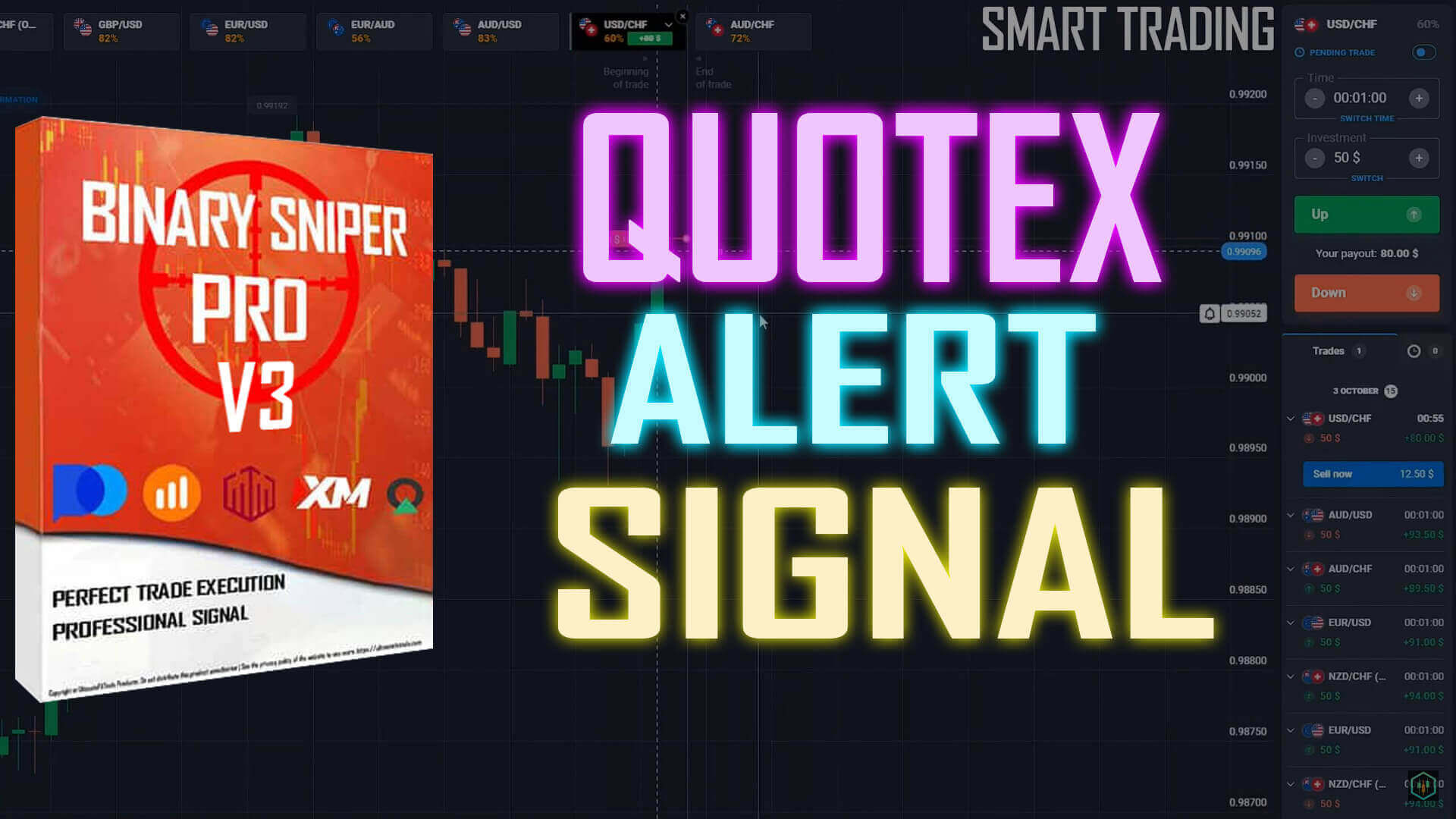
The Binary Sniper Pro indicator is one of the alert-arrow tools in the UltimateFXTools library, built to flag short-term reversals on fast timeframes. This strategy covers what it plots, how to confirm an arrow, and how to control risk. Read this first: an arrow is decision support, not a promise. It marks a moment worth your attention, and you still confirm the context and manage the trade yourself.
What the Binary Sniper Pro Indicator Plots
Binary Sniper Pro reads short-term momentum and reversal conditions and prints an arrow directly on the MetaTrader chart: an up arrow points to a possible move higher, a down arrow to a possible move lower. It is designed for one-to-five-minute charts, which is why traders pair it with binary options platforms that offer short expiries. The arrow is a visual shortcut for a momentum shift the indicator has detected, nothing more. It does not know what price will do next, so treat each arrow as a prompt to check the chart rather than an instruction to enter.
An Arrow Can Repaint — Confirm on Candle Close
One thing every user needs to understand: alert-arrow indicators like this one can repaint. That means an arrow can appear on the live, still-forming candle and then shift or disappear once that candle closes and the momentum reading updates. If you enter the instant an arrow flashes, you may be acting on a signal that will not survive the close. The fix is simple discipline: wait for the candle that produced the arrow to fully close before you treat the signal as valid. A confirmed arrow on a closed candle is far easier to trust than a flickering one mid-candle.
Pair It With a Trend Filter
An arrow on its own tells you a reversal might be starting, but it says nothing about the wider trend, and trading a reversal signal straight into a strong trend is one of the most common ways these setups fail. Add a trend filter such as Super Trend or a longer exponential moving average (for example a 50 EMA) to the chart and use it as a gate. Take buy arrows more seriously when the filter is neutral or turning up, and sell arrows when the filter is neutral or turning down. When a strong trend is clearly running one way, skip the arrows that point against it. Filtering out those counter-trend alerts is the single biggest factor in trading with more consistency rather than reacting to every arrow.
Setup and Settings
- Timeframe: the 1-minute chart is the core setup; step up to 2 or 5 minutes in choppy conditions to cut down on weak alerts.
- Sensitivity: keep the indicator on its default sensitivity so arrows appear on meaningful momentum turns rather than on every small wiggle.
- Trend filter: add Super Trend or a 50 EMA and only act with the trend, not against it.
- Pairs: trade a small number of liquid pairs you know well instead of jumping across the whole watchlist.
- Confirmation: let the candle close, check the arrow is still there, and confirm the trend filter agrees before you commit.
When the Setup Fails
No indicator removes losing trades. Binary Sniper Pro struggles most in flat, directionless markets where price chops sideways and arrows fire in both directions with little follow-through, and during high-impact news when volatility spikes unpredictably. It also gives its weakest reads when an arrow points straight against a strong, established trend. Recognising these conditions and standing aside is part of the method, not a failure of it. Risk control is what keeps you in the game: stake a small, fixed fraction of your balance per trade, cap how many trades you take in a session, and stop for the day once you hit a preset loss limit. Practise the rules on a demo account until the reads feel automatic before risking real funds.
Want to go deeper? Start with the core Binary Sniper Pro indicator page, then compare the upgraded Sniper Pro V3 and Sniper Pro V5 builds, or browse the full set of Sniper Pro strategies.
FAQ
Does the Binary Sniper Pro arrow guarantee a winning trade?
No. The arrow is a decision-support signal that highlights a possible reversal. It does not guarantee outcomes, it can repaint before a candle closes, and losing trades are a normal part of short-expiry trading. Confirming on candle close and managing risk is what matters over time, not any single arrow.
Which platforms and versions can I use it with?
Binary Sniper Pro runs in MetaTrader (MT4 / MT5) and its arrows can be read against most binary options platforms, including Quotex, IQ Option, Pocket Option and Olymp Trade. Newer builds such as Sniper Pro V3 and V5 follow the same reading rules. The indicator and every other tool on the site are included in a single $39 lifetime plan.
Why does an arrow sometimes disappear?
Because the indicator can repaint. An arrow calculated on a live candle can update or vanish once that candle closes and the momentum reading finalises. This is normal for alert-arrow tools and is exactly why you wait for the close before acting.
This content is for educational purposes only. Trading involves risk. Past results do not guarantee future outcomes. Always practice responsible money management and limit your daily trades to avoid large losses.


