MT4 Pocket Option
Many traders like the clean charting and custom indicators MetaTrader 4 (MT4) offers, but still want to trade on Pocket Option. The two do not connect directly, so the practical approach is to treat MT4 as your analysis screen and Pocket Option as where you actually place the trade. This guide covers why people pair them, how to set the workflow up, and the price-feed caveat that trips up a lot of beginners.
Why use MT4 alongside Pocket Option
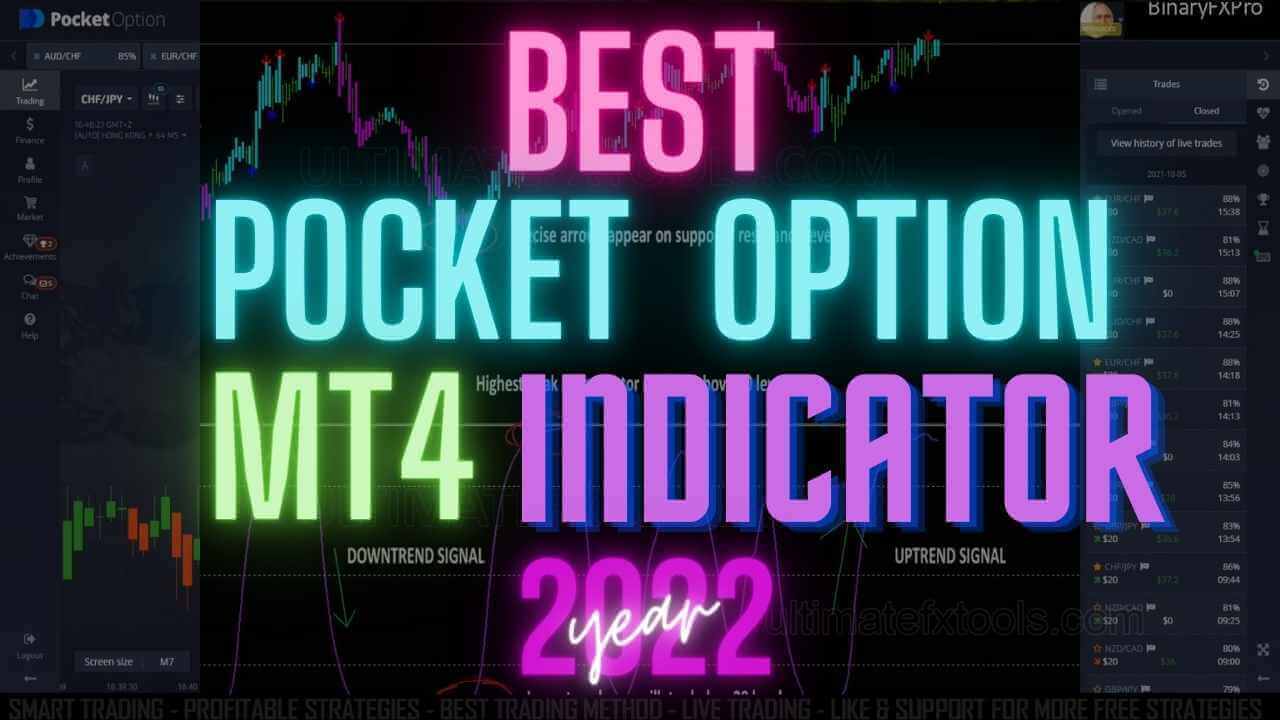
Pocket Option has its own web and desktop charts, and for many traders those are perfectly enough. The reason to bring in MT4 is that its charting engine is mature and it supports a huge range of custom indicators written in MQL4 — tools that simply are not available inside the Pocket Option interface. If you have built a workflow around a particular MT4 indicator, oscillator template, or multi-timeframe layout, running MT4 on the side lets you keep reading the market the way you are used to.
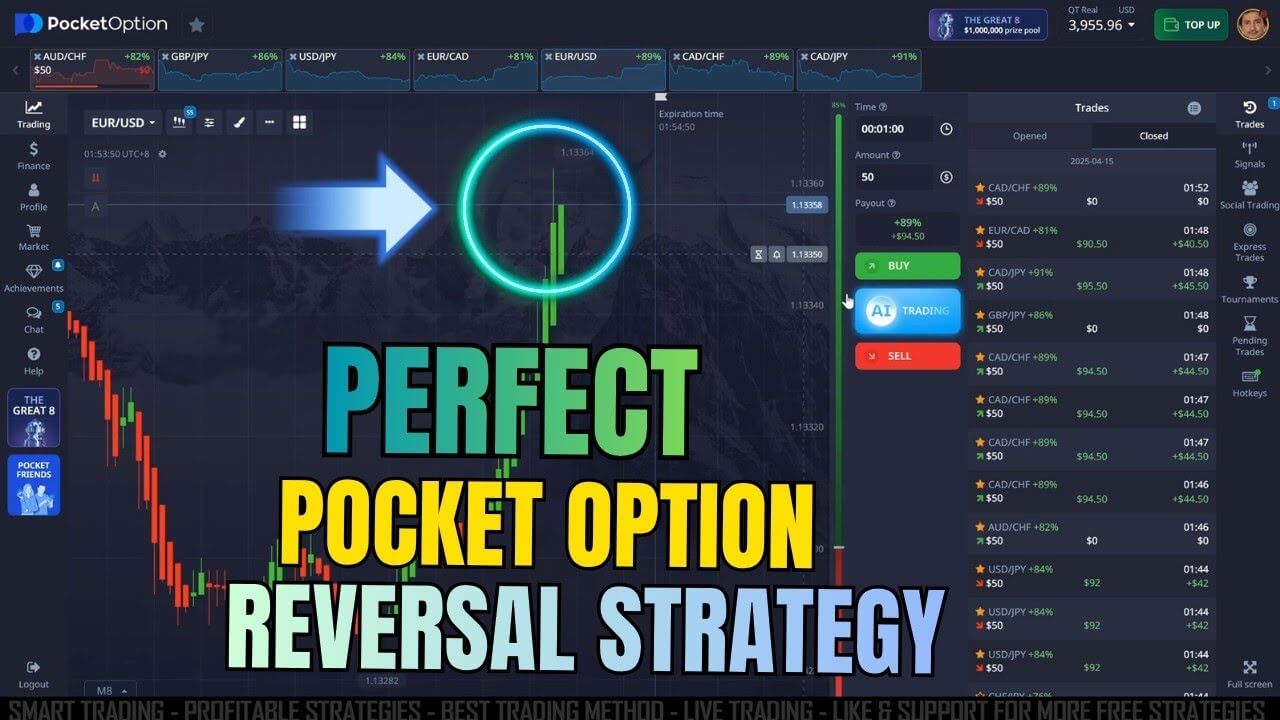
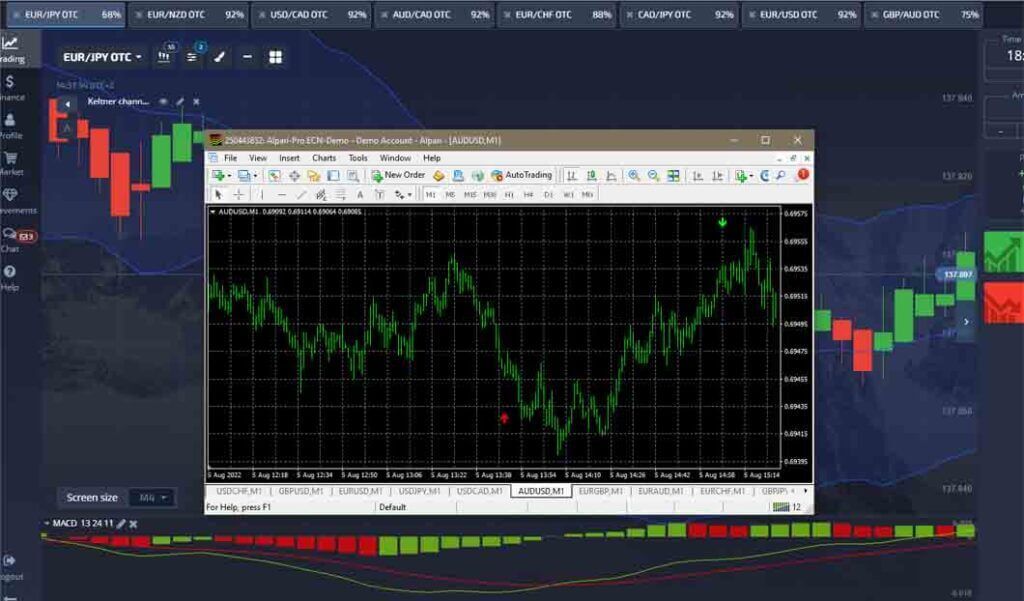
The key thing to understand is that MT4 does the reading and Pocket Option does the execution. You watch signals and structure on the MT4 chart, then switch to the Pocket Option window and place the position manually. Nothing is automated between the two by default.
How to set the workflow up
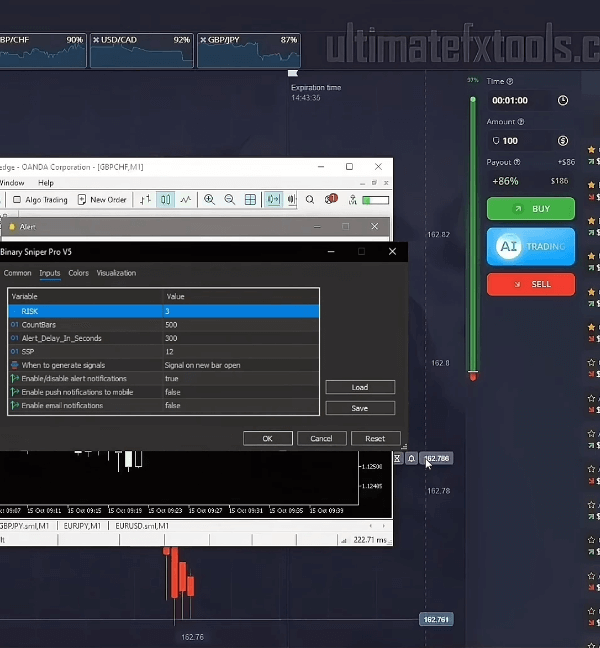
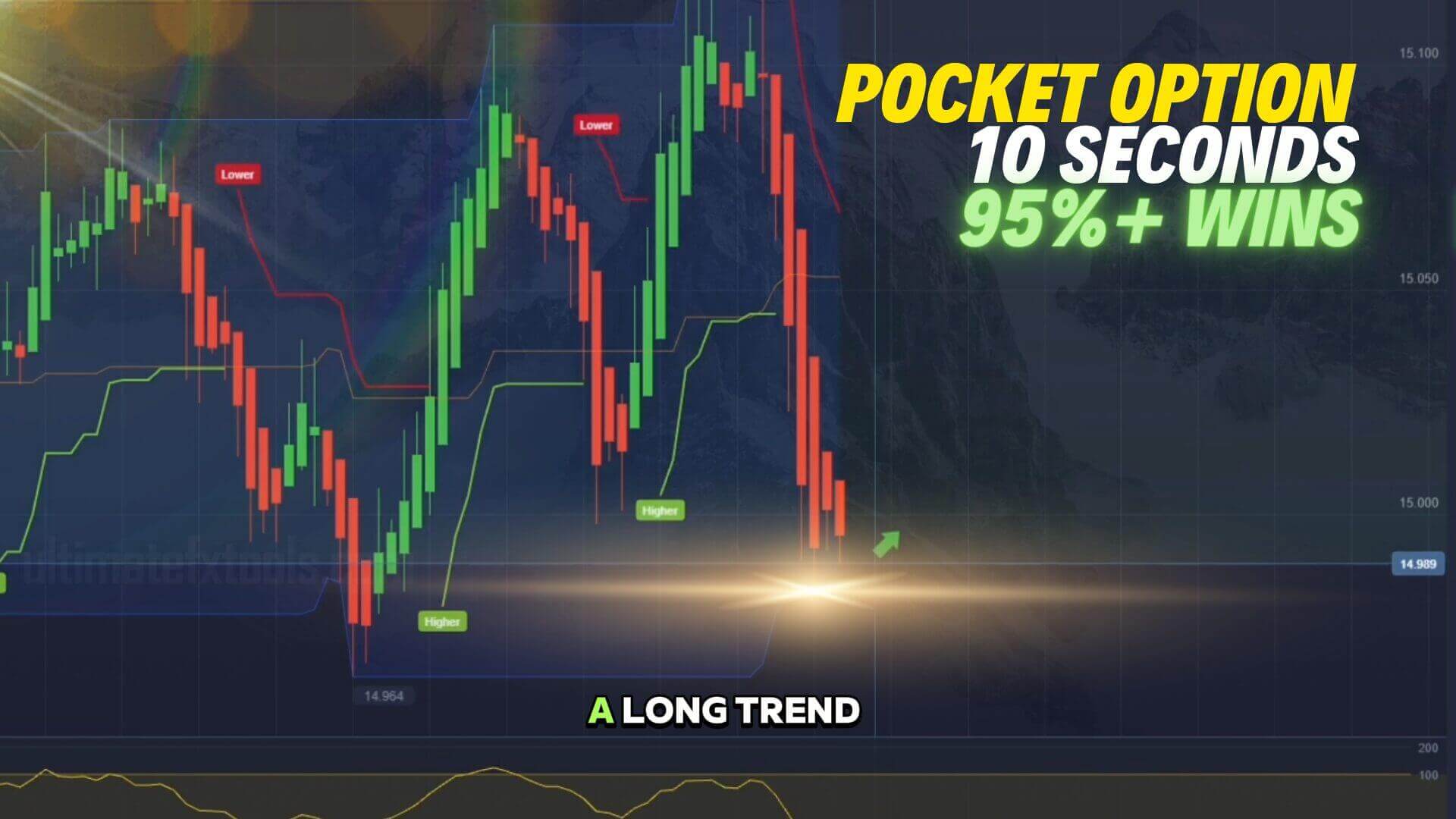
Install MT4 from a trading platform that offers it and add the currency pairs you plan to watch. Load your indicator template — many traders use a moving average, an oscillator such as RSI or Stochastic, and a momentum tool like DeMarker to frame the trend and the pullback. Custom MT4 indicators only run on the desktop terminal, so keep that in mind if you usually trade from a phone.
Arrange your two screens side by side: MT4 for the chart and signal, Pocket Option for order entry. When your indicator conditions line up, you read the direction off MT4 and click the up or down button on Pocket Option with the expiry you have chosen. If you are new, open a Pocket Option demo account first and rehearse the whole routine there before risking real money. Our short-expiry entry walkthrough shows the same manual-execution idea in more detail.
The feed-difference caveat
This is the part most tutorials skip. MT4 and Pocket Option pull prices from different sources, so the candle you see in MT4 will not always be identical to Pocket Option. Spreads, quote timing, and tick data can differ, which means an entry that looks perfect on MT4 might be a few points off on the platform where you trade. Treat MT4 as a directional and structural guide, not a pixel-perfect mirror. Always sanity-check the current price on the Pocket Option chart before committing to a position.
Timeframe and entry approach
Short binary-style expiries move fast, so shorter chart timeframes (1 to 5 minutes) are common when you use MT4 for reference. Wait for your indicators to agree rather than reacting to a single signal, note the direction, and match your Pocket Option expiry to the timeframe you analysed. A signal read on a 1-minute chart pairs naturally with a short expiry; a 5-minute read suggests giving the trade more room. If you want a ready-made template to study, the Smart Trade indicator breakdown is a good companion read.
Realistic expectations
Pairing MT4 with Pocket Option can make your analysis cleaner, but it does not change the nature of the trade. No indicator combination removes risk, and the feed differences above mean even a well-read setup can still go against you. Approach it as a structured way to make decisions, not a shortcut to guaranteed outcomes.
Risk Management
Because Pocket Option positions can resolve quickly, disciplined risk control matters more than any single signal. Risk only a small, fixed share of your balance on each trade, and decide in advance how many trades you will take in a session. Avoid martingale-style stake doubling after a loss — chasing losses by increasing size is one of the fastest ways to drain an account, and it does not improve your odds. Keep a simple log of what you traded and why so you can review your process over time. For more tools to build into this workflow, see our full library on the $39 lifetime access page.
Frequently Asked Questions
Can I place trades directly from MT4 onto Pocket Option?No. By default MT4 and Pocket Option are separate. MT4 is your charting and indicator screen; you still open the position manually inside the Pocket Option platform. Read the signal in MT4, then click the trade on Pocket Option.
Does this win every trade?No. Using MT4 charts alongside Pocket Option can make your analysis more organised, but no indicator or workflow wins every trade. Price-feed differences between MT4 and the platform, plus normal market noise, mean losses are always possible. Trade only what you can afford to lose.
Why do the MT4 and Pocket Option prices not match exactly?The two use different data sources, so quotes, spreads, and candle timing can differ. Use MT4 for direction and structure, but confirm the live price on the Pocket Option chart before you enter a trade.
This content is for educational purposes only and is not financial advice. Trading involves substantial risk; you can lose some or all of your capital. No result is guaranteed and past performance does not indicate future results. Trade only what you can afford to lose.