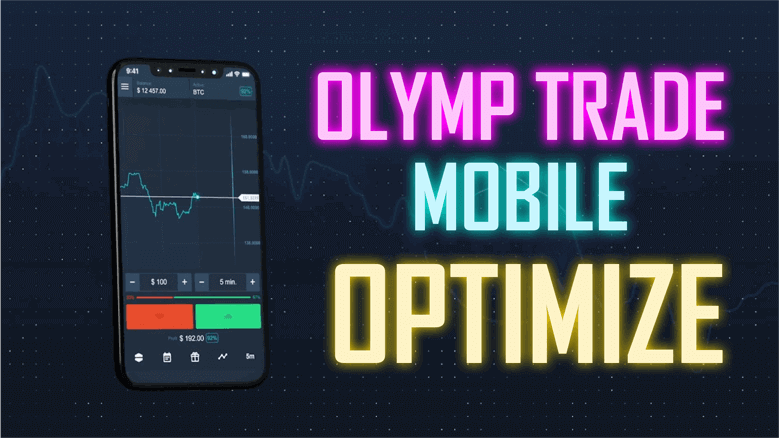
Olymp Trade lets you trade straight from your phone, which is genuinely convenient: you can open a chart, read the market, and place an order anywhere without being tied to a computer. This guide walks through a simple mobile approach built around the app's own tools, plus honest notes on what mobile trading can and cannot do.
Olymp Trade Mobile Trading
The Olymp Trade app runs on both iPhone and Android and gives you a clean, touch-friendly chart with a set of built-in indicators. You can switch assets, change timeframes, and add studies directly on the mobile chart, which is why so many traders start here rather than on a desktop.
One point worth stating plainly before you go further: custom MT4/MT5 indicators (.ex4/.ex5 files) do not run inside the Olymp Trade mobile app. Those files are built for the MetaTrader desktop terminal on Windows. On your phone you are limited to the indicators Olymp Trade ships inside the app. A mobile strategy therefore has to be built from the platform's built-in tools, and that is exactly what we do below.
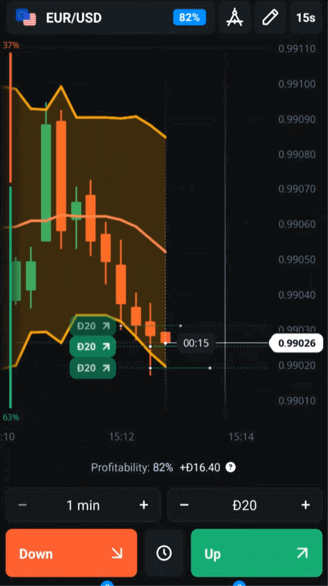
Setting Up Built-In Indicators on the Olymp Trade App
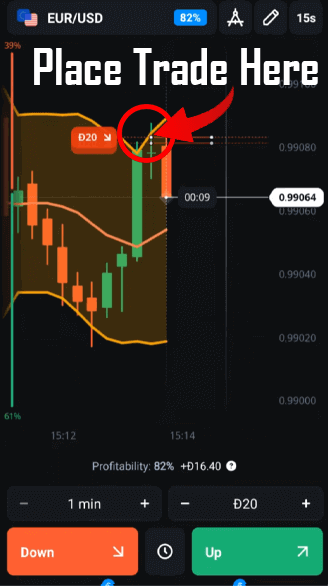
Open a chart, tap the indicators icon, and add Bollinger Bands from the built-in list. The default period of 20 with a 2.0 standard-deviation setting is a sensible starting point on a 1-minute chart. Bollinger Bands plot a moving average with an upper and lower band that widen when the market is volatile and contract when it is quiet, so they give you a quick visual read of how far price has stretched from its average.
If you want a second opinion before entering, add one more built-in study such as RSI or the DeMarker oscillator. Keeping the chart to one or two indicators is deliberate on a small screen, where clutter makes it harder to read what is actually happening.
A Simple Approach and Entry Rules
The idea is to watch for price stretching to the edge of the bands and then react to what the candle does there, rather than assuming the band will always hold:
- Wait for a candle to reach or slightly pierce the upper or lower band.
- Look for the candle to show rejection at that level (for example, a long wick pushing back inside the bands).
- Use your second indicator as a filter: near the lower band, a turn up from an oversold RSI/DeMarker reading adds context; near the upper band, a turn down from an overbought reading does the same.
- Keep expiry times consistent with the timeframe you are reading, and skip setups when the bands are flat and price is drifting sideways with no clear rejection.
Treat these as conditions to look for, not signals that fire automatically. The bands describe where price is relative to its recent average; they do not predict the next move.
Realistic Expectations
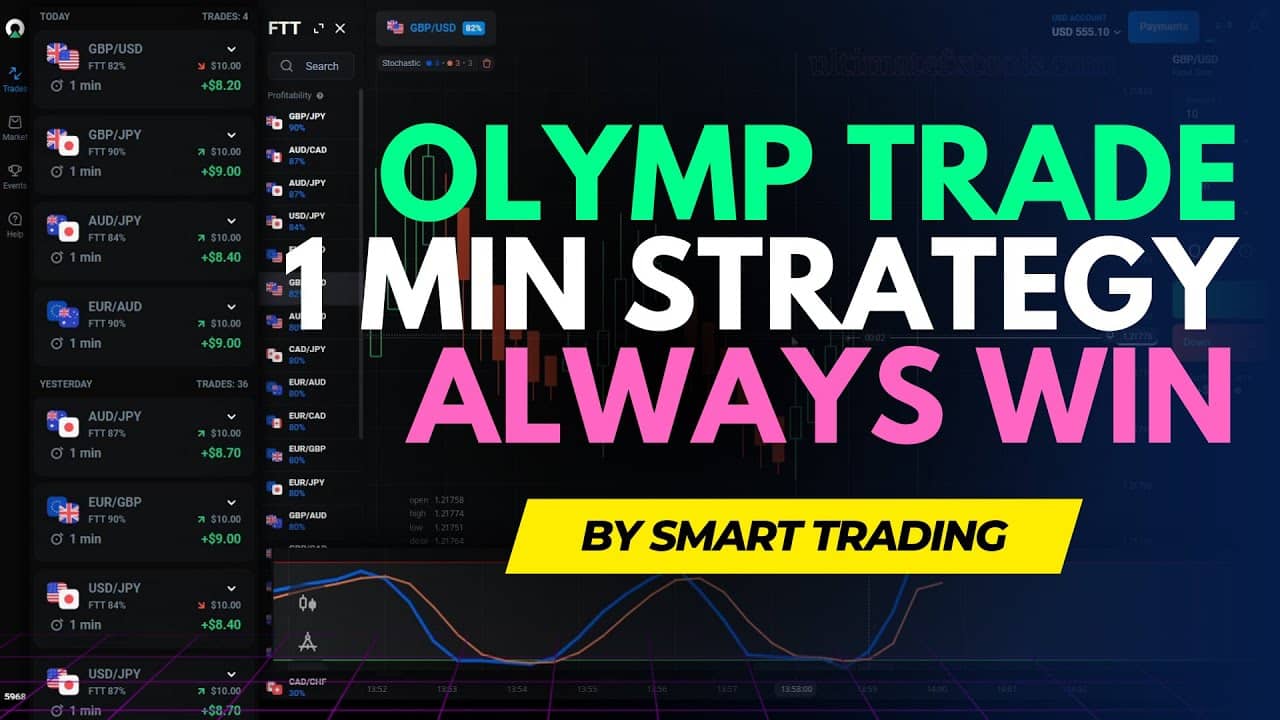
Any band-touch approach produces plenty of false signals in trending markets, because a strong trend can ride the outer band for many candles without reversing. No indicator setting removes losing trades, and short-expiry mobile trading is high risk. Track your own results over a demo account first and treat the method as one tool for reading the chart, not a shortcut. For a desktop workflow with more room on screen, see our Olymp Trade 1 minute strategy, and if you prefer faster expiries you can compare the Olymp Trade Quickler 5 second strategy.
Risk Management
Risk control matters more on mobile, where it is easy to over-trade on impulse. Use fixed-fractional staking - a small constant percentage of your balance per trade - and set a hard per-session loss cap that ends the day when you hit it. Avoid the Martingale method of raising your stake after a loss: each trade is independent, so a bigger stake never improves the next outcome, and a normal losing run quickly makes the required stake exceed your balance and empties the account. Trade a demo until your process is consistent, then risk only money you can afford to lose.
Frequently Asked Questions
Does this strategy win every trade?
No. No strategy or indicator wins every trade. Bollinger Bands help you read where price sits relative to its average, but false signals happen often, especially in trends. Expect losing trades and manage them with sensible position sizing.
Do custom MT4/MT5 indicators work on the Olymp Trade mobile app?
No. Custom .ex4/.ex5 indicators are built for the MetaTrader desktop terminal on Windows and cannot be loaded into the Olymp Trade app. On mobile you are limited to the platform's built-in indicators, which is why this approach uses only those.
Do I need to buy anything to trade on mobile?
No - the built-in indicators covered here are already in the app at no cost. If you later want our full desktop indicator and strategy library for MT4/MT5, it is available for a one-time $39 lifetime payment, but none of that is required to follow the mobile method above.
Olymp Trade Mobile Trading Strategy Video
This content is for educational purposes only and is not financial advice. Trading involves substantial risk; you can lose some or all of your capital. No result is guaranteed and past performance does not indicate future results. Trade only what you can afford to lose.