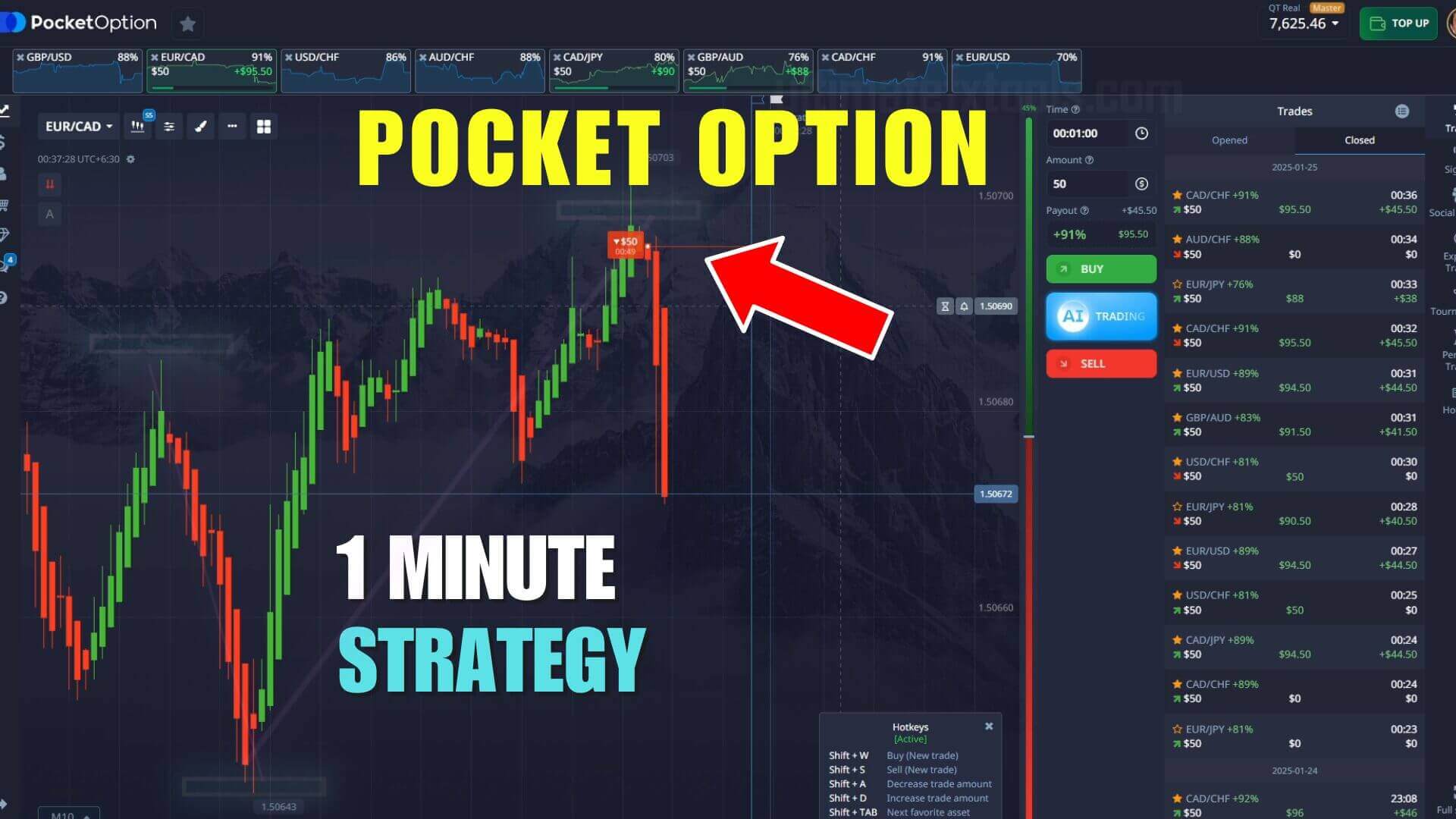
Pocket Option 1-Minute Reversal Signals
Pocket Option is a fast, chart-based binary options platform where every position closes on a fixed one-minute expiry, so the only question is whether price is higher or lower when the timer runs out. A reversal method tries to answer that the moment a short move looks exhausted. On this page the signal comes from the Binary Sniper Pro V3.4 indicator plotted in MetaTrader 4 and read against the matching Pocket Option candle. Read this first: an alert flags a condition, not a prediction — you still confirm the context and manage risk on every trade.

What the Signal Actually Flags
Binary Sniper Pro V3.4 watches short-term momentum built around Exponential Moving Averages and prints an arrow on the MetaTrader chart: an up arrow for a possible move higher, a down arrow for a possible move lower. What it really detects is a stretch or stall in price — a condition that sometimes precedes a turn. The tool is consistent at drawing arrows on the same conditions, but that says nothing about how they resolve. Most apparent reversals fail: price often pauses, teases a turn, then continues. So a reversal arrow on its own is not a trade — it is a prompt to check whether the turn has real backing.
How to Confirm a Reversal Before You Act
The biggest factor in trading this method with more consistency is filtering, not chasing every arrow. Answer each signal with three checks:
- Is there a tested level? A reversal signal works best when it fires at a level the market already respects — a recent swing high or low, a round number, or a clear support or resistance line. An arrow in open space has nothing to lean on.
- Does momentum agree? Add a standard MACD or RSI underneath. If the arrow says "buy" but momentum still points hard down, the two disagree and the alert is noise.
- Has the candle confirmed? Let the signal candle fully form. A rejection wick beats a flicker mid-candle.
When all three line up the setup is cleaner; when they conflict, stand aside.
The Setup and Recommended Settings
Keep Binary Sniper Pro V3.4 on its default sensitivity so arrows appear only on meaningful momentum turns, not on every wiggle. Read the arrow in MetaTrader on the same currency pair you are trading and time it against the Pocket Option candle. Pair it with a standard MACD (12 fast EMA, 26 slow EMA, 9 signal line) so momentum reacts fast enough for a one-minute read without flipping on every candle. Trade a small handful of liquid pairs you know, and keep the chart clean.
Entry Logic
The rules stay simple so they apply calmly inside a one-minute window:
- Higher / buy: an up arrow into a recent swing low or support, momentum turning up, and a signal candle that closes with a rejection wick off the low.
- Lower / sell: a down arrow into recent resistance, momentum rolling over, and price failing to push higher.
- Stand aside: the arrow and momentum disagree, the signal fires in open space, or price is flat with no direction. Skipping these is not missing out — it is the edge.
When This Setup Fails
Reversal trading struggles most in a strong trend: when a market runs one direction with force, most counter-arrows get run over as price pauses then keeps going. It also struggles in dead, choppy ranges where arrows fire constantly and mean little. If you are taking arrow after arrow against an obvious trend, that is the signal to stop, not to double the stake. No indicator removes losing trades, so treat each entry as one repeatable decision. Stake a small, fixed fraction of your balance per trade, cap how many trades you take in a session, and stop for the day once you hit a preset loss limit. Practise on a demo account until the reads feel automatic before you risk real funds.
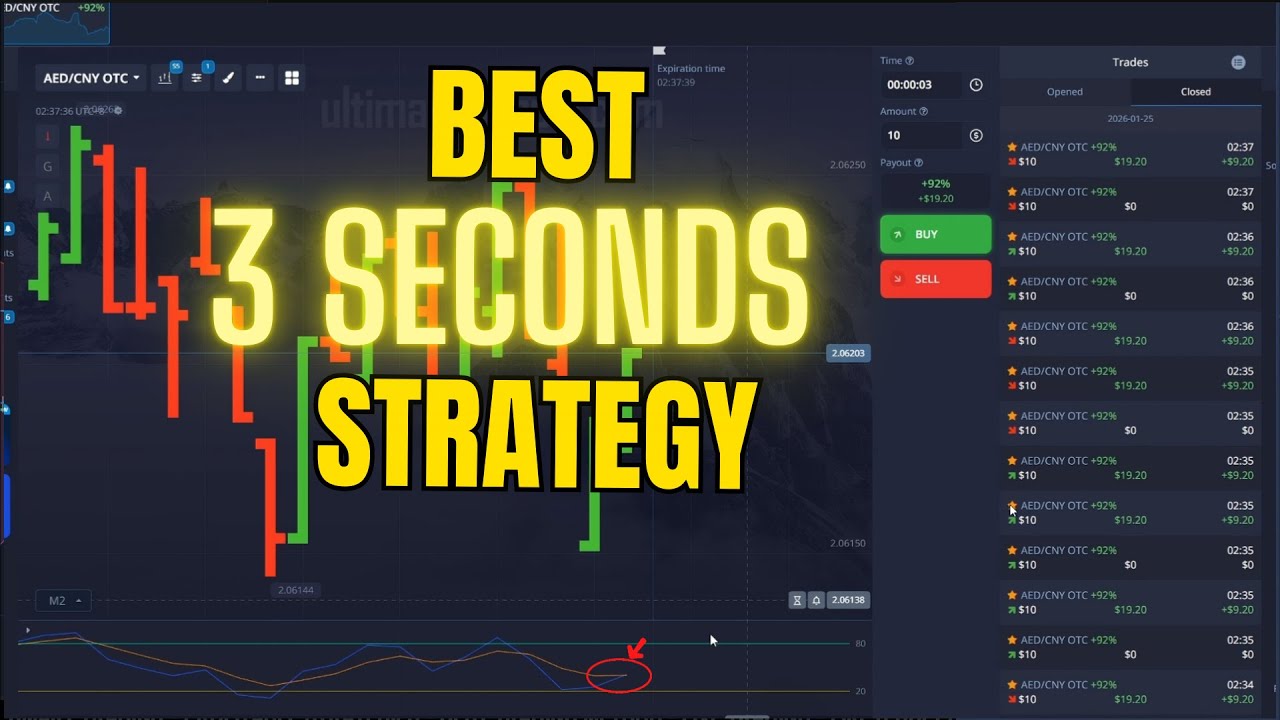
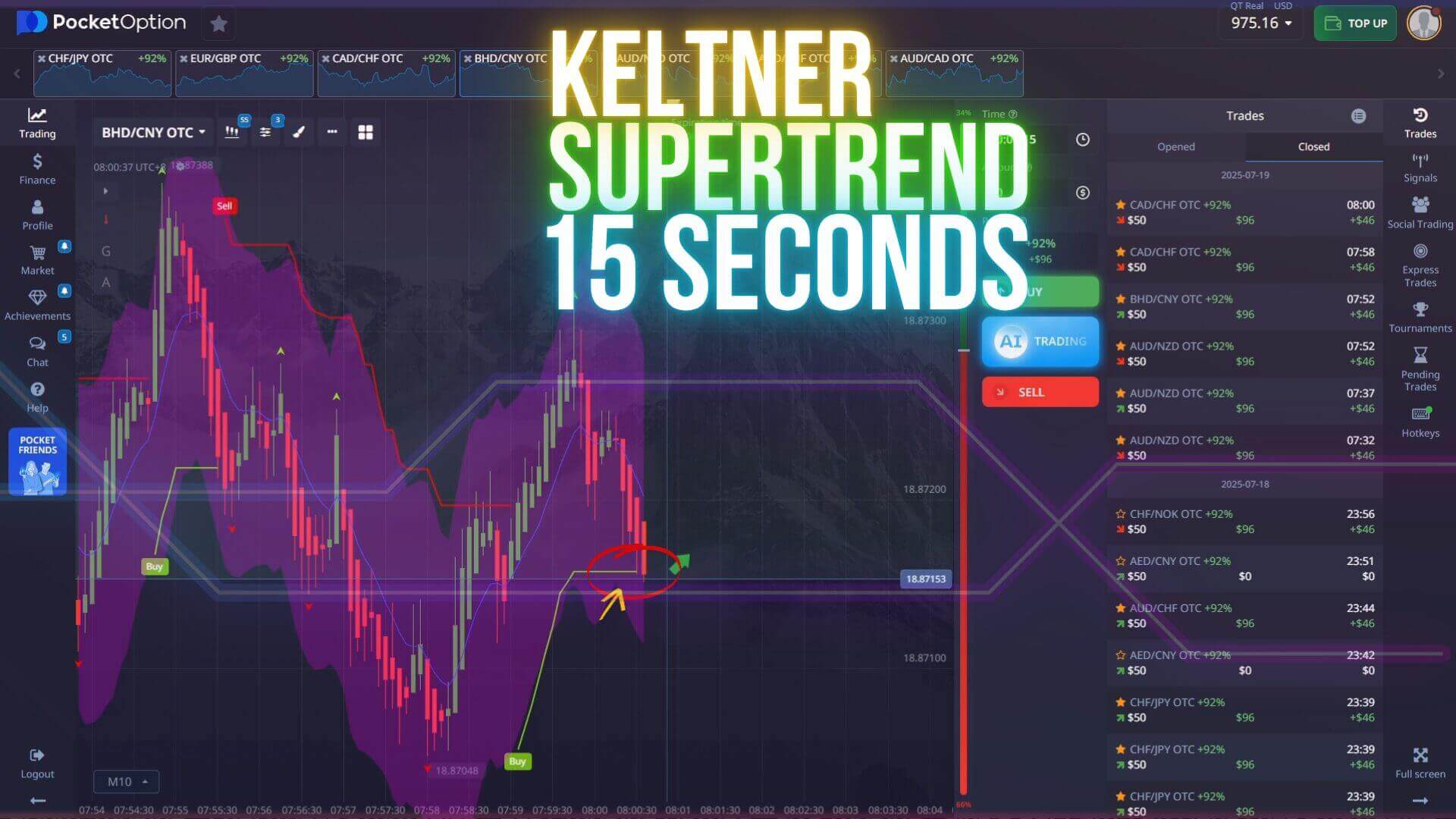
Going deeper on the same tool? See the Sniper Pro strategy optimized for 1-minute Pocket Option trades, compare it with the best 3-second Pocket Option strategy, or try a different reversal approach in the 15-second Keltner & Supertrend method.
FAQ
Are these 1-minute reversal signals guaranteed to win?
No. The Sniper Pro arrow is a decision-support tool that flags a condition worth checking, not a prediction. Losing trades are normal in binary options and most apparent reversals fail, so consistent risk management is what makes the difference over time, not any single alert.
Do I need to pay to try this method?
You can learn the logic and confirmation checks here for free and practise on a demo account. If you want the Binary Sniper Pro V3.4 indicator itself plus every other tool on the site, it is included in the single $39 lifetime plan.
Which platforms and timeframe work best?
The signal is generated in MetaTrader 4 and read against the Pocket Option chart, and the same arrow-plus-confirmation idea translates to trading platforms such as Quotex, IQ Option and Olymp Trade. The one-minute chart with a one-minute expiry is the core setup; in choppier conditions a two-minute reading can filter out weak alerts.
This content is for educational purposes only. Trading involves risk. Past results do not guarantee future outcomes. Always practice responsible money management and limit your daily trades to avoid large losses.