Tradingview on Olymp Trade
A common question among short-term traders is how to combine the charting power of Tradingview with the trade execution of Olymp Trade. The honest answer is that these two tools do different jobs. Tradingview is where you read the chart, run indicators and draw levels. Olymp Trade is where you actually place the trade. Tradingview does not connect to Olymp Trade, and its indicators and alerts do not place or close positions for you. Understanding that split is the whole point of using them together well.
Why Use Tradingview Alongside Olymp Trade
The native Olymp Trade chart is clean and easy for beginners, but its built-in indicator set is limited. Tradingview gives you a much deeper toolbox: a large library of indicators, flexible drawing tools, multiple timeframes on one screen, and a well-known alert system. If you like to build a plan around moving averages, RSI, DeMarker or custom scripts, doing that analysis in Tradingview first can make your decisions on Olymp Trade more deliberate and less rushed.

How to Set It Up
The workflow is simple. Open your pair in Tradingview, add the indicators you rely on and set your preferred timeframe. Keep the Olymp Trade platform open in a separate window or on a second screen. When your Tradingview analysis lines up with your plan, you switch to Olymp Trade and enter the trade manually. Nothing is automated. You are using Tradingview as a research and alerting layer while every entry and exit decision stays in your own hands on the trading platform.
The Feed-Difference Caveat
This is the part many guides skip. Tradingview and Olymp Trade may pull price data from different sources, so the exact candle values, spreads and even the timing of a wick can differ slightly between the two screens. A level that looks perfectly touched in Tradingview might sit a fraction away on Olymp Trade. Before trusting a setup, compare the same pair on both platforms and note how far apart they run. On very short timeframes those small gaps matter more, so give yourself margin rather than acting on a single-pip difference.
Timeframe and Entry Approach
Tradingview supports very short candle intervals, which appeals to fast Olymp Trade traders. Whatever timeframe you choose, keep it consistent between the two screens so your analysis and your entry match. Many traders use a slightly higher timeframe to judge the overall trend and a lower one to time the entry. Alerts can flag when a condition is met, but treat them as a prompt to look, not a command to click. You still confirm the setup on Olymp Trade before committing.
Realistic Expectations
Better charts do not remove risk. Tradingview can sharpen how you read the market, but short-term and binary-style trades still carry a real chance of loss on every position, regardless of how clean the setup looks. Indicators describe the past and present; they do not predict the future. Use the extra tools to be more selective and more consistent, not to chase certainty. If you want a ready-made set of indicators to experiment with, the full toolkit is available for a one-time $39 lifetime license.
Risk Management
Because execution happens on Olymp Trade, your risk rules matter more than any indicator. Decide in advance how much of your balance a single trade can risk, and keep it small. Practise the whole Tradingview-to-Olymp-Trade workflow on a demo account until the timing feels natural. Avoid martingale-style position sizing, where you increase stakes after a loss to recover it. That approach can wipe out an account quickly during a losing streak and is best avoided. Trade with money you can afford to lose, and step away when you are tired or on tilt.
Frequently Asked Questions
Does this approach win every trade?
No. Using Tradingview with Olymp Trade can improve your analysis and discipline, but no method wins every trade. Every position carries risk, and losses are a normal part of trading. Anyone promising guaranteed or sure-shot results is not being honest with you.
Do Tradingview indicators place trades on Olymp Trade automatically?
No. Tradingview is a charting and analysis tool only. It has no connection to Olymp Trade, so its indicators and alerts cannot open or close trades for you. You always place and manage each trade manually on the Olymp Trade platform.
Why do the prices look different on the two platforms?
Tradingview and Olymp Trade can use different data feeds, so candles, spreads and timing may not match exactly. Compare the same pair on both screens before relying on a level, and leave yourself a small margin instead of trading a razor-thin difference.
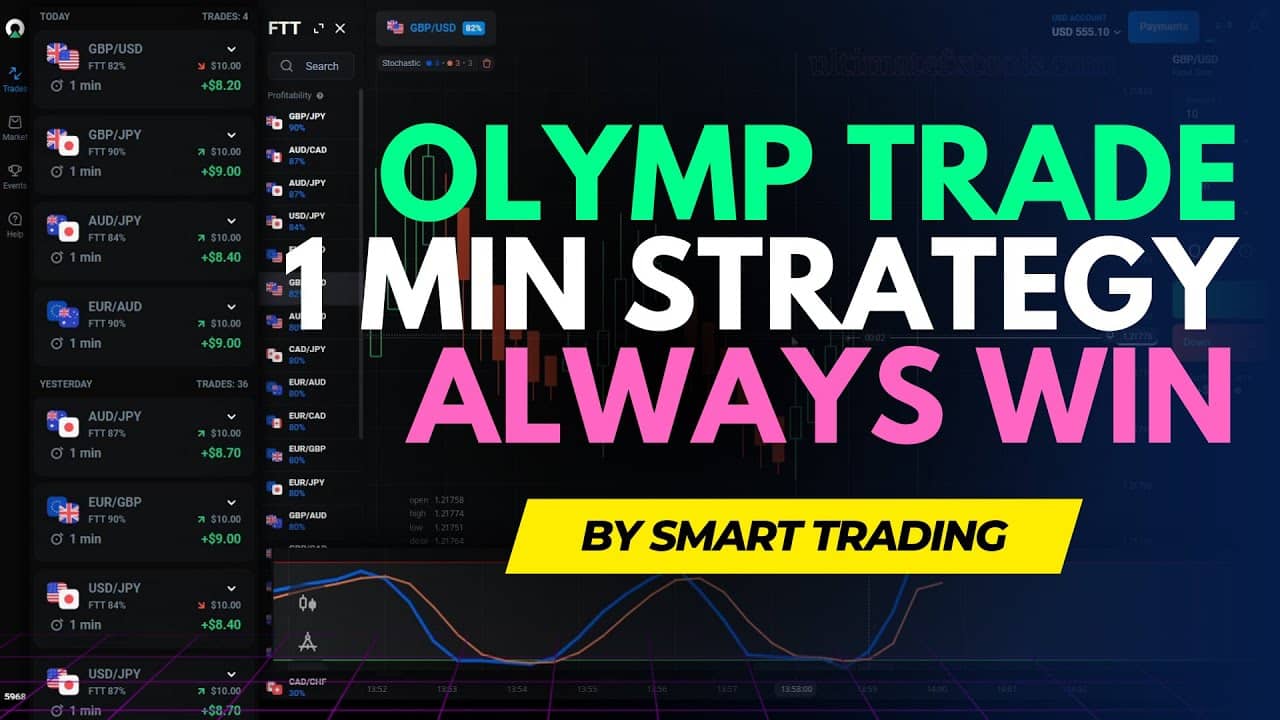
For more short-term setups, see our Olymp Trade 1 minute strategy and the Olymp Trade Quickler 5 second strategy.
This content is for educational purposes only and is not financial advice. Trading involves substantial risk; you can lose some or all of your capital. No result is guaranteed and past performance does not indicate future results. Trade only what you can afford to lose.