1 Minute Trading Trick Olymp Trade
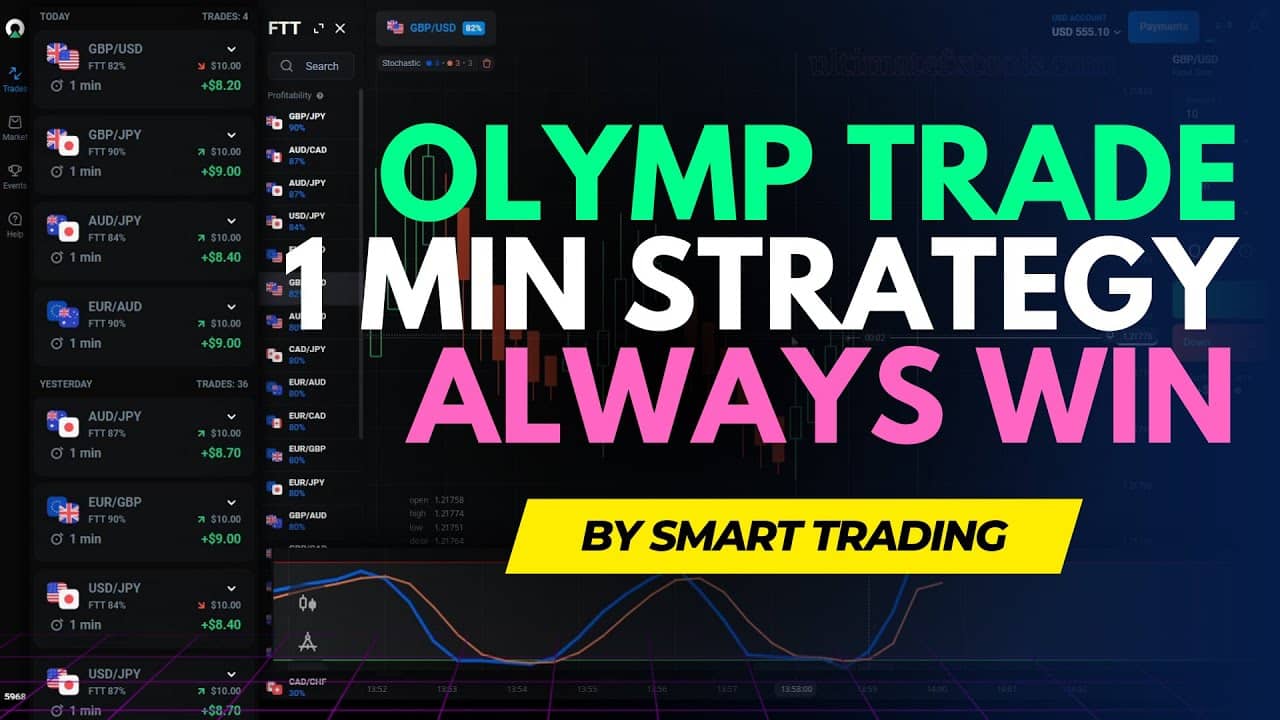
The "1 minute trick" on this page is really a semi-automated signal workflow. Instead of staring at a chart and guessing entries, you let the Smart Trade V2.1 indicator watch the market inside MetaTrader 4 and pop an alert when its conditions line up. When an alert fires, you switch to your Olymp Trade window and place a short 1-minute trade in the direction the alert suggests. The tool handles the watching and the timing hints; you still handle the decision, the stake, and whether the setup is worth taking at all.
It is important to be honest about what "automation" means here. The indicator does not click for you and it does not remove risk. It is a filter that reduces how much manual screen-watching you do, so you can react to a small number of cleaner setups instead of chasing every candle. Used with discipline, that is a real edge over impulse trading — but it is a workflow, not a money machine.
How the Setup and Automation Work
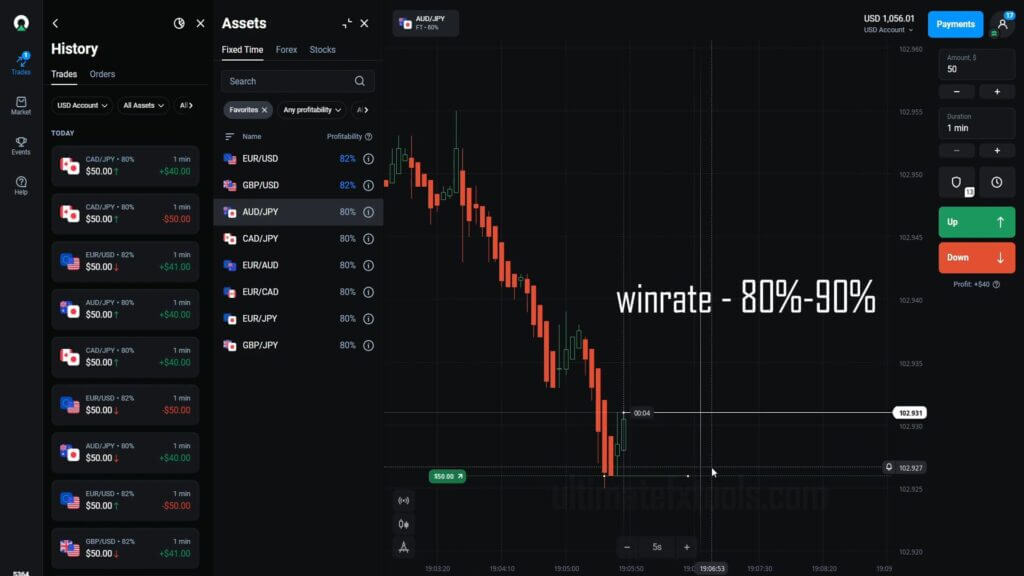
Load the Smart Trade V2.1 indicator onto a chart in MetaTrader 4 for the pair you want to trade. Turn on its alert options so it can notify you with a pop-up or sound the moment a fresh signal appears. Keep MT4 open on one side of your screen and your Olymp Trade platform on the other. From here the process is passive: you are waiting, not hunting. The indicator continuously scans price action and only speaks up when its rules are satisfied, which is what makes the routine feel "automated" even though you place each trade yourself.
How to Place the 1-Minute Trade
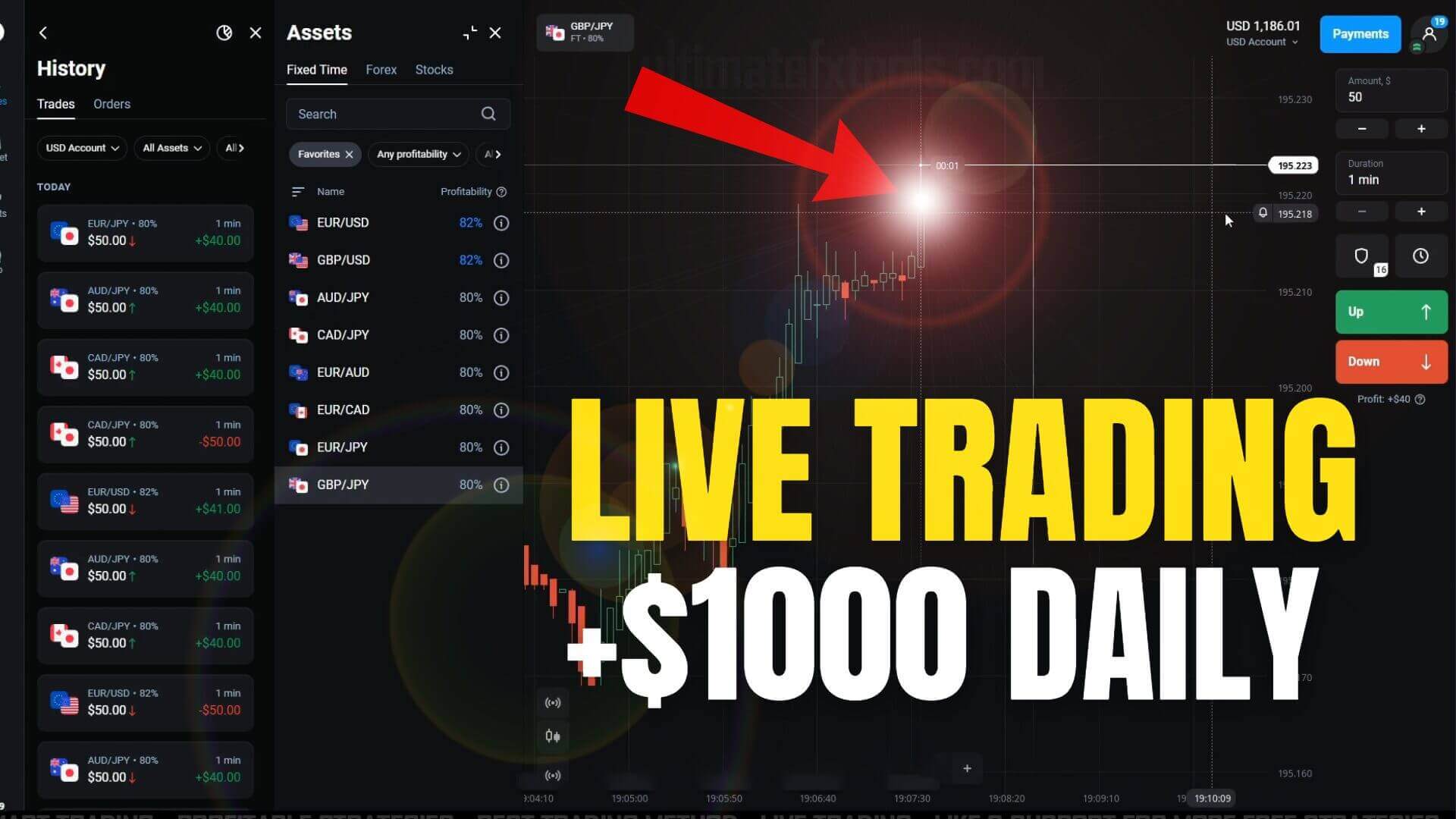
When an alert appears, glance at the chart to confirm the signal direction (up or down), then move to Olymp Trade and open a trade with a 1-minute expiry in that direction. A shorter candle timeframe on your chart, such as a fast candle view, can make the entry moment easier to read, but the trade duration on Olymp Trade stays at one minute. Place the trade promptly after the alert — these signals are time-sensitive and lose relevance if you hesitate for several candles. Then let it run to expiry without second-guessing mid-trade.
When to Skip a Signal
Not every alert deserves a trade, and knowing when to pass is where a trader's judgment matters most. Skip the signal when the market is flat and directionless, when major news is about to hit, or when price is chopping sideways with no clear momentum. If you have already reached your trade count or daily cap for the session, skip it too. A signal that arrives right into a strong opposing level is another one to let go. Passing on weak setups protects your account far more than forcing extra trades ever helps it.
Risk Management: Fixed Stake and a Daily Cap
Because these are fast 1-minute trades, position sizing is the difference between a workable routine and a blown balance. Use a fixed stake — a small, constant percentage of your account per trade — instead of increasing your size to chase back a loss. Set a daily cap on the number of trades and on total loss, and stop for the day once you hit either. Avoid martingale-style doubling; it feels clever until one losing streak clears the account. Steady, repeatable sizing is what keeps you in the game long enough to build consistency.
Related Olymp Trade Signal Guides
If this workflow interests you, these related walkthroughs on the same signal-and-automation approach are worth reading next: Olymp Trade 1 Minute Smart Trade covers the same indicator in more depth, Olymptrade 1 Minute Signal shows an RSI-based alert variation, and Olymp Trade Best Signal for 1 Minute compares signal tools for the 1-minute window. To download the Smart Trade indicator and every other tool on the site, see our pricing page for one-time lifetime access.

FAQ
Is this 1-minute trick fully automatic?
No. It is semi-automated. The Smart Trade indicator watches the market and alerts you, but you still place each trade on Olymp Trade yourself and decide whether the setup is worth taking. There is no hands-off bot that trades your account for you, and treating it as one would put your balance at risk.
What is the best timeframe for this workflow?
The trade itself uses a 1-minute expiry on Olymp Trade. On your MetaTrader chart, a fast candle view helps you read the entry moment more clearly, but the key point is reacting quickly and consistently to a fresh alert rather than fixating on any single timeframe.
Do you need paid tools to use it?
You need MetaTrader 4 (free) and the Smart Trade V2.1 indicator, which is part of the tool library available through our $39 lifetime access. You can also learn the general signal-and-skip approach from the free related guides above and apply it with whatever compatible indicator you already have.
This content is for educational purposes only. Trading involves risk. Past results do not guarantee future outcomes. Always practice responsible money management and limit your daily trades to avoid large losses.