Free MetaTrader 5 Indicators for IQ Option
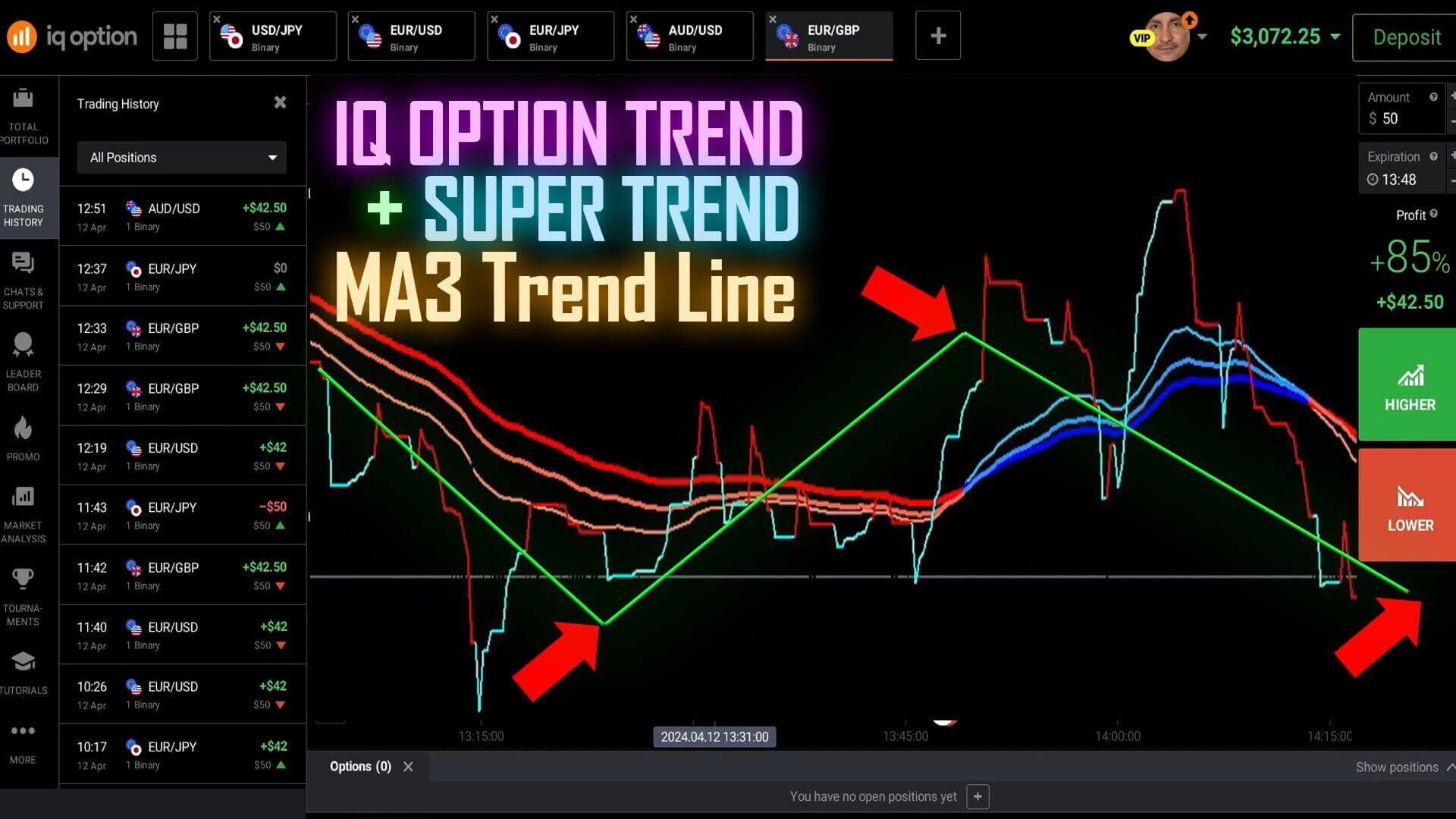
MetaTrader 5 and IQ Option are two separate tools that work together. MT5 is a charting and analysis platform where you read the market and spot a setup; IQ Option is where you place the trade. Nothing is automated between them — you watch a signal form on the MT5 chart, then place the up-or-down trade on the matching IQ Option pair. This guide pairs two free MT5 indicators, the Super Trend Line and the MA3 Trend, and shows how to read them together. Treat a signal as decision support, not a promise — it flags a moment worth a closer look, and you still confirm the context and manage risk yourself.
A note on free indicators first
Free MT5 indicators vary a lot in quality. Many repaint (the line moves after the candle closes) or are curve-fit to old data and fail live, so load any free tool on a demo account and watch it in real time for several sessions before risking a dollar. Note too that custom MT5 indicators like these run only on the MetaTrader 5 desktop program — not inside the IQ Option app or the MetaTrader mobile app. This is a desktop workflow: MT5 for reading, IQ Option for placing the trade.
How to install them in MetaTrader 5
Open MT5 on desktop and go to the Market tab in the Toolbox panel. Search the MQL5 Market for Super Trend Line, filter for the free version, and install it — it lands in your Navigator under Indicators. Repeat for MA3 Trend, then drag each onto the chart of the pair you want to trade. You can browse the same catalogue at mql5.com too.
Understanding the Super Trend filter
Super Trend is a lagging, ATR-based trend filter. It uses Average True Range to measure recent volatility, then plots a line that flips sides when momentum shifts — a line under price for an uptrend, over price for a downtrend. Common defaults are an ATR period of 10 and a multiplier of about 3; a larger multiplier makes the line slower and steadier, a smaller one flips sooner but more often. Built on volatility, Super Trend confirms a trend rather than predicting one; it is always a step behind the turn. The MA3 Trend indicator gives a second read on direction so you are not acting on one line alone.
Reading the two together
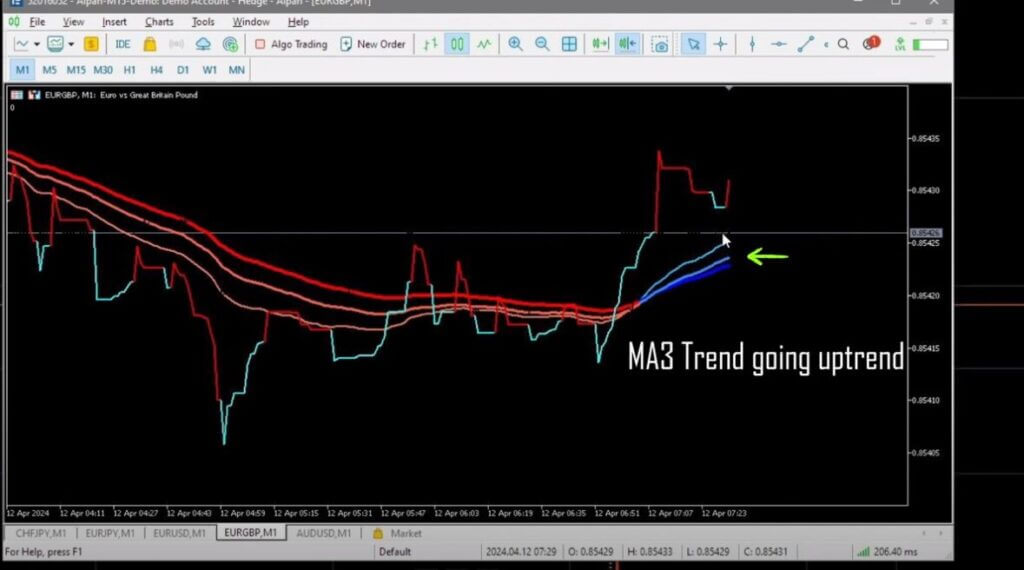
The cleanest setups are when both tools agree. On a EUR/GBP chart, if the Super Trend line is red (down) and MA3 Trend also leans down, the direction is aligned and a down trade on IQ Option is the read. When they disagree, the signal is mixed and the honest move is to skip it rather than guess. Filtering out those conflicting moments is the single most useful habit here. Our Sniper Pro Version 3 indicator can be added as an extra alert, but the same logic applies: agreement means consider it, disagreement means stand aside.
Entry, timeframe and where it fails
Read the chart on the one-minute timeframe and let the candle fully close before you act — a signal that looks valid mid-candle can vanish by the close. When Super Trend and MA3 agree on direction, place a one-minute trade on IQ Option that way. Where this pairing fails is easy to name: in a flat, sideways market both indicators whipsaw and print signals that reverse almost immediately, and both lag at sharp reversals. That is the nature of trend-following tools, not a flaw you can tune away — so trade fewer, cleaner setups. See also the Pocket Option Super Trend strategy and the Ultimate Trend indicator.
Risk management comes first
No indicator removes losing trades, so how you size and cap trades matters more than any signal. Stake a small, fixed fraction of your balance per trade, decide in advance how many trades you will take, and set a daily loss limit that stops you once it is hit. Never increase your stake to chase back a loss — doubling down after a losing trade (a martingale approach) can wipe out an account in a short losing streak, which every strategy eventually has. Steady, repeatable decisions on a demo account first are what build real consistency.
FAQ
Can I run these MT5 indicators inside the IQ Option app?
No. Super Trend Line and MA3 Trend are custom MetaTrader 5 indicators that run only in the MT5 desktop program. You read the signal there and place the trade manually on IQ Option; they do not load into the IQ Option or MetaTrader mobile apps.
Are these free indicators reliable enough to trade?
Free indicators range widely in quality, and some repaint or are curve-fit to past data. Test any of them on a demo account before risking real funds. If you want a wider set of tools in one place, the $39 lifetime plan bundles the full library.
What timeframe and expiry work best?
This setup is read on the one-minute chart with a one-minute expiry, stepping up to a two-minute reading in choppier markets. You can also compare it with the Smart Trade approach for IQ Option.
This content is for educational purposes only. Trading involves risk. Past results do not guarantee future outcomes. Always practice responsible money management and limit your daily trades to avoid large losses.