Overview
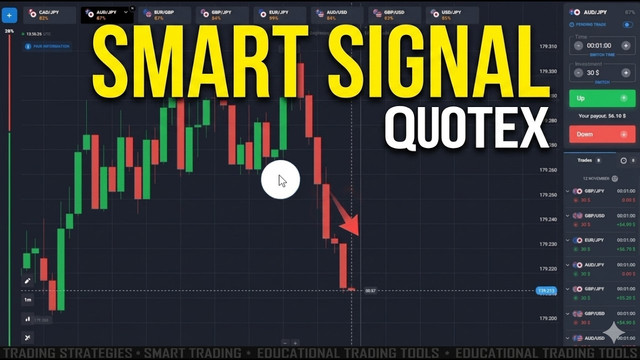
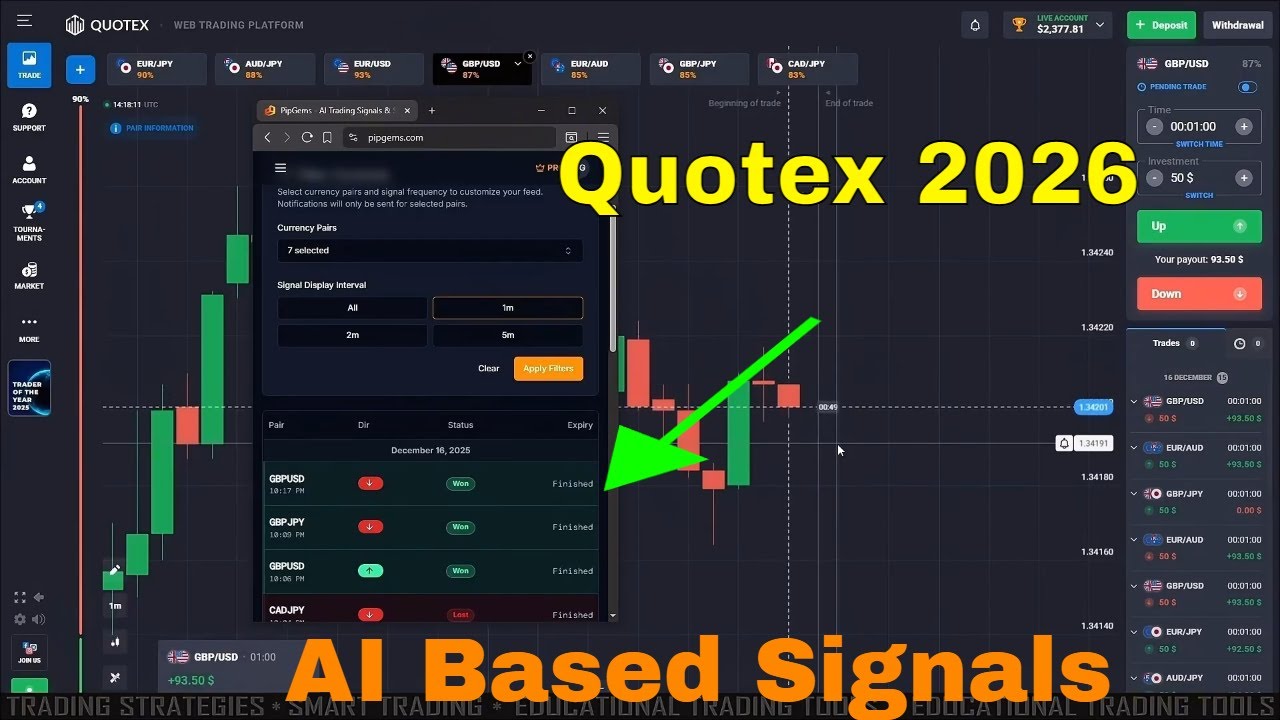
This tutorial shows you how to install and use PipGems with the Quotex platform. PipGems runs in its own window beside your Quotex chart and does two jobs at once: it streams live CALL and PUT signals for 1-minute trades, and it runs an AI Smart Screener that ranks currency pairs by their historical win rate. Instead of guessing which pair to trade, you let the data point you to the strongest setups first.
The workflow is simple — install the PipGems app, open Quotex in a second tab, filter the signal feed to the pairs and time frame you want, then use the AI Smart Screener to confirm you are trading the highest-probability pairs of the session.
Step 1 — Install PipGems
- Open pipgems.com in your browser and click the Install App button in the top-right corner
- You can install it as a desktop web app (PWA) or add the browser extension so the signal panel sits right next to your Quotex tab
- Sign in to your PipGems account — the PRO badge unlocks the AI tools, including the Smart Screener, Chart Scanner, Analyzer, Strategy Wizard, and Indicator Builder shown in the left sidebar
- Open Quotex in a separate tab so you can read a signal in PipGems and place the trade on Quotex side by side
Step 2 — Read the Live Signals Feed
The Live Signals page is where PipGems pushes real-time trade calls. At the top you get Filter Controls to choose your currency pairs and a Signal Display Interval — 1m, 2m, or 5m. For fast Quotex trading, set it to 1m and click Apply Filters so notifications only fire for the pairs you actually trade.
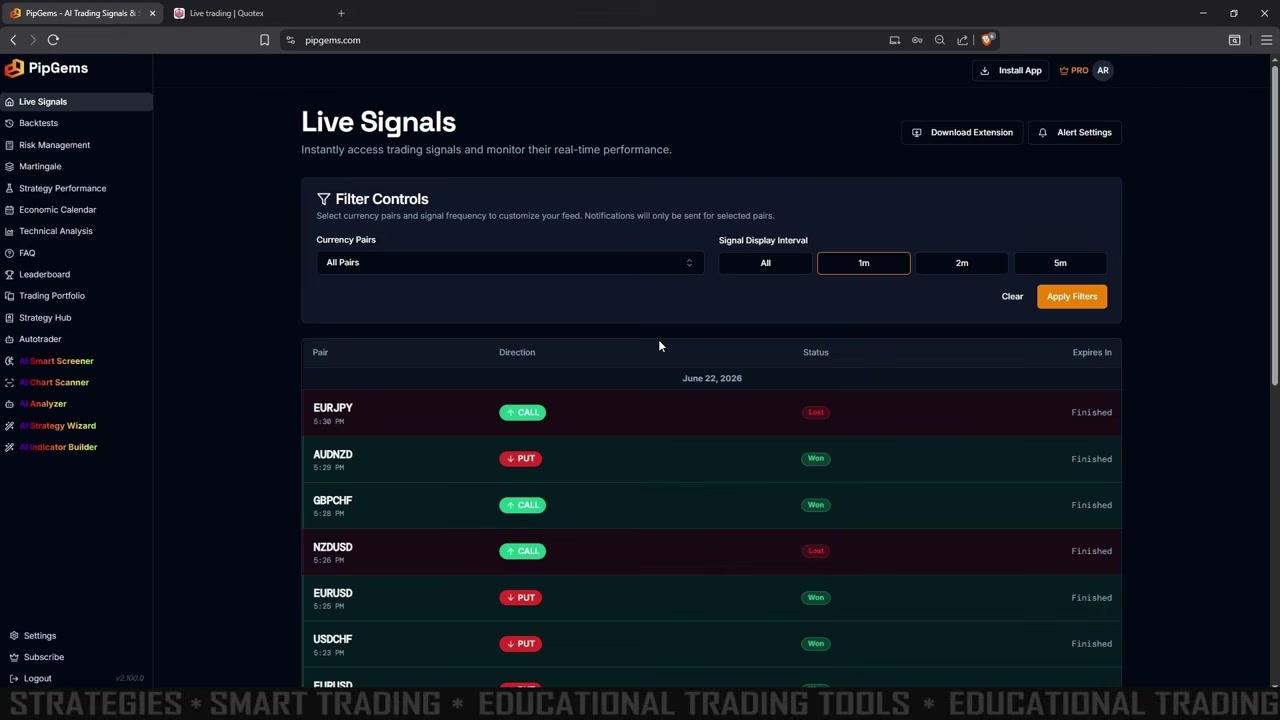
Each row in the table shows the pair, the direction (green CALL or red PUT), the status (Won / Lost / Pending), and when the trade expires. This running log lets you see how the feed is performing live before you commit real money to it.
Step 3 — Use the AI Smart Screener (First Minute of the Video)
This is the feature highlighted right at the start of the video. Open AI Smart Screener from the left sidebar — its tagline says it all: “Let AI find the highest-probability currency pairs based on historical performance.”
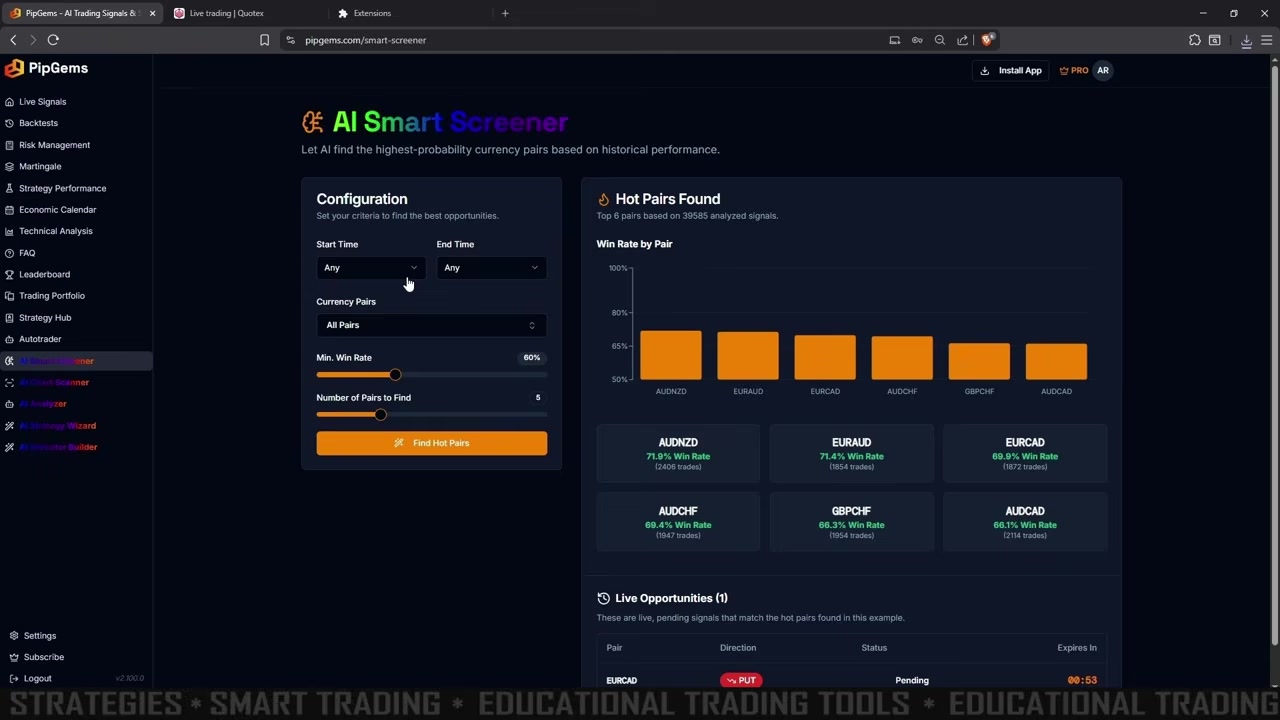
On the left you set your Configuration, then press Find Hot Pairs:
- Start Time / End Time — limit the analysis to a session window, or leave both on Any to scan the full history
- Currency Pairs — keep it on All Pairs to let the AI compare everything
- Min. Win Rate — the floor for the pairs it returns (the example uses 60%)
- Number of Pairs to Find — how many top pairs to surface (the example asks for 5)
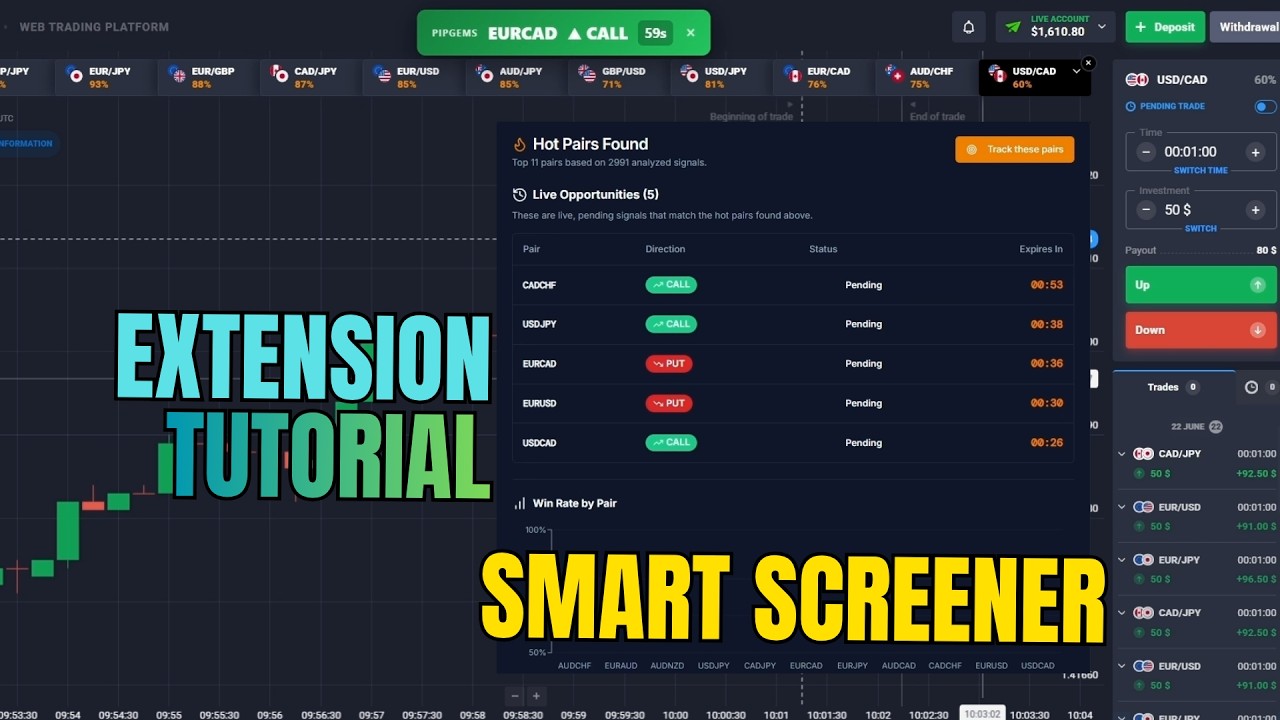
On the right, the Hot Pairs Found panel ranks the best pairs with a Win Rate by Pair chart. In the video example, the screener analysed 39,585 signals and returned these top pairs:
- AUDNZD — 71.9% win rate (2,406 trades)
- EURAUD — 71.4% win rate (1,854 trades)
- EURCAD — 69.9% win rate (1,872 trades)
- AUDCHF — 69.4% win rate (1,947 trades)
- GBPCHF — 68.3% win rate (1,954 trades)
- AUDCAD — 66.1% win rate (2,114 trades)
Below the rankings, the Live Opportunities section shows any pending signal that matches the hot pairs you just found — for example an EURCAD PUT with a live countdown. That is your cue to switch to Quotex and place the trade on the same pair and direction.
Step 4 — Place the Trade on Quotex
CALL (Up) Entry
- PipGems shows a CALL signal on a pair that the Smart Screener already flagged as a hot pair
- Switch to Quotex, select that pair, and confirm the return rate is acceptable (aim for 80%+)
- Open a CALL trade with a 1-minute expiry as the new candle opens
PUT (Down) Entry
- PipGems shows a PUT signal on a screener-approved hot pair
- Switch to Quotex, select that pair, and check the return rate
- Open a PUT trade with a 1-minute expiry at the candle open
Only take signals that line up with a hot pair from the screener. A CALL on a pair sitting near 70% historical win rate is a far stronger setup than the same signal on a pair the screener never ranked.
Why the Screener Matters
- It filters out weak pairs before you trade, so you spend your stake only on the strongest historical performers
- The win rates are built from thousands of past signals, not a hunch — that is real sample size behind every ranking
- Pairing the screener with the 1-minute live feed means every entry has both a directional trigger and a statistical edge behind it
- You can re-run it per session, since the hottest pairs shift with the time of day and market conditions
Money Management
- Risk a fixed 1–3% of your balance per trade — never raise your stake to chase a loss
- Set a daily target in number of green closes (for example 6–8 wins) and stop when you hit it
- No Martingale on 1-minute signals; doubling down compounds risk far faster than it recovers value
- Stop the session after 2–3 losses in a row — the conditions behind the hot-pair list have likely changed
Watch the Full Tutorial
See PipGems installed and running beside Quotex, with the AI Smart Screener surfacing the hottest pairs in the first minute of the video.
Risk Disclaimer
This content is for educational purposes only. Trading involves significant risk. Past results do not guarantee future outcomes. Always practice responsible money management and only trade with capital you can afford to lose.
#PipGems #Quotex #AISmartScreener #BinaryOptions #TradingSignals #1MinuteStrategy #HotPairs #OTCTrading #TradingEducation #RiskManagement