Advance IQ Option Trading with XProfit Indicator
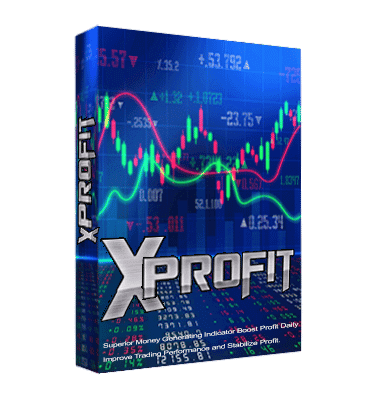
XProfit is an arrow and signal indicator built for MetaTrader 4 and MetaTrader 5. It plots a clear buy or sell arrow directly on your MetaTrader chart, and you use that read to place a matching Call or Put position on the IQ Option platform. In other words, MetaTrader does the charting and the signalling, while IQ Option is where the actual binary options entry is placed. This split-screen workflow lets you keep the familiar tools of MetaTrader while trading the short-expiry contracts that IQ Option offers.
The earlier release of XProfit worked well on the major currency pairs but was less responsive on non-major pairs. The current version refines its internal logic so the arrows stay consistent across a wider range of instruments, which makes the signal easier to read for newer traders who are still learning to time an entry.
How XProfit signals work
XProfit watches the price action on whatever chart you attach it to and prints an up arrow when its conditions line up for a Call, or a down arrow when they line up for a Put. Each arrow is paired with an on-screen pop-up alert, so you do not have to stare at the screen for the whole session. The moment an alert appears, you switch to IQ Option, select the same currency pair, and place the trade in the same direction as the arrow. Because the tool is designed for short binary expiries, timing matters — the signal is meant to be acted on promptly once the candle it is based on has formed.
Recommended settings
Install the indicator by copying the file into the MetaTrader Indicators folder (File → Open Data Folder → MQL4 or MQL5 → Indicators), then restart the terminal so it appears in the Navigator. Drag XProfit onto a clean chart of a liquid pair such as EUR/USD or GBP/USD. Leave the default inputs in place while you learn how the arrows behave, and keep the pop-up and sound alerts switched on so no signal slips past. Only adjust the inputs once you have watched enough signals to understand the pattern the tool is looking for.
Buy/Call and Sell/Put rules
The rules are deliberately simple. When XProfit prints an up arrow and fires its alert, open a Call (buy) on IQ Option for the same pair. When it prints a down arrow, open a Put (sell). Wait for the candle to close before committing rather than reacting to a half-formed bar, and skip signals that appear during major news releases when spreads and volatility are unpredictable. Treating each arrow as a prompt to check the chart — not as an automatic order — keeps you in control of every entry.
Best timeframes, expiry and risk
XProfit is most often used on the 1-minute and 5-minute charts, matching the short expiry times that suit IQ Option's binary contracts. A common approach is a 1-minute chart with a 1-minute expiry, or a 5-minute chart with a 5-minute expiry, so the expiry lines up with the candle the signal is built on. Whatever timeframe you choose, size each position conservatively — many traders risk only 1 to 3 percent of their balance per trade — and cap the number of trades you take in a day. Consistency comes from disciplined position sizing far more than from chasing every single arrow.
If you want to pair XProfit with other tools, see our guide to the best IQ Option indicator settings, the updated XProfit V2 indicator, and a walkthrough of the XProfit indicator on IQ Option. XProfit is included with full access to the tool library — see the pricing page for the one-time lifetime option.
FAQ
Does XProfit repaint, and should I wait for the candle to close?
To stay on the safe side, treat a signal as confirmed only after the candle it formed on has closed. Acting on closed-candle arrows gives you a steadier read than reacting to a live, still-moving bar.
Which platforms does XProfit work on?
The indicator runs on both MetaTrader 4 and MetaTrader 5. You read the arrow in MetaTrader and place the matching Call or Put on the IQ Option platform.
What is the best timeframe for XProfit?
The 1-minute and 5-minute charts are the most popular, with the expiry set to match the chart timeframe so your trade aligns with the signal candle.
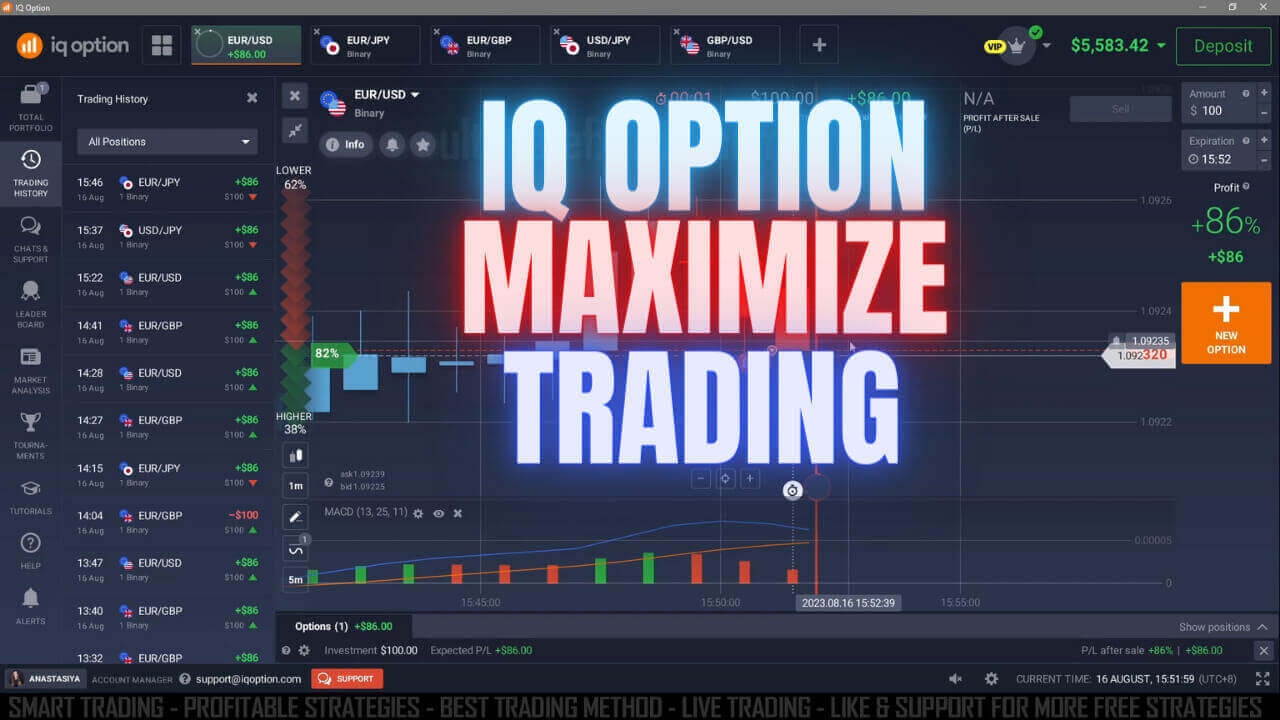
IQ Option Maximize trading Potential with XProfit Indicator
This content is for educational purposes only. Trading involves risk. Past results do not guarantee future outcomes. Always practice responsible money management and limit your daily trades to avoid large losses.