Perfect IQ Option Strategy | Sniper Pro
An IQ Option strategy using the Binary Sniper Pro indicator for 30-to-60-second trades - what it flags, how to confirm an alert, and how to manage risk.
What Binary Sniper Pro Flags
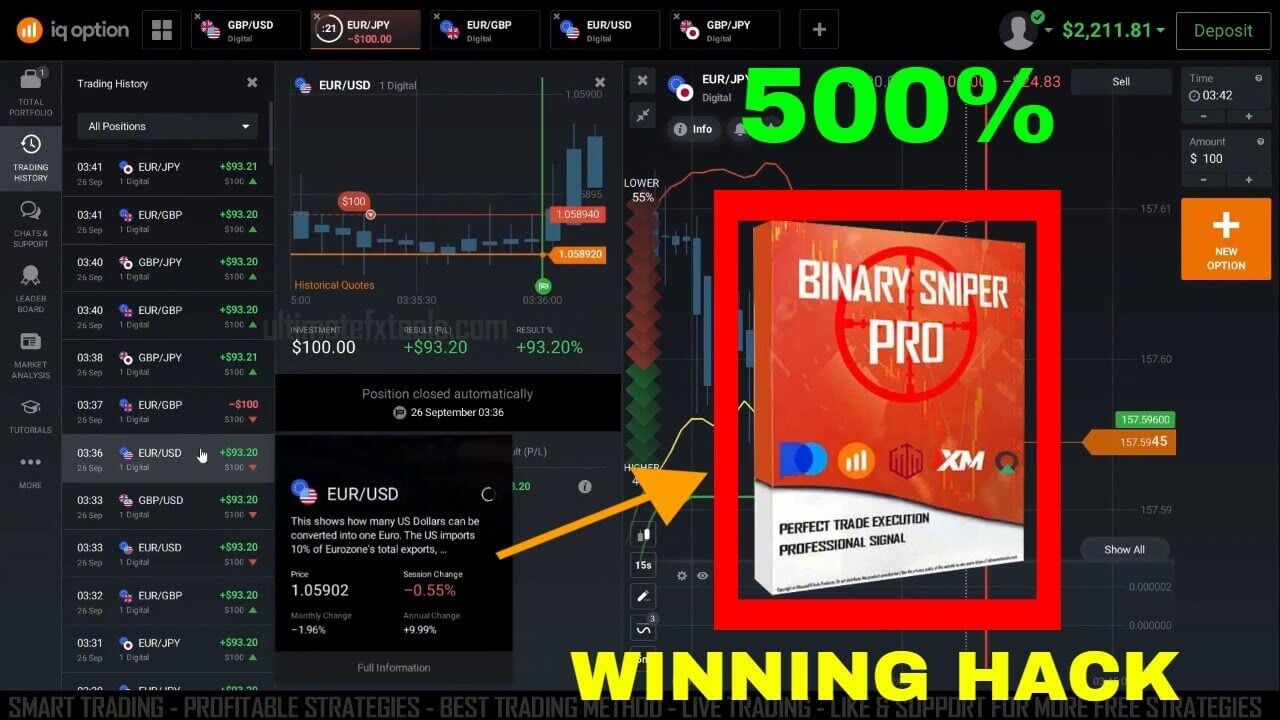
Binary Sniper Pro watches for stretched, exhausted price moves and marks the moment a short-term reversal becomes plausible. On the chart that shows up as an alert when candles push to an extreme against the Bollinger Bands while the ATR reading confirms the move has run hot. In plain terms, the indicator is highlighting where price may have gone too far, too fast. That is a condition, not an outcome, which is exactly why the next step matters.
Confirm the Alert With a Filter
An alert on its own is only half the decision. Before acting, confirm the context:
- The candle should be pushing to the outer edge of the Bollinger Bands, not sitting in the middle of the range where direction is unclear.
- The ATR reading should show the move is extended rather than flat and directionless.
- Price should be reacting at a level that makes sense — a recent swing high or low — rather than in the middle of choppy noise.
When the alert and these conditions agree, the setup is cleaner. When they conflict, the sensible choice is to stand aside. Skipping the messy alerts is what separates consistent decisions from chasing every flash on the screen.
Trade Setup and Recommended Settings
These are starting points, not magic numbers. Test them on a demo chart and adjust to the pair and conditions you trade:
- Use a 15-second candle time period so the chart reacts fast enough for 30 to 60-second expiries.
- Set the ATR trailing stops to a period of 13 with a multiplier of 3.
- Set the Bollinger Bands to a period of 13 with a deviation of 2.
- Trade a small number of liquid pairs you know well, and let each candle fully form before you read the alert.
Entry Logic
Once the alert is confirmed, the entry is deliberately simple so it can be applied calmly inside a short window:
- Higher / Call: a down-move stretches to the lower Bollinger Band, the ATR shows it is extended, and Binary Sniper Pro flags a possible turn back up off a recent low.
- Lower / Put: an up-move pushes to the upper Bollinger Band, the ATR confirms the extension, and the indicator flags a possible turn back down under recent resistance.
- Stand aside: the alert appears but price is flat, mid-range, or the Bollinger Bands and ATR do not agree. No trade is a valid decision.
When This Setup Fails
Reversal alerts struggle most in a strong trend. When price is running hard in one direction, it can keep pressing the outer band and the alert will fire against a move that simply continues — a losing trade despite a clean-looking signal. The method also weakens in dead, low-volatility conditions where the ATR is flat and there is no real move to fade. Because no indicator removes losing trades, the emphasis has to be on risk management. Stake a small, fixed fraction of your balance per trade, cap how many trades you take in a session, and stop for the day at a preset loss limit. Practise the rules on a demo account until the reads feel automatic before you risk real funds.
FAQ
Does Binary Sniper Pro have a win rate?
No. Binary Sniper Pro flags a chart condition; it does not predict outcomes and has no fixed win rate. Losing trades are a normal part of binary options. What makes the difference over time is consistent risk management and skipping the low-quality alerts, not any single signal.
Which platforms can I use this on?
The signals are read in MetaTrader and timed against the IQ Option chart, and the same Bollinger Bands and ATR logic carries over to other trading platforms such as Quotex, Pocket Option and Olymp Trade. Binary Sniper Pro is included with every indicator on the site under a single $39 lifetime plan.
Can I really trade 30-second expiries with it?
You can, but very short expiries leave little room for error, so the confirmation filter and strict staking matter even more. Start on a demo, and move to real funds only once your reads and risk rules are consistent.
Want to go deeper? See the full Binary Sniper Pro indicator page, the related Sniper Pro binary options walkthrough, and two more IQ Option guides: the IQ Option 1 minute strategy and the best IQ Option indicator settings.
This content is for educational purposes only. Trading involves risk. Past results do not guarantee future outcomes. Always practice responsible money management and limit your daily trades to avoid large losses.