PipGems AI Signals Live on Olymp Trade
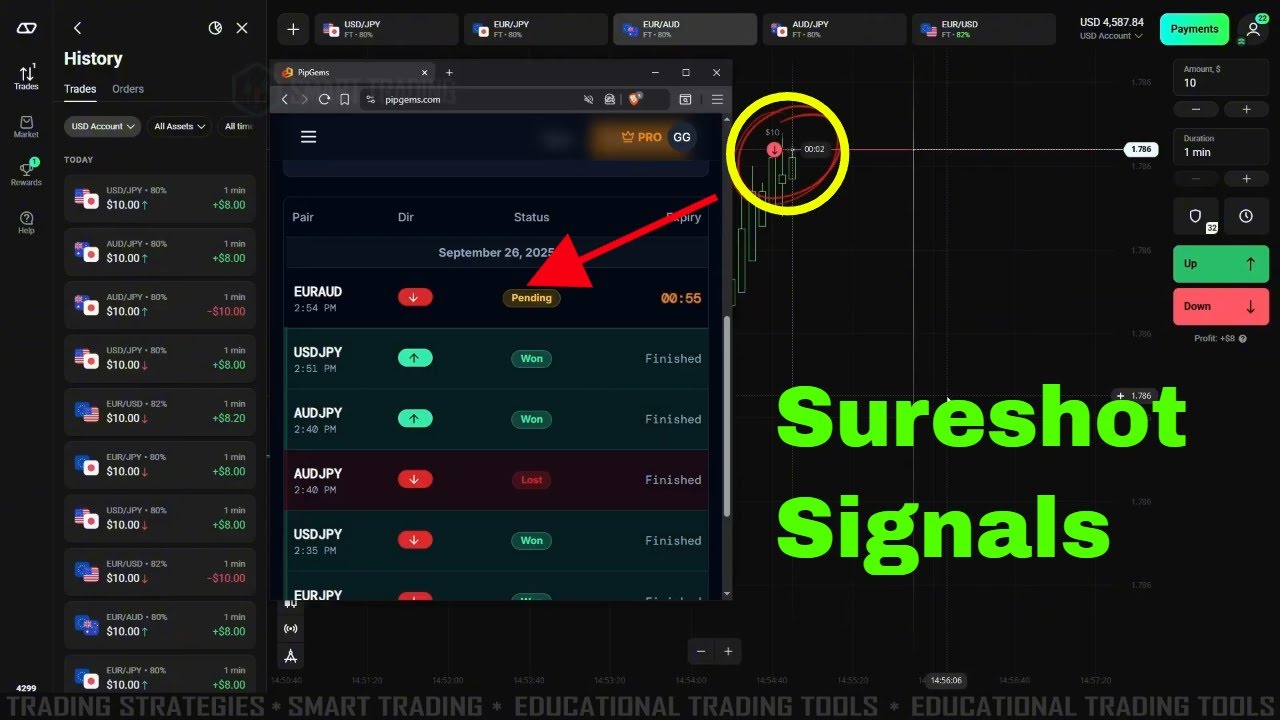
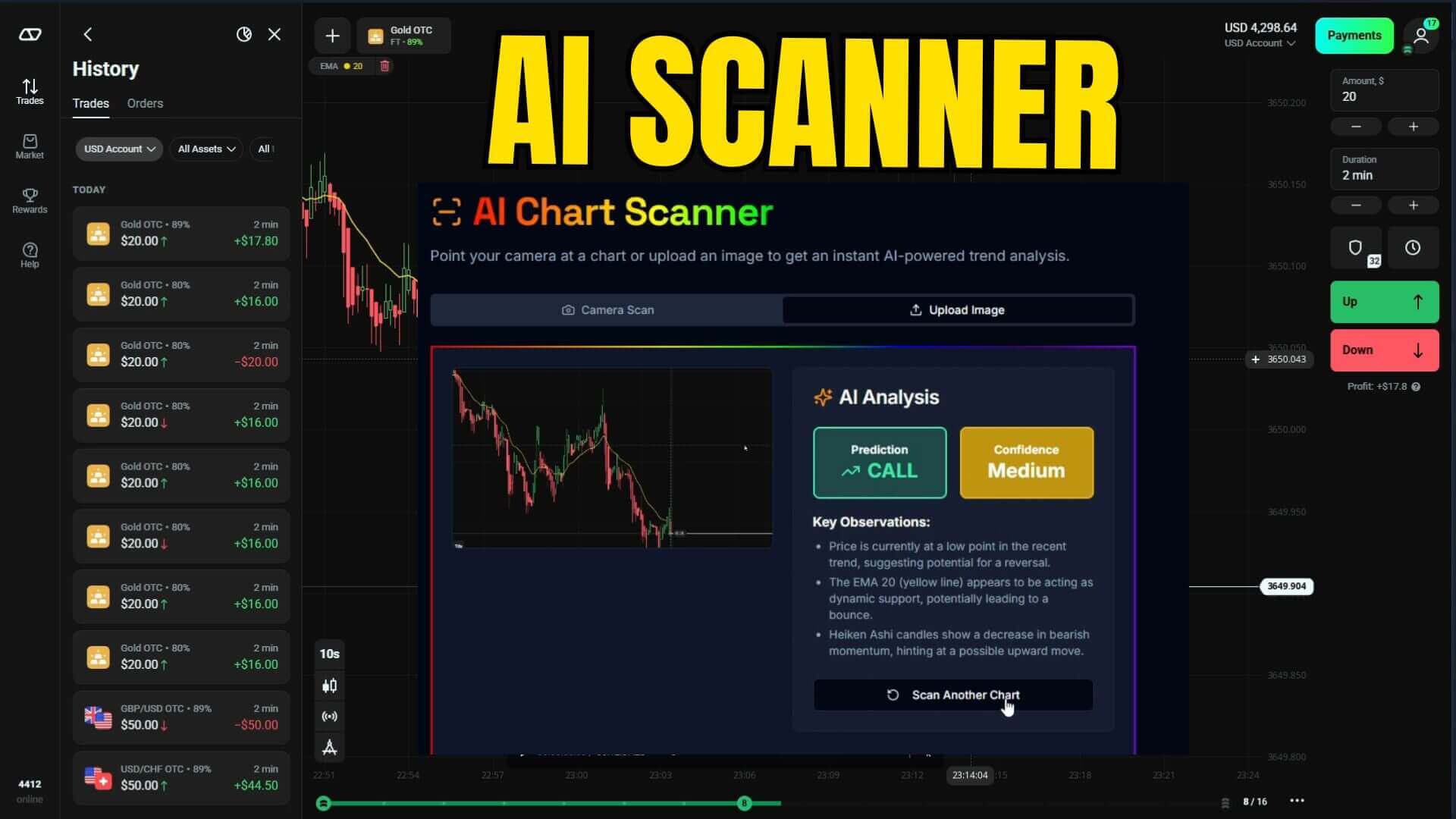
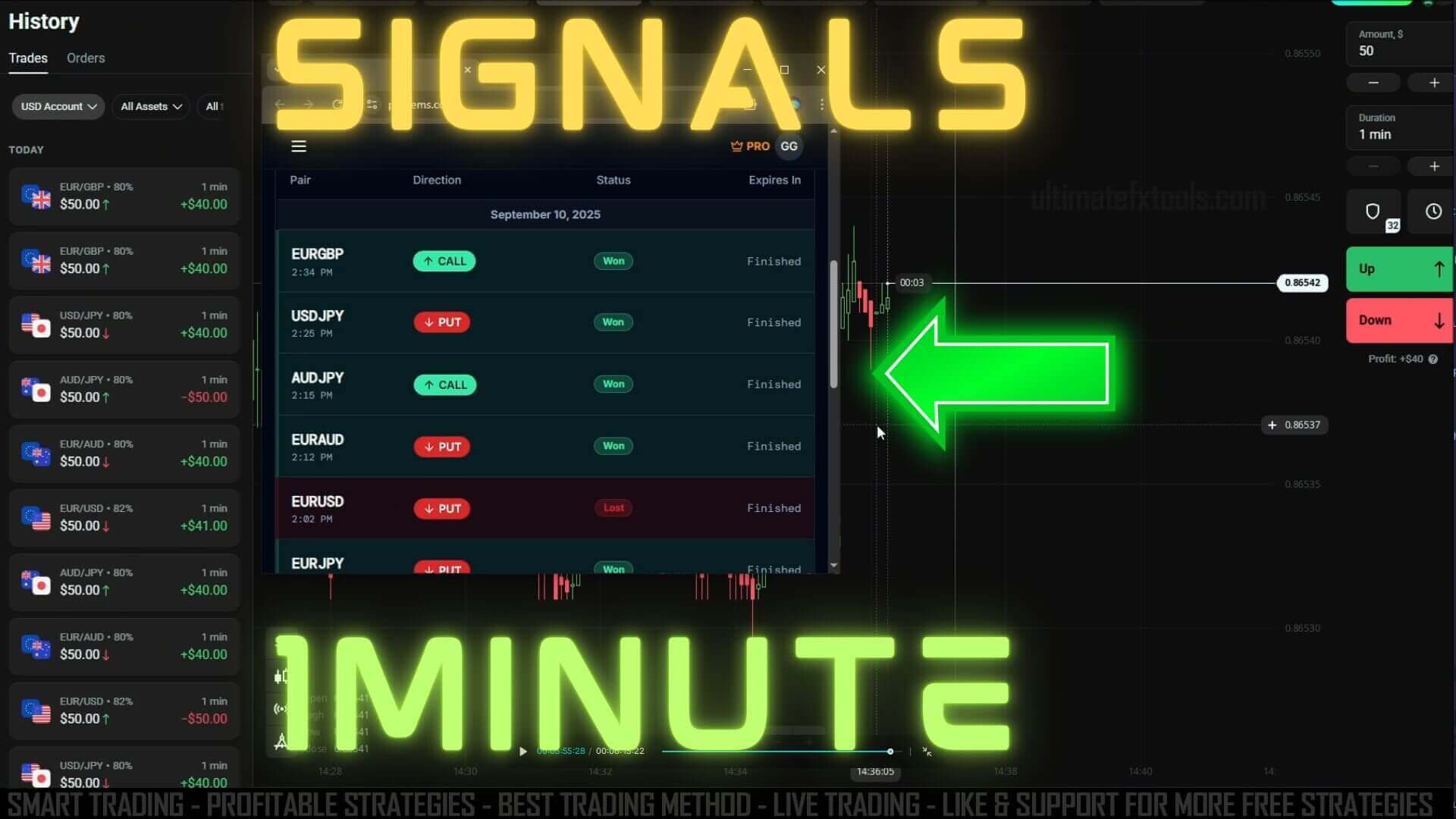
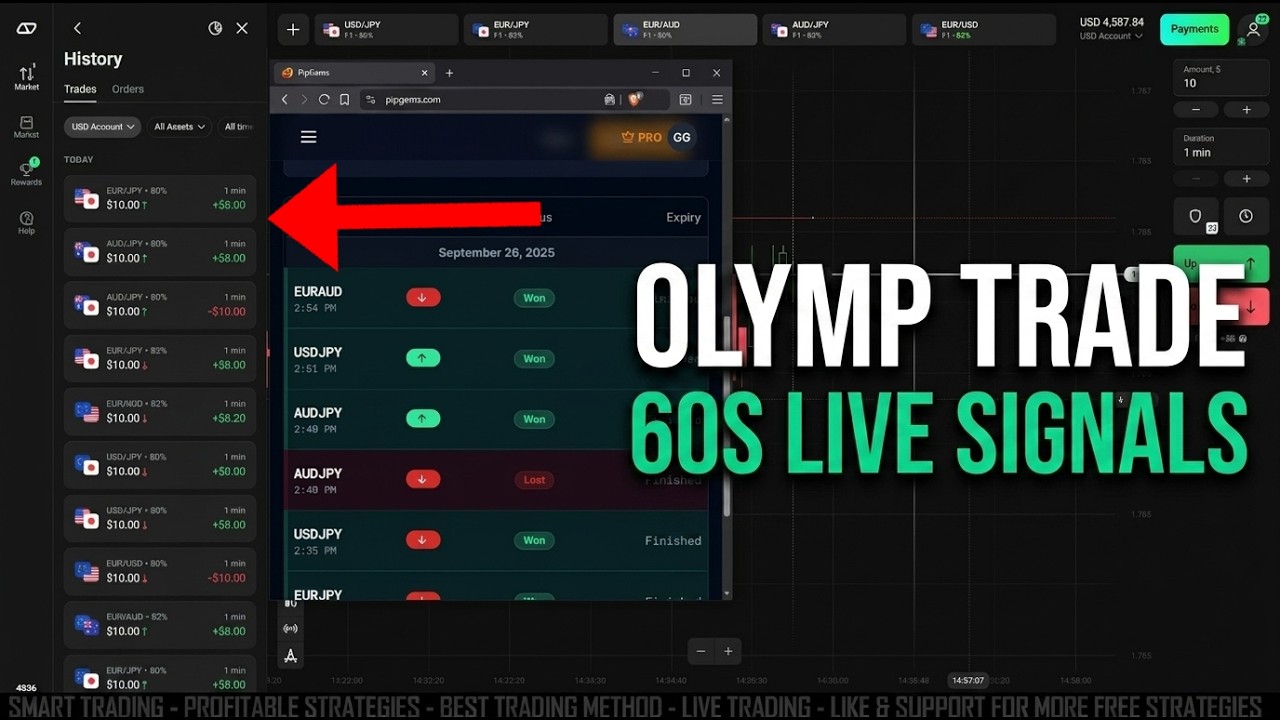
The PipGems AI scanner was built for one job: read the market fast and push clean buy/sell alerts to your phone so you can review short-duration setups without staring at charts all day. In this session the signals are lined up against Olymp Trade on a 60-second (1-minute) expiry.
The idea is simple. PipGems scans the major forex pairs and flags a possible direction with a confidence rating, and you decide whether to act. There is no indicator soup on your screen — but the signal is a starting point for your own judgement, not a command to trade blindly.
How the PipGems AI Scanner Works
PipGems watches price action across major currency pairs and looks for the short-term conditions it was trained to recognise — momentum shifts, pullbacks, and directional bias. When a setup lines up, it sends an alert naming the pair, the suggested direction, and a confidence level. It is a decision aid that does the tedious scanning so you can focus on whether the trade fits your plan. It does not see the future, and it cannot know when news or a sudden spike will turn a clean-looking setup against you.
Reading the Confidence Rating
Each alert carries a confidence rating that reflects how strongly the current conditions match the pattern the scanner is looking for. A higher rating means the setup is cleaner; it does not mean the trade is certain. Use the rating to prioritise — you might skip low-confidence alerts and only review the stronger ones against your own chart read.
Why the 60-Second Timeframe?
A 60-second expiry keeps trades tight and lets you review more setups during an active session. It works best when the market has a clear short-term bias rather than chopping sideways. The trade-off is variance: one-minute trades are high-variance by nature — random noise has a large say over such a short window, and results swing hard from trade to trade.
- Fast feedback — you know the result in one minute, so you learn the workflow quickly.
- More opportunities — active London/New York hours can produce several alerts.
- Fixed, controlled stake — each trade risks a set amount, so a single loss stays capped.
Chart Setup on Olymp Trade
Keep it clean. Open the pair PipGems flags, set the duration to 1 minute, and switch to a candlestick chart so you can confirm momentum before you decide. You do not need extra indicators loaded — the signal narrows the field, and the candles are your own confirmation.
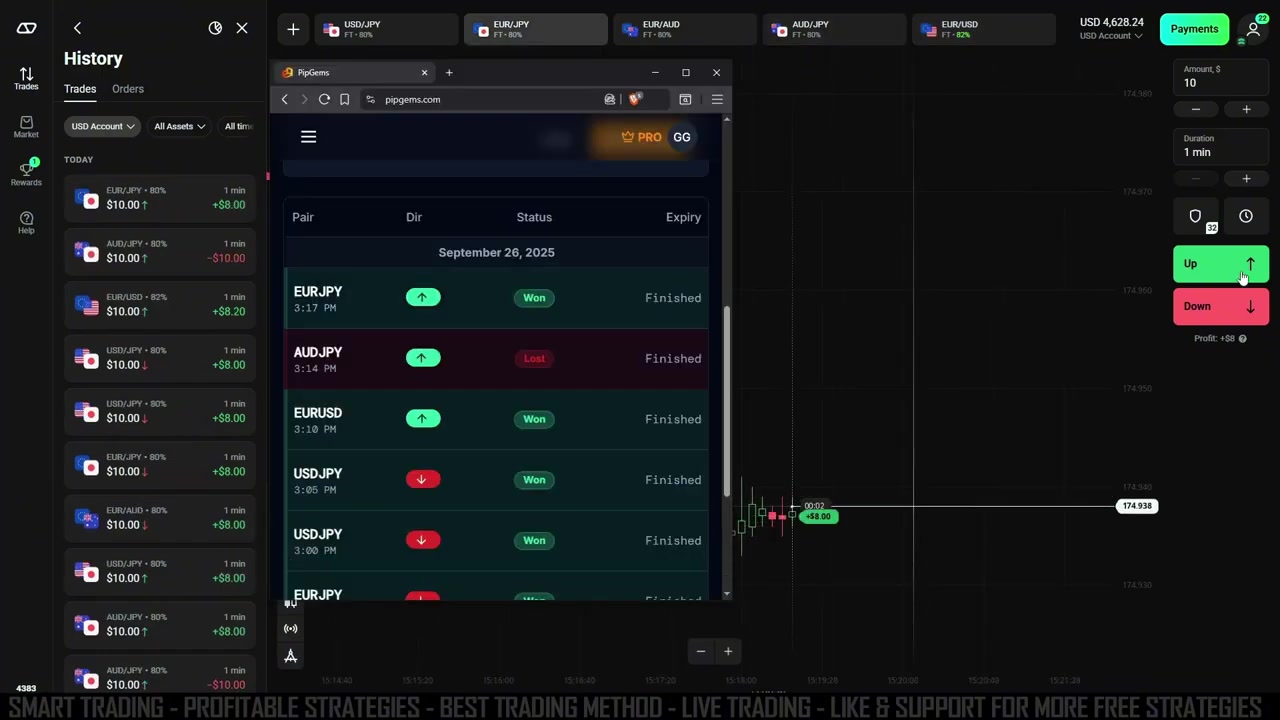
How to Use the Signals With Your Own Confirmation
Treat the alert as one input, so you are never acting on the signal alone:
- Open the PipGems scanner and wait for a fresh 1-minute alert with a confidence rating you are comfortable with.
- Select the same pair in Olymp Trade and set the duration to 1 minute.
- Check that the last few candles agree with the signal direction — if the chart disagrees, skip the trade.
- If you choose to act, place the trade with a fixed stake and let it run to expiry.
- Log the result and move on. For more context, see our PipGems AI strategy and PipGems live signals guides.
Realistic Expectations
No scanner wins every trade, and a run of losses is a normal part of any short-expiry approach. Some sessions feel smooth and others fight you the whole way — that is the nature of one-minute trading, not a sign the tool is broken. Judge PipGems over many trades and a written journal, never on a single result.
Risk Management Rules
Fast trading only works with discipline. Treat PipGems as a trading assistant, not an autopilot — you control the money.
- Risk only 1–2% of your balance per trade.
- Set a daily loss cap and a trade limit so a losing streak can't spiral.
- Never chase losses by doubling your stake — martingale-style staking can wipe an account fast and is best avoided entirely.
- Focus on major pairs during high-liquidity London / New York hours.
- Keep a simple trading journal to track which conditions work best for you.
Watch the Live Session
See the PipGems AI signals run on Olymp Trade in real time and how each 60-second trade is placed and closed:
Frequently Asked Questions
Are the PipGems AI signals guaranteed to win?
No. The signals are decision aids with a confidence rating, not guarantees. Every trade carries real risk, losing trades are normal, and no tool can predict the market. Use the alerts to narrow your focus, confirm with your own chart read, and only risk money you can afford to lose.
Do I still need to look at the chart?
Yes. The signal narrows the market to a likely setup, but a quick glance at the candlestick chart is your own confirmation step. If the recent price action contradicts the alert, skipping the trade is a perfectly valid choice.
How do I get access to PipGems and the tools?
PipGems is part of the full toolkit available through a single $39 lifetime plan — no subscription. That covers the scanner along with the wider library of indicators and strategy resources.
This content is for educational purposes only and is not financial advice. Trading involves substantial risk; you can lose some or all of your capital. No result is guaranteed and past performance does not indicate future results. Trade only what you can afford to lose.