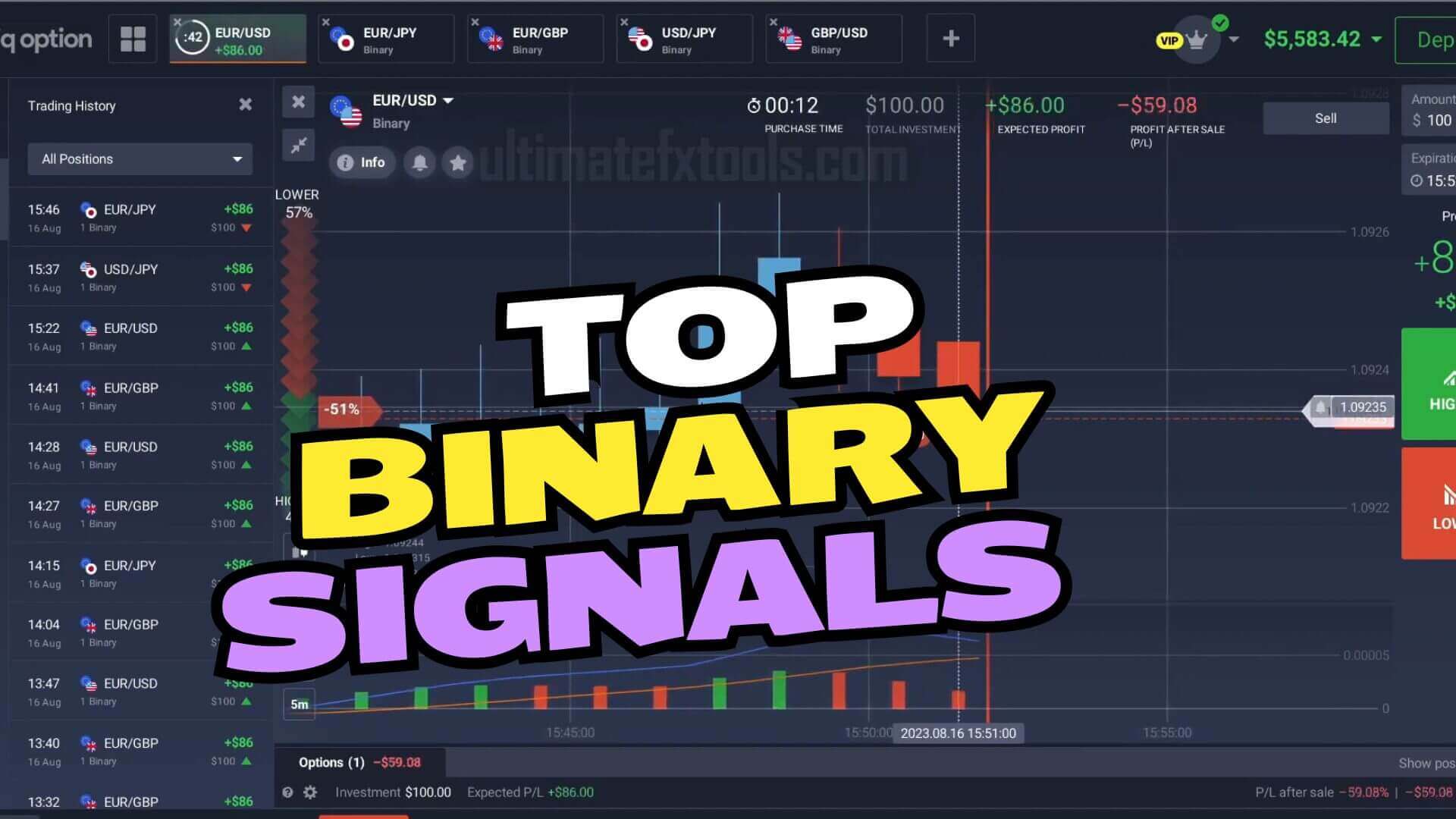
Trading with MetaTrader 5 for Binary Options
MetaTrader 5 is not a binary options platform. It is a charting and analysis platform, and that distinction is the whole point of this guide. On a binary trade you only need one decision: will price be higher or lower when the timer expires? MT5 gives you the clean charts, custom indicators and drawing tools to reason about that decision, and then you place the actual trade on your binary platform such as IQ Option, Quotex or Pocket Option. Used this way, MT5 becomes a free, powerful "second screen" for reading the market before you commit.
On this page the analysis is driven by the XProfit Indicator plotted in MT5. It watches for short-term momentum shifts and prints an arrow on the chart: an up arrow points to a possible move higher, a down arrow to a possible move lower. The arrow is decision support, not a promise. It flags a moment worth your attention, and you still confirm the context and manage the risk on every trade.
Setting Up MetaTrader 5
Getting a chart ready takes a few minutes:
- Visit metatrader5.com and download MetaTrader 5 for Windows.
- Install the mt5setup.exe file and open the platform.
- Register a free MetaQuotes demo account so you have live charts to read. You do not need a funded account just to use MT5 for analysis.
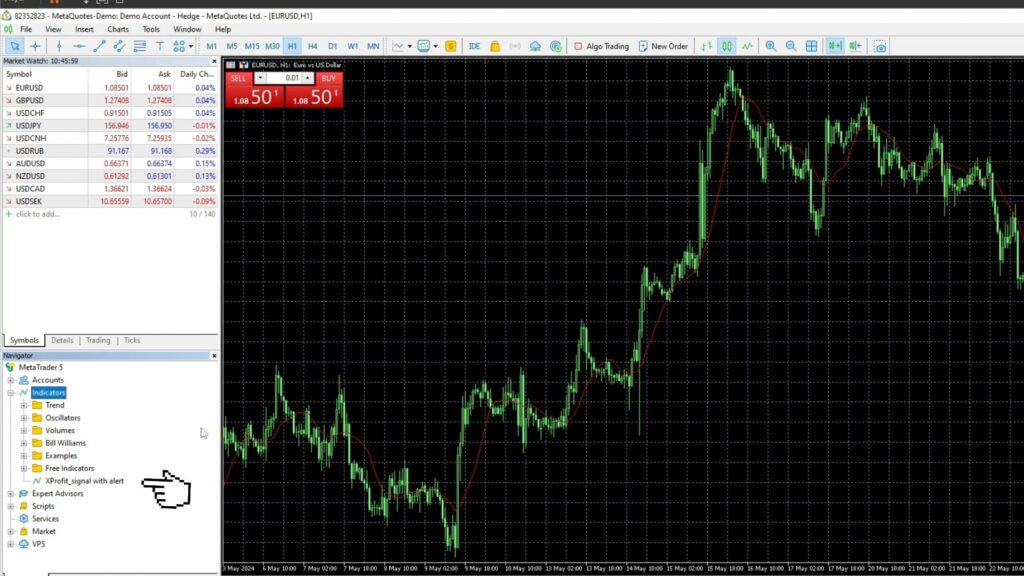
- In the platform, open File → Open Data Folder, then drop your indicator files into MQL5 → Indicators.
- Right-click the Navigator panel and choose Refresh so the new indicators appear.
- Drag the XProfit Indicator onto the chart for the currency pair you want to trade.
- Switch to the 1-minute (M1) timeframe to match short binary expiries.
The Limitation Nobody Mentions: Mobile Apps
Here is the single most commonly missed point about this method. Custom indicators such as XProfit do not run inside the MT4 or MT5 mobile apps. The iPhone and Android versions of MetaTrader only load the built-in indicators (moving averages, MACD, RSI and so on) — there is no way to install a custom .ex5 file on a phone. If you want to read custom-indicator arrows, you have to run the desktop (Windows) version of MT5. Traders often download the phone app, cannot find their indicator, and assume the file is broken when the platform simply does not support it. Plan around this: use MT5 desktop for the analysis, and keep your binary platform on whatever device suits you.
Reading the Signal and Confirming It
Because MT5 and your binary platform are separate charts, the workflow is to read the arrow in MT5 on the matching pair and time it against the candle on the binary platform. Do not trade the arrow alone. Add a standard MACD (12, 26, 9) underneath as a second opinion. When the MACD histogram and signal line agree with the arrow, the setup is cleaner; when they disagree, treat the alert as noise and skip it. Filtering out conflicting signals is the biggest factor in trading with more consistency rather than chasing every arrow. A rough rule set:
- Up (higher): XProfit prints an up arrow, MACD is rising and above its signal line, and price is holding above a recent swing low.
- Down (lower): XProfit prints a down arrow, MACD is falling and below its signal line, and price is failing under recent resistance.
- Stand aside: the arrow and MACD disagree, or price is stuck flat with no clear direction.
Timeframe and Risk Management
This setup is built around the M1 chart with a one-minute expiry. In choppy conditions, stepping up to a two-minute reading can cut down on false alerts. Whatever expiry you choose, risk control is what keeps you in the game: stake a small, fixed fraction of your balance per trade, cap the number of trades you take in a session, and stop for the day once you hit a preset loss limit. Never try to recover a loss by doubling your next stake — that martingale approach can wipe out a balance in a short losing streak, and no indicator removes losing trades. Practice the whole routine on a demo account until the reads feel automatic before you risk real funds. For a deeper look at dialing in indicator inputs, see our IQ Option indicator settings guide.
FAQ
Can I use MetaTrader 5 indicators on my phone?
No. The MT4 and MT5 mobile apps only run the platform's built-in indicators. Custom tools like XProfit must run on the MetaTrader 5 desktop app for Windows. Read the signal there, then place the trade on your binary platform.
Does MetaTrader 5 place binary options trades for me?
No. MT5 is used purely for charts and analysis. You read the setup in MT5 and then enter the trade manually on your binary options platform. The two run on separate charts, so line the pair and timing up carefully.
How do I get the XProfit indicator and the other tools?
Every indicator on the site, including XProfit, is included with a single $39 lifetime plan. You can also read how the same tool is applied in our IQ Option script guide.
This content is for educational purposes only. Trading involves risk. Past results do not guarantee future outcomes. Always practice responsible money management and limit your daily trades to avoid large losses.