Extreme Signals Indicator on IQ Option — MetaTrader IV Indicator Guide
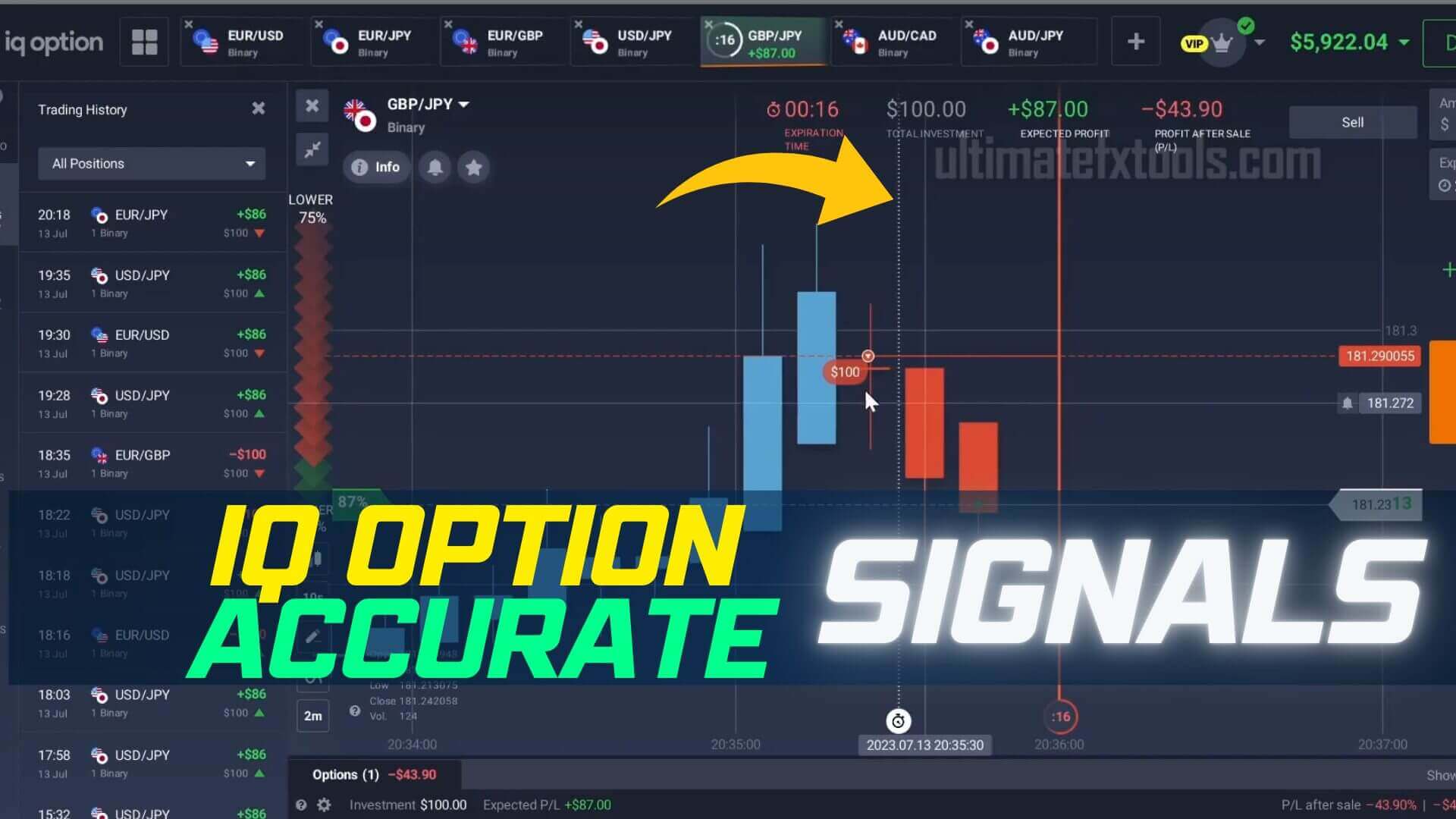
Both halves of the headline are wrong, so let us deal with them first. No indicator has a knowable accuracy figure — not 90%, not any number. Anyone quoting one is guessing, because what happens next depends on the pair, the session, the volatility, the expiry and the person clicking the button. And a single account going from one balance to a bigger one is an anecdote, not evidence: it describes what happened once, over one stretch of market, and says nothing about what you will get.
What follows is the useful version: what the Extreme Signals indicator actually plots, how to confirm an alert instead of clicking it blind, and why your risk rules matter more than any arrow.
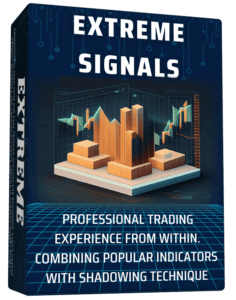
What Extreme Signals Actually Plots
Extreme Signals is a MetaTrader 4 indicator built for short-term reading, and its job is narrow: it watches for price stretching away from its recent average and then losing momentum, and prints an arrow on the candle where that stretch looks like it is running out. An up arrow marks a possible move higher, a down arrow a possible move lower. That is the whole output — not a verdict, not a prediction, just a flag that says "this bar is worth looking at."
Because IQ Option runs on its own chart, the arrow appears in MetaTrader on the matching pair and you read it against the IQ Option candle before the expiry timer starts. That extra step is a feature, not a nuisance — it forces a pause between the alert and the click.
How to Confirm an Alert Before You Act on It
An arrow alone is the weakest possible reason to enter. Confirm it against context you can see:
- Trend agreement. Is the arrow pointing with the larger move, or against it? Counter-trend arrows during a strong run fail most often.
- Location. An up arrow off a level price has already bounced from is a different setup than one floating mid-range.
- The candle itself. Let it close — an arrow on a candle still forming can disappear.
- Conditions. Flat chop produces the most arrows and the worst ones. "No trade" is the right read more often than most traders accept.
When arrow and context disagree, skip it. Filtering out conflicting alerts — not catching more of them — is what moves you toward consistency.
Setup and Settings
Drop the indicator file into your MetaTrader 4 MQL4/Indicators folder, restart the terminal, and attach it from the Navigator panel. Leave the default sensitivity alone at first: turning it up makes arrows appear on every small wiggle, which feels productive and is not. Read the signal on the 1-minute chart and match your IQ Option expiry to it. In choppy conditions, a 2-minute reading cuts the noise. Stick to two or three liquid pairs you know, such as EUR/USD, rather than scanning a whole watchlist. The IQ Option 1-minute strategy guide covers the timing in more detail, and IQ Option trading with Extreme Signals walks through the same tool in practice.
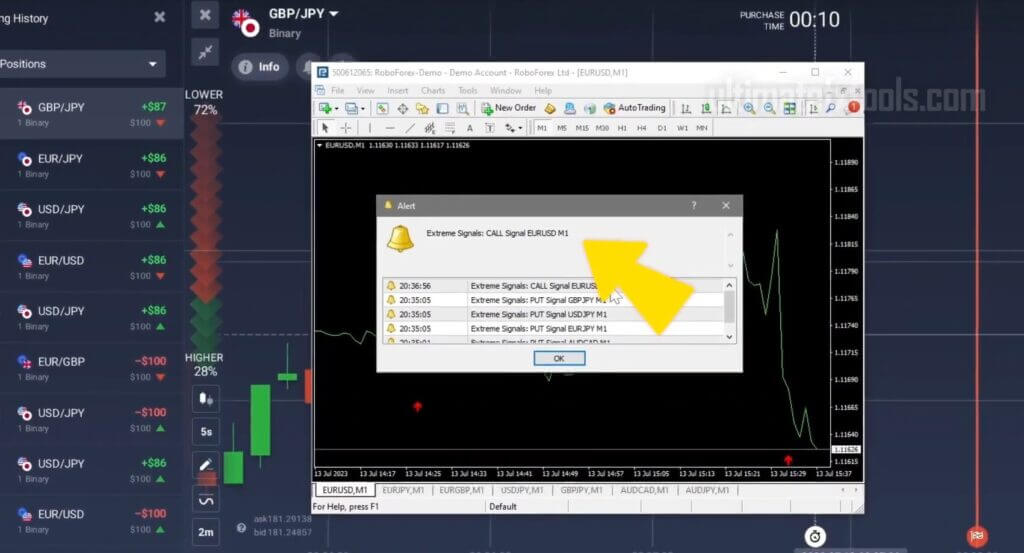
Why Risk Control Outranks the Signal
Every indicator produces losing trades, and binary options close at a fixed expiry whether you were right about direction or five seconds early. What decides whether you are still trading next month is not the arrow — it is your rules. Stake a small, fixed fraction of your balance on every trade and never vary it. Cap how many trades you take in a session. Set a daily loss limit and stop when you hit it, while you still feel fine, not after.
One warning worth stating plainly: never increase your stake after a loss to win it back. Each trade is independent — the market has no memory of your last one — so doubling down does not improve your odds. All it does is concentrate your whole account into a short sequence of outcomes you do not control, and a losing run long enough to empty it is not rare, it is ordinary. Practise these rules on an IQ Option demo account until they are automatic, before any real money is involved. The risk trading guide goes deeper on the same discipline.
FAQ
Is this indicator 90% accurate?
No, and no indicator is. There is no accuracy figure to quote, because outcomes depend on the pair, the session, the volatility, the expiry and your own execution — all of which change constantly. Anyone publishing a percentage is guessing. Treat Extreme Signals as one input into your own read of the chart.
The title says $1,000 became $6,000 — can I expect that?
No. A result from one account over one period is a description of the past, not a forecast. It says nothing about the market you will trade, the decisions you will make, or the losing runs you will hit. Judge a tool on a demo account, never by someone else’s balance screenshot.
Do I need to buy anything to use Extreme Signals?
Extreme Signals is included in the UltimateFXTools library, along with every other indicator on the site, under the one-time $39 lifetime plan. You will still need MetaTrader 4 and an IQ Option account, and time on demo before trading it live.
This content is for educational purposes only. Trading involves risk. Past results do not guarantee future outcomes. Always practice responsible money management and limit your daily trades to avoid large losses.