Top Trading Results with XProfit Signals on MetaTrader 4
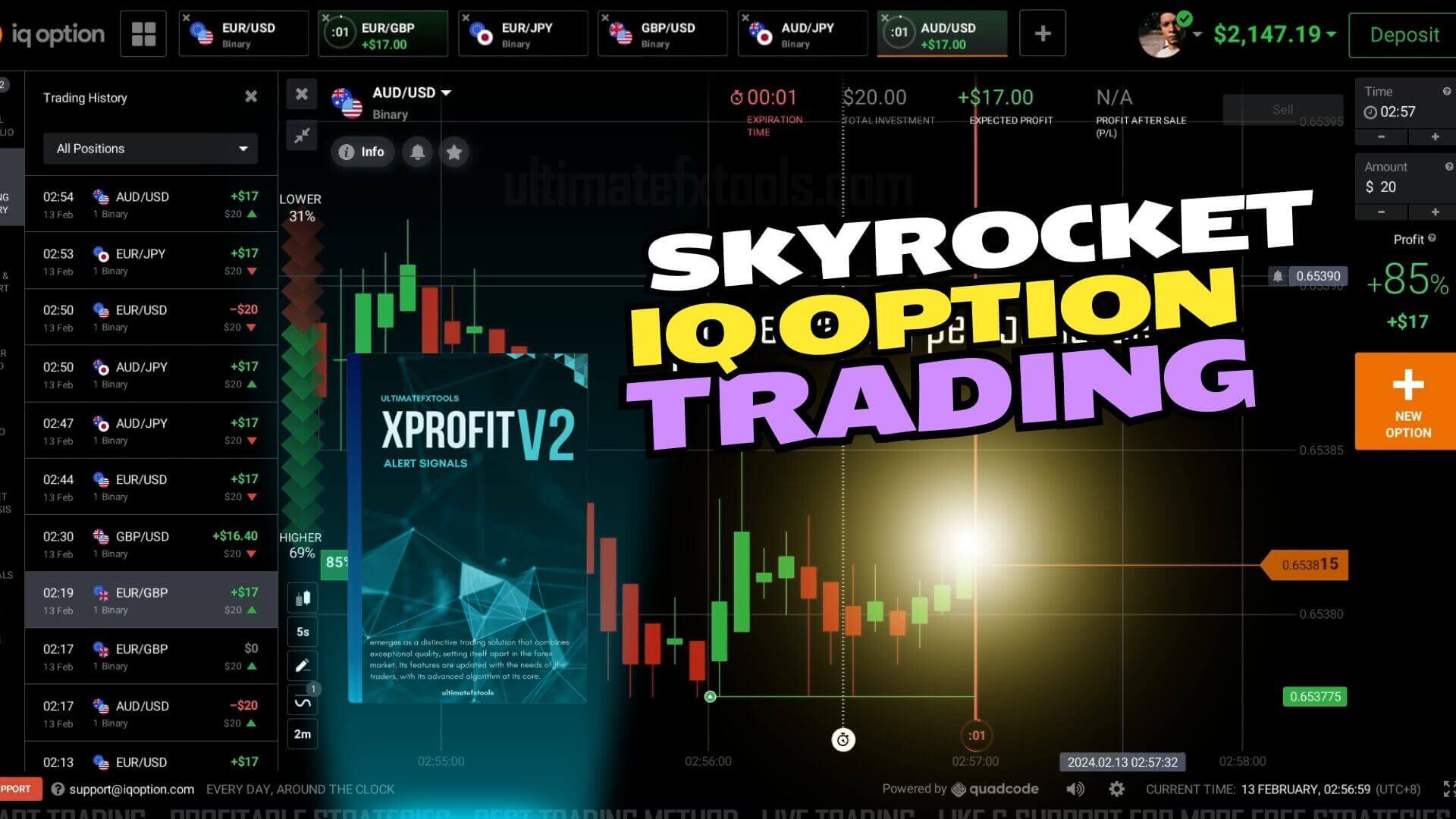
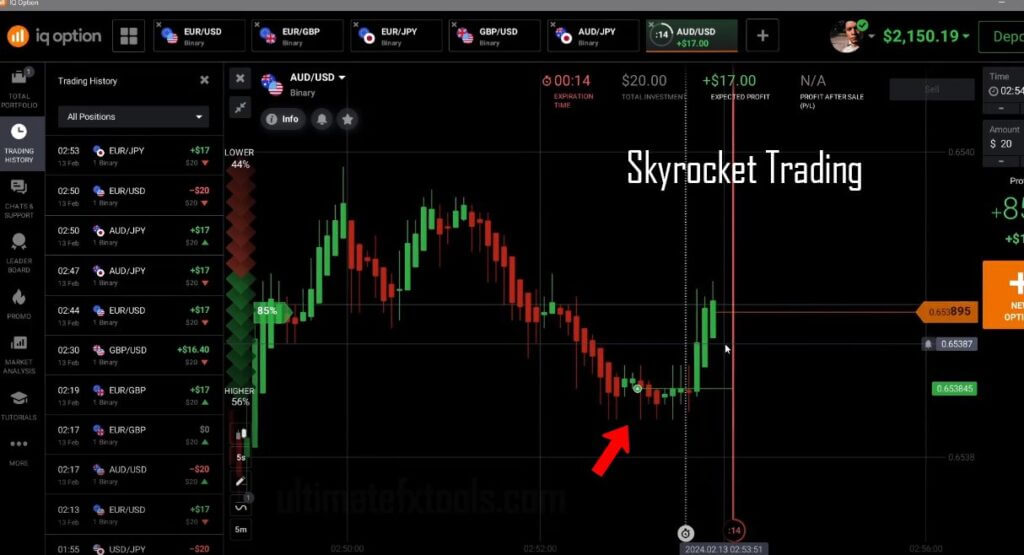
XProfit is an arrow and signal indicator that runs on MetaTrader 4 and MetaTrader 5. Instead of asking you to read raw price action, it plots a coloured arrow on the chart when its internal conditions — trend direction, support and resistance zones, and CCI levels — line up for a potential move. Many traders then mirror those alerts on their IQ Option platform, opening a short-expiry position in the same direction as the arrow. The workflow is simple to describe, but the results you get depend far more on how you use the tool than on the tool itself.
This guide takes a different angle from a straight setup tutorial. The focus here is a practical, repeatable routine: a pre-session checklist, a trend filter to confirm every arrow, sensible session timing, and the risk discipline that keeps a rough stretch from doing lasting damage. Treat XProfit as one input in a process you control, not as a button that trades for you.
Building a repeatable pre-session routine
Consistency comes from doing the same preparation every time you sit down to trade, so nothing is left to guesswork in the heat of the moment. Before the first arrow of the day, run a short checklist: confirm MetaTrader is synced with live data, load the currency pairs you actually plan to watch, and set the same chart type each session. Many XProfit users prefer the Heiken Ashi chart because its smoothed candles make the underlying trend easier to read at a glance. Note the higher-timeframe direction first, decide which pairs are trending cleanly, and only then start acting on signals. A written routine turns a scattered session into a calm, mechanical one.
Adding a trend confirmation filter
An arrow on its own tells you a condition was met, not that the wider market agrees. Pairing XProfit with a simple trend filter helps you skip the signals that fight the dominant direction. A moving average — or a dedicated trend tool such as the one described in our IQ Option trend alert signal guide — gives you a quick yes/no reference: take buy arrows when price sits above the average, and sell arrows when it sits below. Filtering this way naturally reduces the number of trades you place, and that is the point. Fewer, better-aligned entries are easier to manage than a stream of every alert the indicator prints. For a refined version of the core tool, the XProfit Version 2 release adds tighter condition logic to the same idea.
Choosing your session and expiry timing
Signal quality is not constant through the day. Thin, low-volume hours produce choppy candles that trigger arrows going nowhere, while the busier overlap of major sessions tends to give cleaner directional moves. Pick one or two windows that suit your schedule and trade only those, rather than staring at the screen for hours. Match your IQ Option expiry to the timeframe you are reading: a 1-minute chart pairs sensibly with short expiries, and jumping between wildly different expiry lengths on the same setup only muddies your read. If you like combining the arrow with a momentum layer, our IQ Option MACD with XProfit walkthrough shows how a second indicator can time entries within your chosen window.
Risk discipline that protects your account
No indicator removes risk, and short-expiry trading can move against you quickly, so your money management rules matter more than any single signal. Decide in advance how much of your balance a single trade may risk — a small fixed percentage is a common approach — and set a daily limit on both the number of trades and the total you are willing to lose. When you hit either limit, stop for the day. Avoid the urge to chase a losing run with larger positions; that is how a manageable drawdown turns into a serious one. Keeping a short log of each trade helps you spot which setups are actually working and steer toward steadier decisions over time. Full access to XProfit and the wider indicator library is available on our pricing page.
FAQ
Does XProfit work on both MetaTrader and IQ Option?
XProfit is a MetaTrader 4 and MetaTrader 5 indicator, so the arrows and alerts appear on your MT4/MT5 chart. Traders read those signals there and then place the matching position on their IQ Option platform. It is a read-and-mirror workflow rather than a direct plugin inside IQ Option.
Which timeframe and expiry should I use?
Many users watch a 1-minute chart and pair it with a short expiry, keeping the two aligned. There is no single correct setting for everyone — the important thing is to keep your chart timeframe and your expiry consistent so your entries reflect what you are actually reading on screen.
Can XProfit guarantee winning trades?
No. XProfit is a signal tool that highlights potential setups; it cannot promise an outcome, and every trade carries risk. Confirming each arrow with a trend filter and applying strict money management is what gives you the best chance of trading in a disciplined, consistent way.
This content is for educational purposes only. Trading involves risk. Past results do not guarantee future outcomes. Always practice responsible money management and limit your daily trades to avoid large losses.