Trading Strategy for IQ Option with Outcomes
Trading the forex market is rarely easy, especially for beginners, and no method removes the risk. What experienced traders try to do instead is stack the odds in their favour by asking for a second opinion before every entry. That is the whole idea behind pairing the MetaTrader 5 XProfit signal indicator with the Moving Average Convergence Divergence (MACD) oscillator. XProfit prints clear buy and sell arrows on your chart, while MACD reads the underlying momentum. Used together on IQ Option, the arrow tells you where a setup may be forming and MACD helps you decide whether the momentum actually supports it.
The point of combining the two is filtering. On its own, any arrow indicator will fire during choppy, directionless conditions. By treating MACD as a confirmation filter, you learn to sit out the trades where price and momentum disagree, and to focus only on the moments when both point the same way.
How the MACD and XProfit combo works
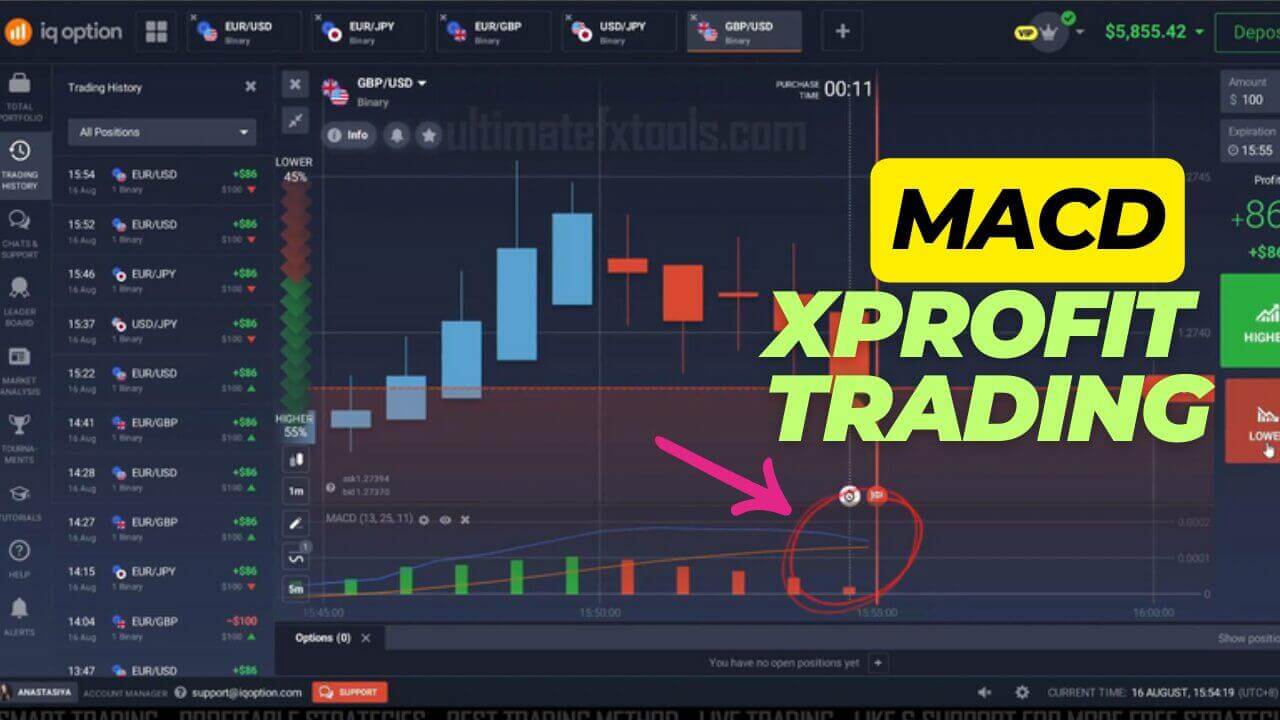
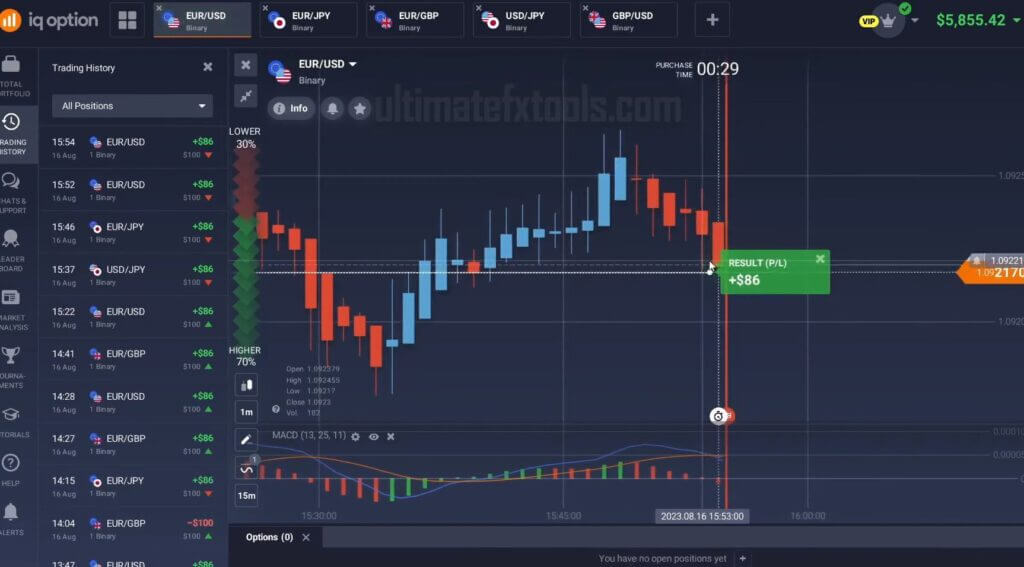
Run both indicators on the same MetaTrader 5 chart of the asset you plan to trade on IQ Option. XProfit generates the primary alert: an up arrow suggests a possible call setup and a down arrow suggests a possible put setup. Rather than acting on that arrow immediately, you glance at the MACD sub-window underneath. If the MACD histogram and signal line agree with the direction of the arrow, the two indicators are in alignment. If MACD is flat or pointing the opposite way, the signal is considered unconfirmed and is skipped. This simple "both must agree" habit is what turns two ordinary tools into a single, more disciplined workflow.
Indicator settings
These are the reference settings used in the examples on this page. Load the XProfit indicator with its default alert configuration so arrows and pop-up alerts are enabled. For momentum, set the MACD to 13, 25, and 11 — that is a fast EMA of 13, a slow EMA of 25, and a signal line of 11. These numbers make the MACD a little more responsive than the standard 12/26/9, which suits the short expiry windows common on IQ Option. Treat them as a starting point and test them on a demo chart before relying on them; different assets and sessions behave differently.
Buy / call and sell / put rules
The rules are intentionally strict, because the whole value of the combo comes from waiting for agreement:
- Call (buy): XProfit prints an up arrow and the MACD histogram is rising above the signal line. Both conditions must be present on the same closed candle.
- Put (sell): XProfit prints a down arrow and the MACD histogram is falling below the signal line.
- No trade: If MACD is unfavourable, flat, or pointing against the arrow, you skip the signal entirely rather than force an entry.
Refraining from trading when the two disagree is just as important as taking the aligned entries. Most of the discipline in this approach is about the trades you choose not to take.
Best timeframe, expiry and risk
The combo is usually watched on the 1-minute or 5-minute MetaTrader 5 chart, with the IQ Option expiry set to roughly match the candle you are reading — a 1-minute chart pairs naturally with a short 1 to 5 minute expiry. Because binary-style entries are all-or-nothing, sound money management matters more than any indicator setting. Keep each position to a small, fixed share of your balance, decide in advance how many trades you will take in a session, and stop for the day once you hit that limit. Testing everything on a demo account first lets you see how the signals behave in live conditions without putting money at risk.
Live Trading Video - MACD IQ Option Reversals
Related reading
If you want to go deeper on either half of this setup, start with our guide to IQ Option trading with the XProfit indicator for more on reading the arrows, then see the IQ Option MACD trend detector for another way to use MACD as a trend filter. The IQ Option MT5 strategy with the MACD approach shows the same MetaTrader 5 signal workflow applied to fast entries. Both XProfit and the full indicator library are included with lifetime access.
FAQ
Do I need MetaTrader 5 to use this combo?
Yes. XProfit runs inside MetaTrader 5, where it draws the arrows and can trigger alerts. You read the signals there and then place the matching call or put trade on your IQ Option chart of the same asset.
Why add MACD instead of just following the XProfit arrows?
MACD acts as a momentum filter. Arrow-only signals can appear in sideways markets where there is no real direction. Requiring the MACD histogram to agree with each arrow helps you skip those low-conviction setups and aim for more consistency in the entries you do take.
What settings should I use for MACD?
The examples here use a fast EMA of 13, a slow EMA of 25, and a signal line of 11. They are a responsive starting point for short expiries, but you should confirm them on a demo chart for the specific asset and session you trade rather than assuming one setting fits everything.
This content is for educational purposes only. Trading involves risk. Past results do not guarantee future outcomes. Always practice responsible money management and limit your daily trades to avoid large losses.