1 Minute Trading on IQ Option with the XProfit V2 Indicator
Short-term trades on IQ Option live or die on timing, so the tools you read the chart with matter. This guide walks through a one-minute setup built around the XProfit V2 indicator plotted in MetaTrader 4, then read across to the IQ Option chart. Before anything else, be clear on what the indicator actually does: XProfit flags a condition on the chart, it does not predict the outcome of a trade. An arrow is an alert that momentum may be turning, not a forecast that the next candle will close your way. It has no win rate to quote because the market, not the indicator, decides the result.
What XProfit Plots
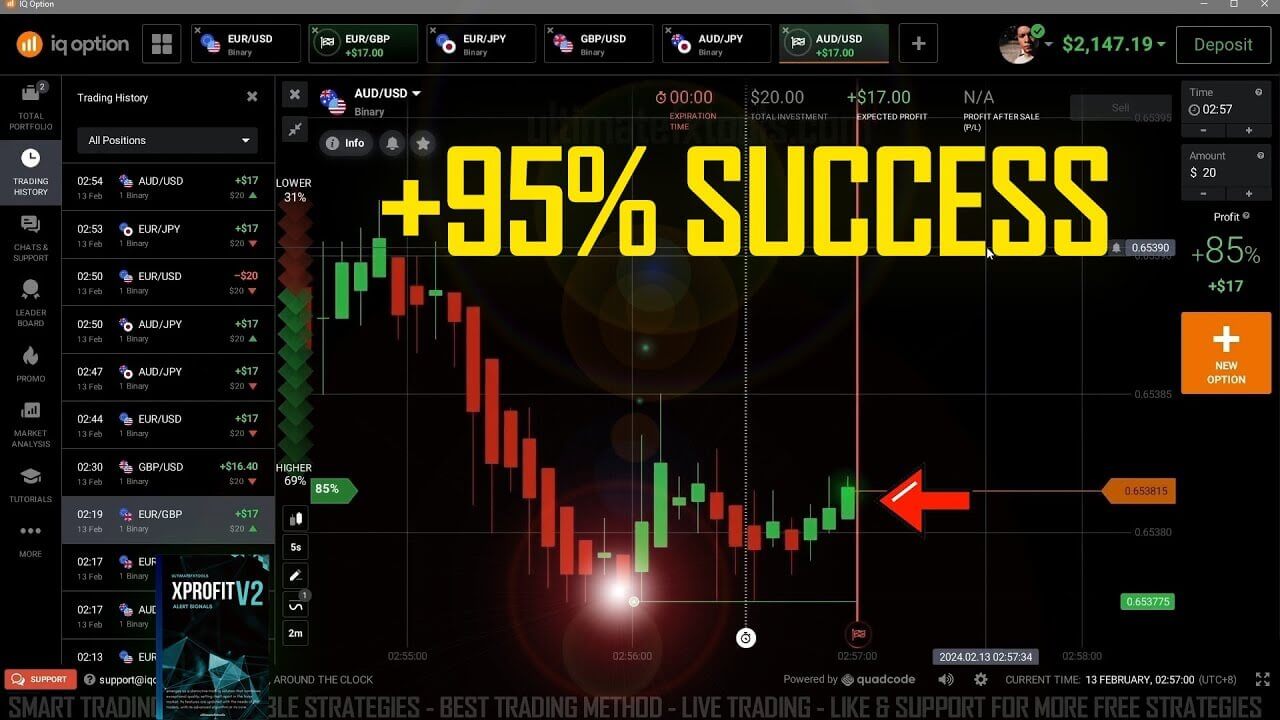
XProfit V2 watches short-term momentum and prints an arrow directly on the MetaTrader 4 chart: an up arrow marks a possible move higher, a down arrow a possible move lower. That is the whole message of the tool. It is not counting a percentage, scoring a probability, or promising a direction. It simply marks the bar where its momentum logic detected a shift worth a closer look. Everything after the arrow appears is your read of the chart context, and that read is what separates a considered trade from chasing every flash on the screen.
Setting Up the IQ Option Trading Environment
The setup keeps the chart clean so the arrow and the price action are easy to read inside a one-minute window:
- Candle time period: set the candle time period to 5 seconds so you can see rapid intrabar movement building toward the one-minute expiry.
- Heikin Ashi candles: switch to Heikin Ashi candles, which smooth the noise and make trends and possible reversals easier to see than standard candlesticks.
- XProfit V2 installed: make sure the enhanced XProfit V2 indicator is loaded in MetaTrader 4. Version 2 is tuned for spotting potential trend reversals, which is the behaviour this short-term method leans on.
How to Confirm a Signal
When MetaTrader 4 alerts you with an arrow, treat it as the start of a checklist, not a trigger to click. Confirm before you act:
- Read the context: is price trending or ranging? An up arrow that appears while price is grinding higher off a clear level is a very different thing from one that appears in the middle of a flat, directionless stretch.
- Look for a matching reversal pattern: the arrow is stronger when the Heikin Ashi candles show a genuine shift in colour and body size at the same time, rather than the arrow standing alone.
- Match the expiry to the read: if you read the alert on the one-minute chart, use a one-minute expiry so the trade and the signal are measuring the same window.
When the Setup Fails
No indicator removes losing trades, and XProfit is no exception. The alert misfires most often in choppy, sideways markets, where arrows print in both directions and none of them lead anywhere. It also struggles around scheduled news, when price gaps and whipsaws faster than a five-second candle can show a clean pattern. The honest answer to "why did that arrow fail?" is usually that the context did not support it and the trade was taken anyway. When the arrow and the surrounding price action disagree, or the market is flat, the correct move is to stand aside and wait for the next clean setup.
Risk Management First
Because a one-minute trade resolves so quickly, risk control is what keeps you trading with any consistency rather than blowing up in an afternoon. Stake a small, fixed fraction of your balance on each trade instead of increasing your stake after a loss. Never chase a losing trade by doubling the next one; that habit turns one bad read into a string of them. Cap how many trades you take in a session and set a daily loss limit you actually stop at. Practise the whole routine on an IQ Option demo account until the reads feel automatic before you commit real funds.
FAQ
Does the XProfit signal tell me the trade will win?
No. XProfit flags a momentum condition on the chart and prints an arrow. It does not predict outcomes and has no win rate, because the result of any one-minute trade is decided by the market. The arrow is decision support you confirm against the chart, never a guarantee.
What settings should I use for one-minute trades?
Set the candle time period to 5 seconds, switch to Heikin Ashi candles, and run the XProfit V2 indicator in MetaTrader 4. Read the arrow against the IQ Option chart and match your expiry to the timeframe you read the signal on.
Do I need to buy the indicator to try this?
You can study the method here for free. If you want the XProfit V2 indicator itself along with the rest of the library, it is included in the single $39 lifetime plan. For a related walkthrough, see IQ Option trading with the XProfit indicator and the broader IQ Option 1 minute strategy guide.
This content is for educational purposes only. Trading involves risk. Past results do not guarantee future outcomes. Always practice responsible money management and limit your daily trades to avoid large losses.