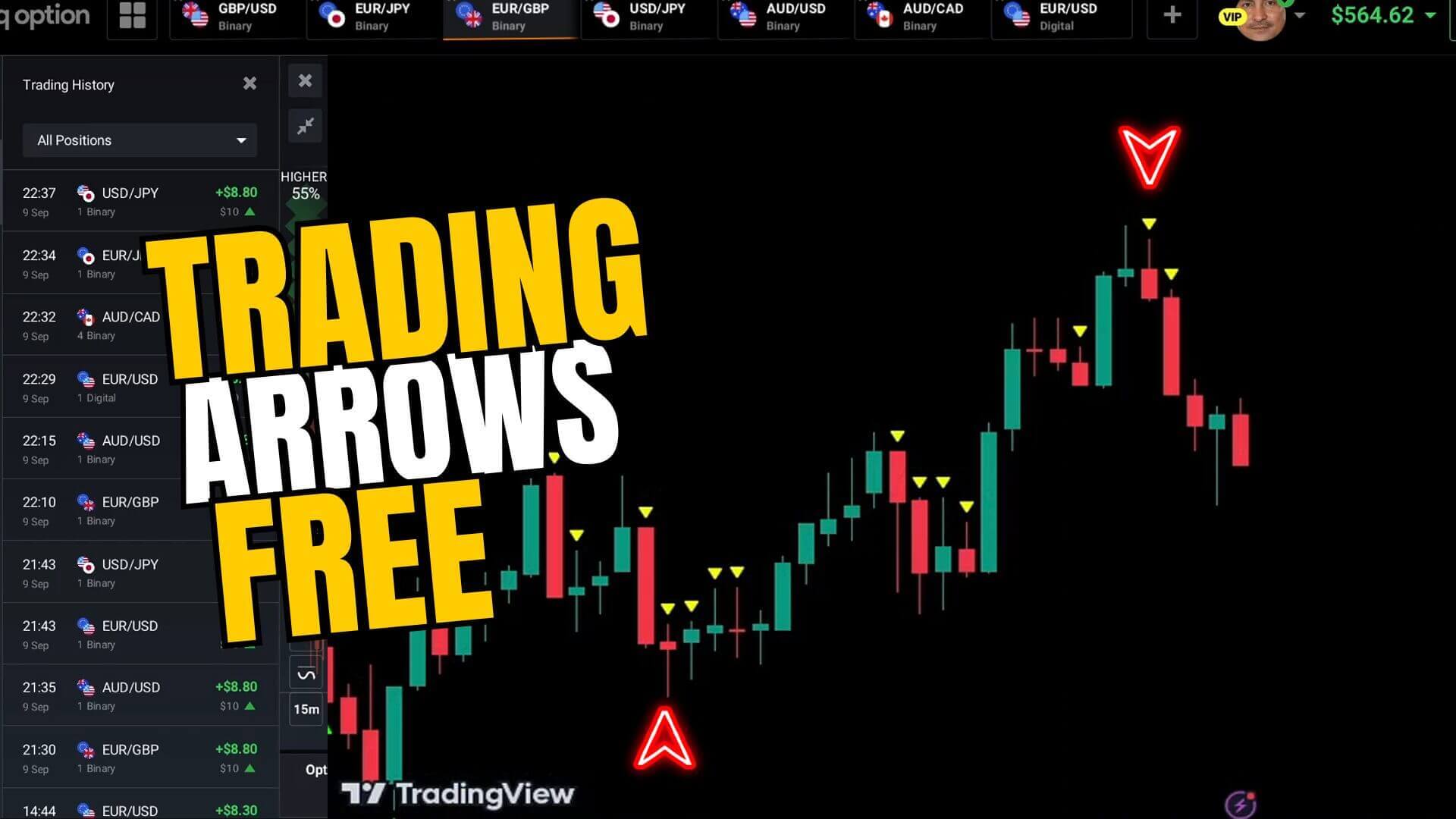
Arrow indicators are some of the most searched tools in binary options. On a TradingView chart an up or down arrow appears right on the candles and seems to tell you exactly when to click higher or lower on IQ Option. Before you trade one, though, you need to understand how they behave in real time, because the way many are built can make a great-looking chart very misleading.
What the Arrows Are Trying to Flag
A TradingView arrow indicator is a small script that watches price and momentum and marks bars where its rules say a short-term move may be starting. An up arrow suggests a possible move higher; a down arrow a possible move lower. TradingView is only the charting side: it plots the signal but does not connect to IQ Option, so you read the arrow on TradingView and then place the trade yourself on the matching pair in IQ Option. Treat every arrow as a prompt to look closer, not an instruction to trade.
The Repaint Problem You Must Understand
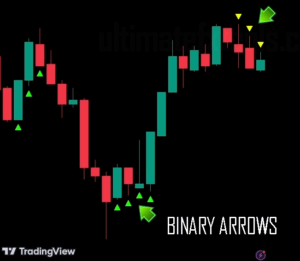
Here is the honest core point most arrow tutorials skip: many arrow indicators repaint. Repainting means an arrow can appear on the current candle, then move to a different bar or vanish completely as that candle finalizes. While the candle is still forming, the indicator is reacting to price that has not settled, so it draws a signal that may not survive to the close. When you scroll back through history every arrow looks well placed, because you only see the arrows that stuck; the ones that flickered and disappeared are gone. That is why a repainting arrow can look flawless in the past yet not have existed at the moment you would actually have traded it live. It is a side effect of how the script calculates, not always a scam, but it means a clean-looking history proves nothing.
How to Test an Arrow for Repainting
You can check any arrow indicator yourself in a few minutes:
- Load it on TradingView and watch the current candle form in real time on a demo, without trading.
- Note where an arrow appears while the candle is still open.
- Wait for that candle to close. If the arrow moved, disappeared, or a new one appeared, the tool repaints.
- Repeat across several candles and pairs. A tool that keeps signals steady after the close is more trustworthy than one that shuffles them.
The rule that follows: only act on arrows that belong to a closed candle. If a signal is still there once the bar is finished, it is real. If it only exists mid-candle, ignore it.
Setup and Settings
Keep the workflow simple so it holds up under a short expiry:
- Match the charts. Set your TradingView symbol and timeframe to the exact IQ Option pair and candle length you plan to trade.
- Use default sensitivity first. Turning sensitivity up produces more arrows but far more noise.
- Favour standard pairs. Liquid standard currency pairs behave more predictably than thin OTC symbols.
- Confirm, do not chase. Prefer an arrow that agrees with the visible trend rather than taking every single mark.
Because TradingView does not fire the trade for you, give yourself a moment: read the closed-candle arrow, check it against price structure, then place the position on the same pair in IQ Option. That pause is also your defence against a mid-candle flicker.
When It Fails, and Staying in Control
Arrows fail most often in flat, directionless markets, where the indicator flips on tiny wiggles, and around news, where price gaps through a signal. No arrow indicator removes losing trades, so the goal is steady, repeatable decisions rather than chasing every mark. Risk management keeps you trading: stake a small fixed fraction of your balance per trade, cap how many trades you take in a session, and stop once you hit a preset daily loss limit. If you ever read advice telling you to double your stake after a loss to win it back, treat it as a warning sign, not a strategy: that martingale doubling can wipe out an account in a single losing streak. Practise on an IQ Option demo until the reads feel automatic before you risk real money.
To compare approaches, see this IQ Option buy and sell arrow script, the timing-focused IQ Option 1 minute strategy, and a MACD-based confirmation method.
FAQ
Do all TradingView arrow indicators repaint?
No, but many do, and you cannot tell from the chart history alone. The only reliable check is to watch arrows form live on a demo and see whether they stay put after the candle closes.
Can the arrow trade on IQ Option automatically?
No. TradingView is charting only and does not connect to IQ Option. You read the signal on TradingView and place the trade manually on the matching pair in IQ Option, which is also your chance to confirm it first.
Where can I get arrow indicators and other tools?
You can build a chart with free scripts, or get the full library of indicators and strategies used across this site with a single $39 lifetime plan. Whatever you use, test it for repainting first.
This content is for educational purposes only. Trading involves risk. Past results do not guarantee future outcomes. Always practice responsible money management and limit your daily trades to avoid large losses.