Why AI Signals Needed a Browser Extension
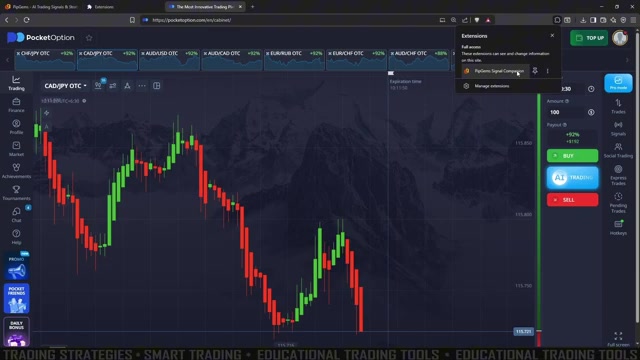
Every trader who uses AI trading signals knows the tab-switching problem. Your signal feed lives on one screen, your broker chart on another — and by the time you've flipped between them, a short-expiry entry window is already gone. PipGems solved this with the Signal Companion, a Chrome extension released in 2026 that overlays the entire signal workflow on the chart you're already watching.
Instead of watching pipgems.com in a second tab, the extension brings three tools onto the broker page itself: a live signal banner, the AI Chart Scanner, and a Log-a-Trade panel. Everything stays in sync with your PipGems account on the website and on your phone.
What the Extension Puts on Your Chart
1. Live Signal Banner
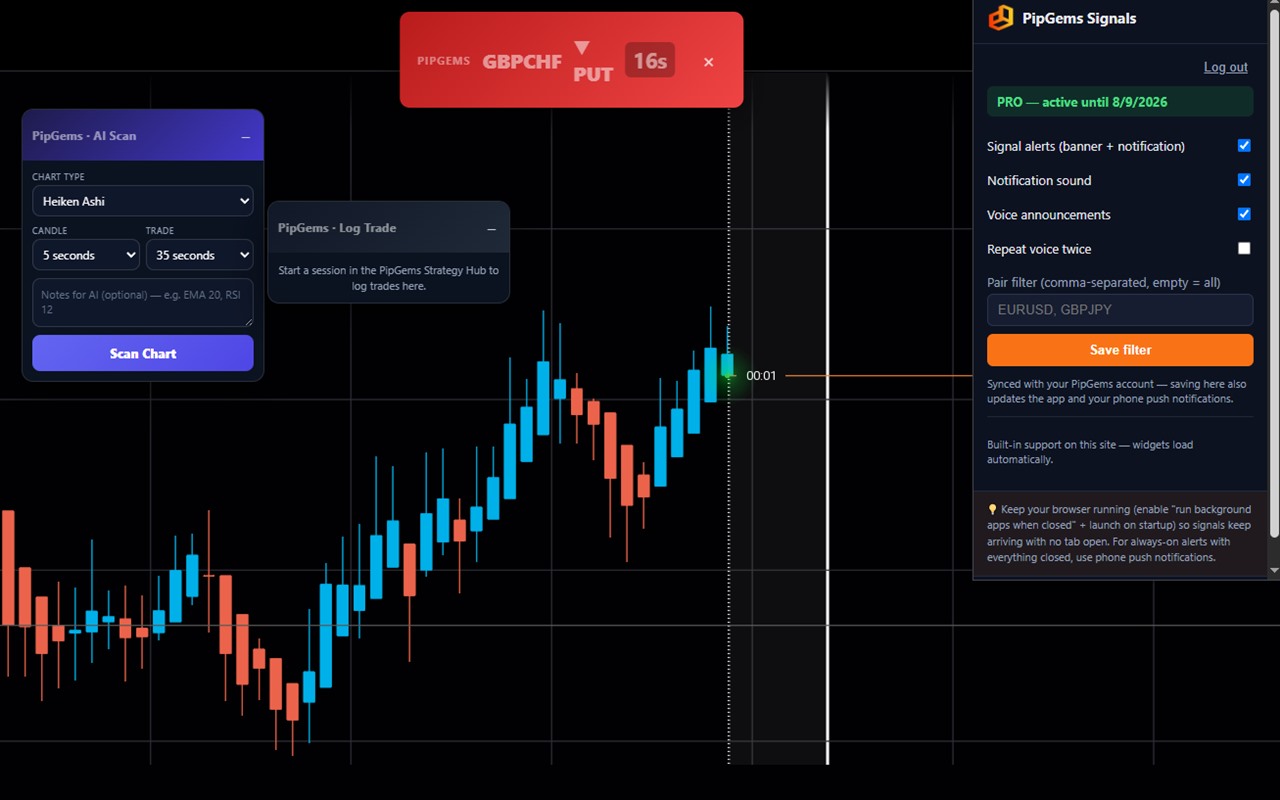
When a new AI signal fires, it appears as an overlay banner right on your chart — pair, direction, and countdown (for example GBPCHF PUT with the seconds remaining). It comes with a system notification, a ringtone, and an optional voice announcement so you catch signals even while looking at the candles. You can have the voice repeat each signal twice, and a pair filter lets you choose exactly which currency pairs are allowed to alert you (empty = all pairs).
2. AI Chart Scanner — Without Leaving the Tab
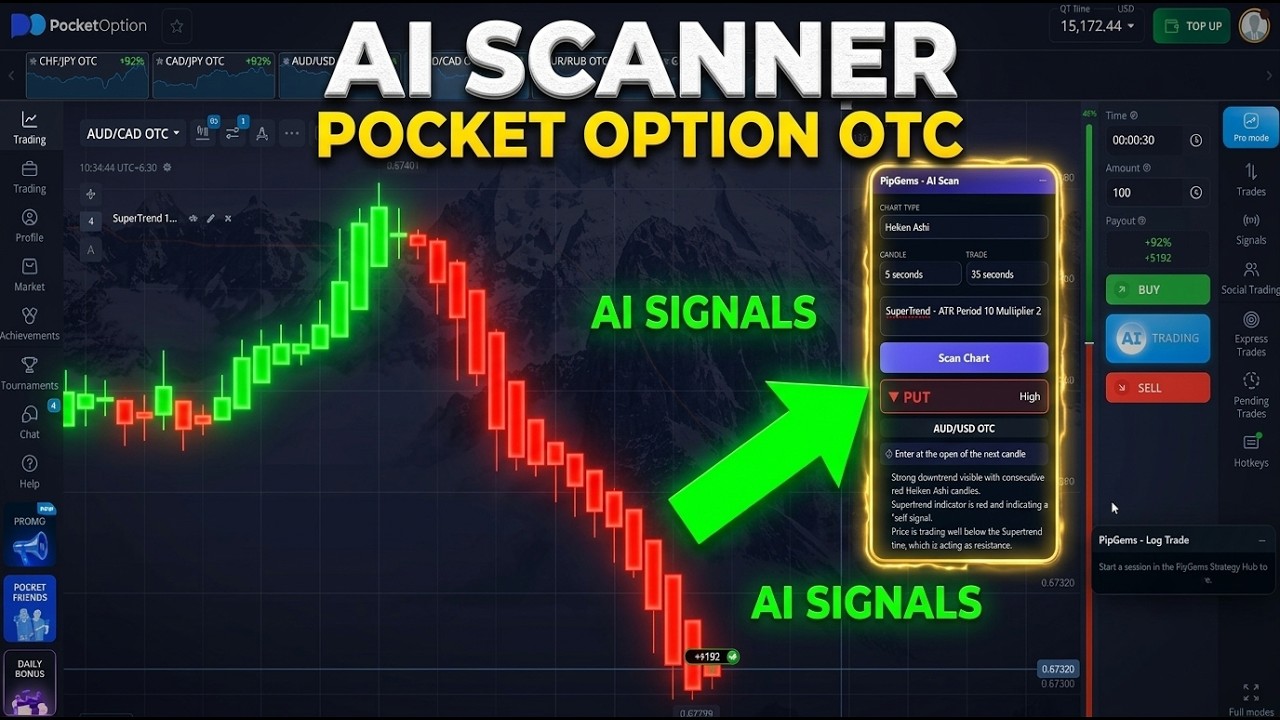
The same AI Chart Scanner used in our Pocket Option OTC tutorial is built into the extension. Set your chart type (e.g. Heiken Ashi), candle timeframe, and target trade duration, add optional notes about the indicators on your chart, and press Scan Chart — the AI analyzes your current chart and returns its read in place. No screenshots, no uploads, no second tab.
3. Log-a-Trade Panel
After each trade, one tap records the win or loss into your PipGems Strategy Hub. The panel shows your next stake, today's P/L, and balance — and because it syncs with the website and your phone, your risk-management plan follows you across devices. If you already use the Strategy Hub for session limits and stake plans, this closes the loop: signal → trade → logged, all on one screen.
How to Install and Set It Up
- Install PipGems Signal Companion from the Chrome Web Store and pin it to your toolbar.
- Log in with your PipGems account — signals and the scanner are available to active Pro subscribers.
- Open your broker chart; on supported sites the widgets load automatically.
- Turn on the alerts you want: signal banner + notification, notification sound, voice announcements.
- Optionally set the pair filter so only your traded pairs alert you, and save.
- For signals with no tab open at all, enable Chrome's "run background apps when closed" — or use PipGems phone push notifications for always-on alerts.
Display-Only by Design
One detail worth highlighting: the extension never clicks, fills, or automates anything on any website. It only displays information on top of the page — you place every trade yourself. That is the right design for a signal tool. It keeps you in full control of your money, and it means the extension works as an information layer on any broker chart rather than a bot that can misfire.
How It Fits Your AI Signals Workflow
We've tested PipGems AI signals across the major platforms, and the extension slots straight into those routines:
- Pocket Option: the full scanner setup on OTC markets — now without leaving the trading tab.
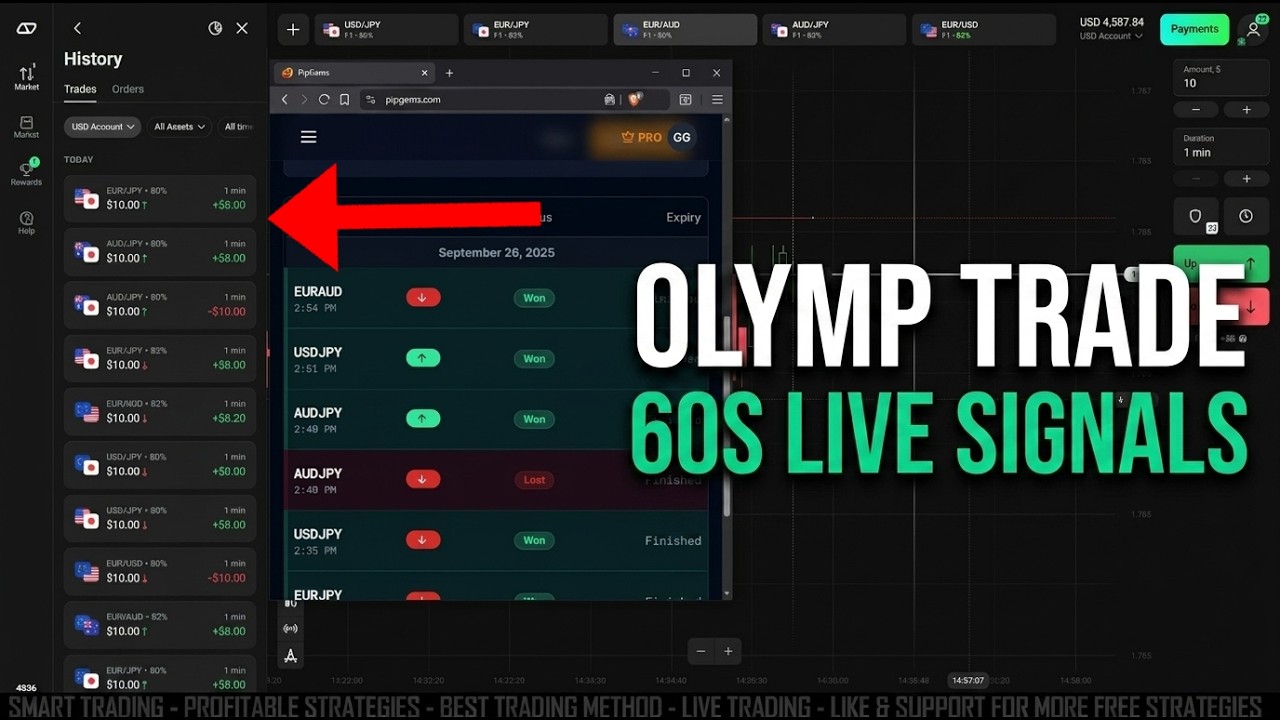
- Olymp Trade: the 60-second signal strategy gets faster when the banner appears on the chart itself.
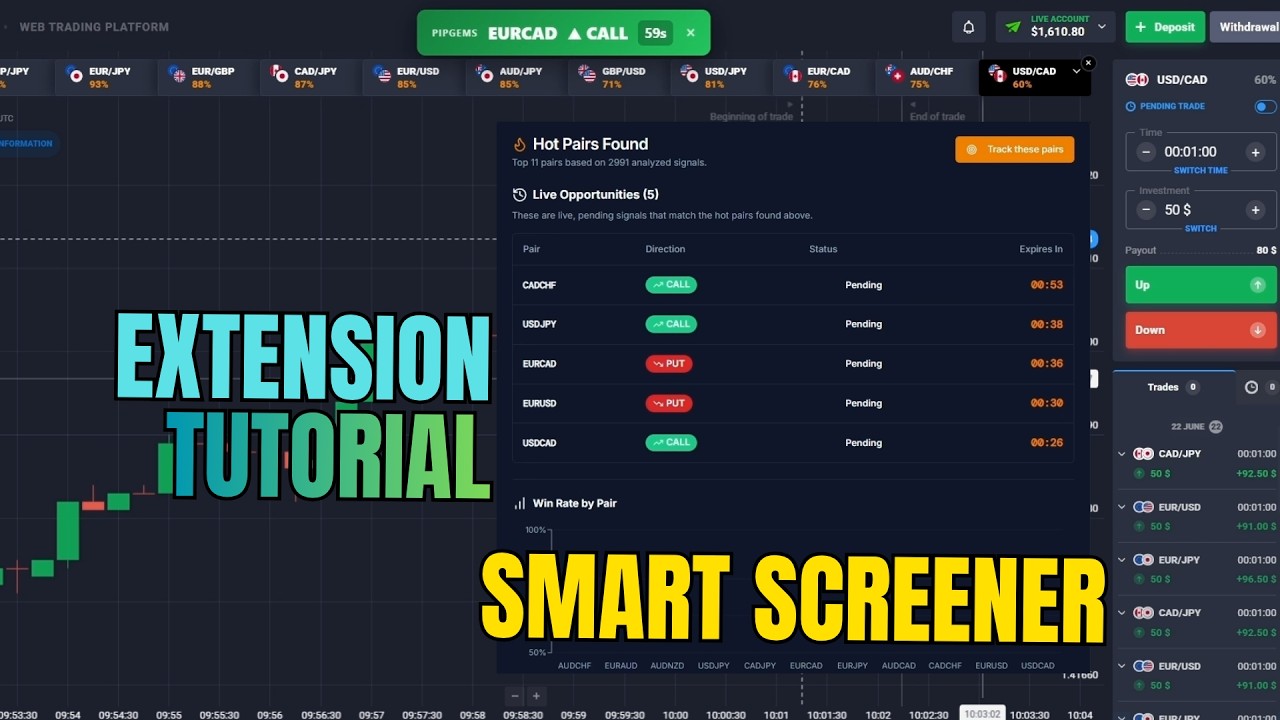
- Quotex: pairs well with the AI Smart Screener tutorial for choosing which pairs to filter.
The routine stays the same everywhere: wait for a signal, confirm the last candles agree with the direction, place the trade with a fixed stake, then log the result with one tap.
The Verdict
The Signal Companion earns a 4 out of 5. It removes the biggest friction in signal trading — the tab switch — and the built-in trade logging quietly enforces the discipline most traders skip. The display-only design is a genuine plus for trust. The main limitations: it requires a PipGems Pro subscription, and it's Chrome-only for now. If you already trade with PipGems signals, this is the obvious way to run them.
#PipGems #SignalCompanion #AITradingSignals #ChromeExtension #AISignals #BinaryOptions #TradingTools #RiskManagement
This content is for educational purposes only and is not financial advice. Trading involves substantial risk; you can lose some or all of your capital. Signals and AI analyses are informational tools — no result is guaranteed and past performance does not indicate future results. Trade only what you can afford to lose.