Trading Pocket Option with Binary Sniper Pro Version 5
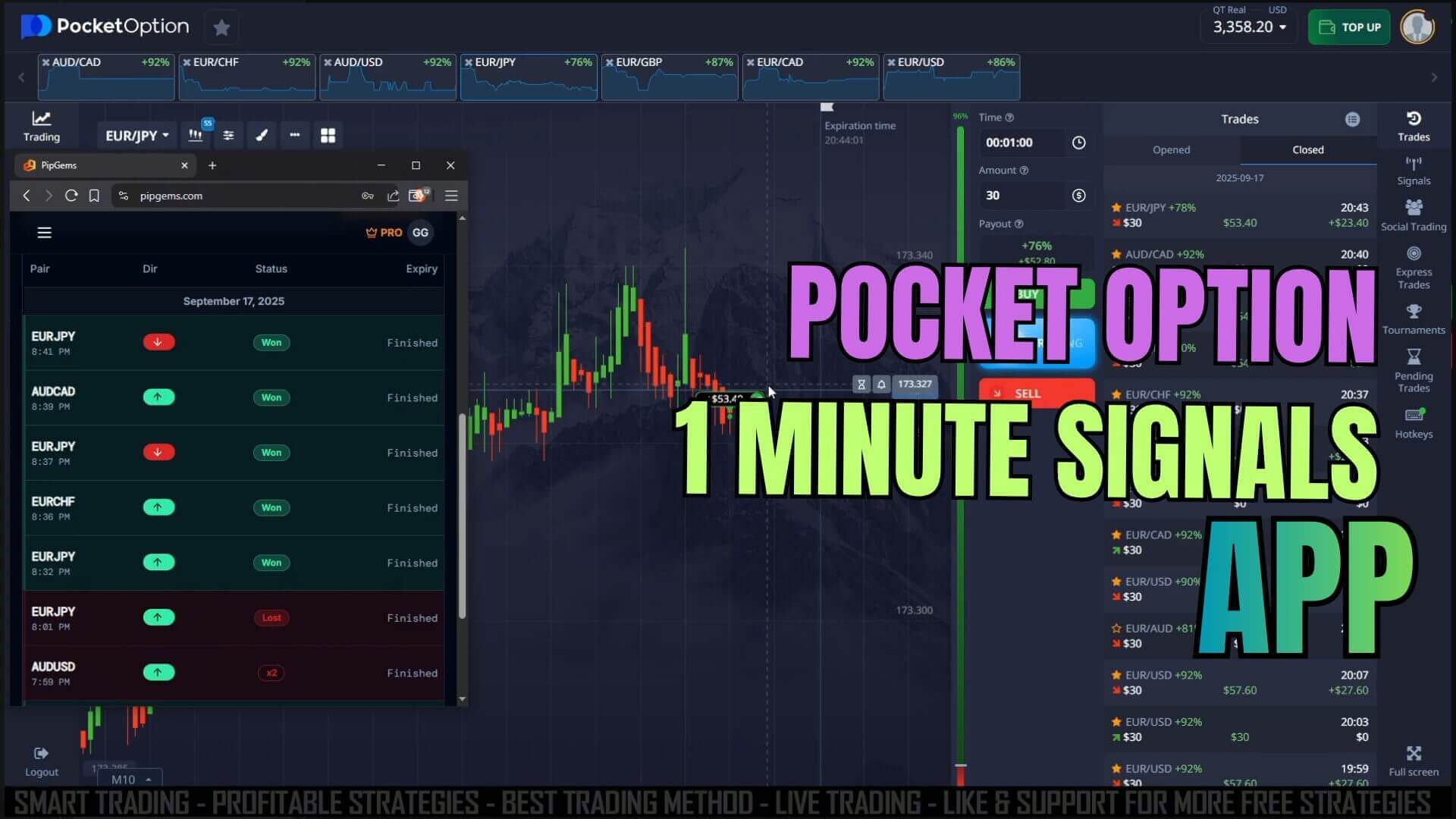
Pocket Option is a fixed-time trading platform: you pick a direction, set an expiry, and the position closes when the timer ends. On short expiries there is little time to analyse a chart from scratch, so many traders lean on a visual system to flag moments worth a closer look. Binary Sniper Pro Version 5 is one of those systems, built by UltimateFXTools to run on the MetaTrader 5 chart and print clear buy and sell alerts on the pairs you follow. Read this first: Sniper Pro V5 flags a condition, it does not predict the outcome of a trade. It has no win rate and cannot know where price will be when your expiry closes; it is a starting point for your own analysis.
What Sniper Pro V5 Actually Flags
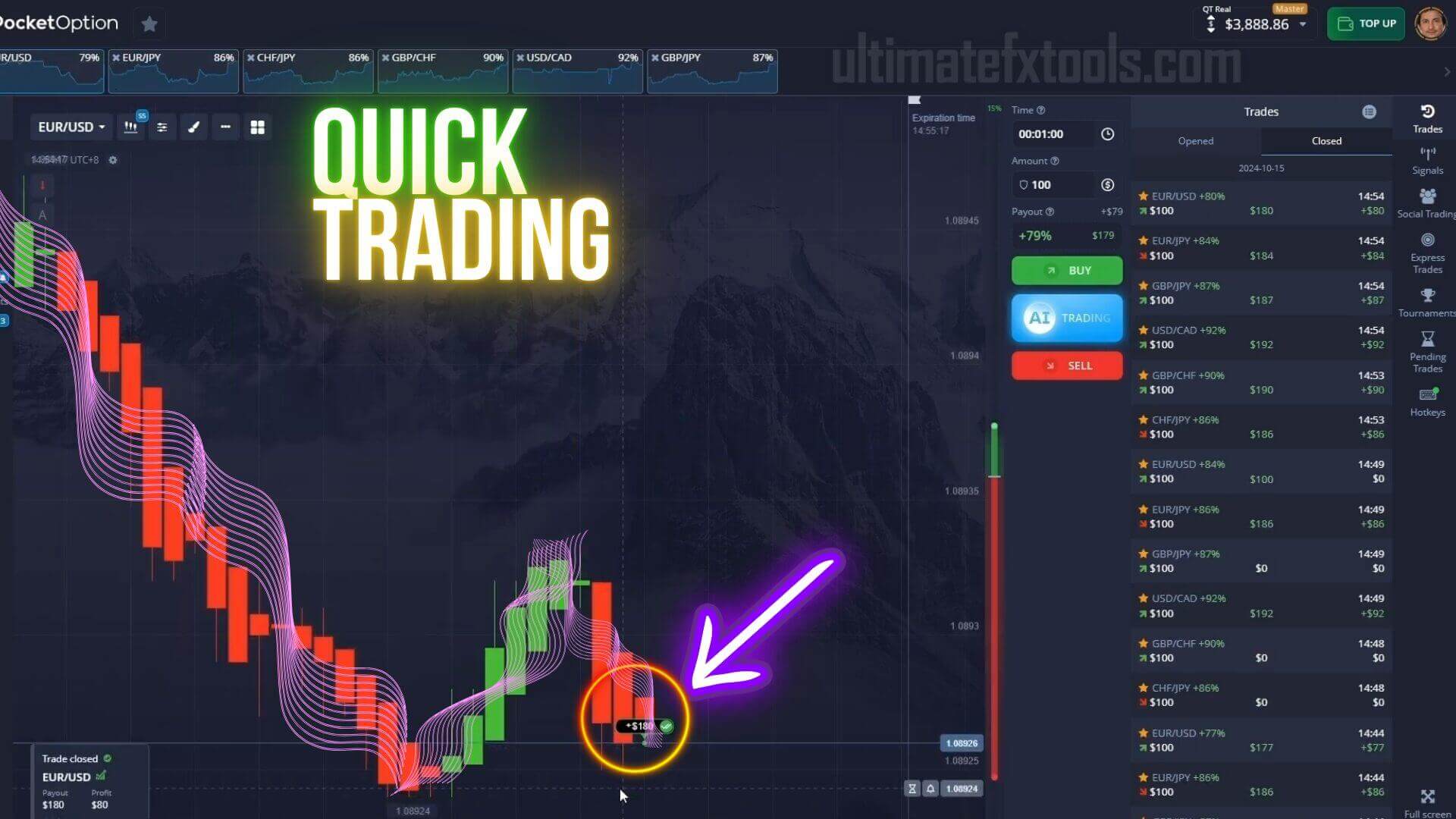
Sniper Pro V5 watches short-term momentum on the MetaTrader 5 chart and prints an arrow when price behaviour matches its internal rules: an up arrow suggests momentum is turning higher, a down arrow lower. It can also push a buy or sell alert on the pair you follow, for example a sell on CHF/JPY or a buy on GBP/CHF. That alert is a prompt to look at the chart, not an instruction to click; it is your job to decide whether the wider context supports acting on it.
How to Confirm a Signal Before You Trade
An arrow on its own is weak evidence, and confirmation is what separates a considered entry from a reflex click. Before acting on a Sniper Pro V5 alert, check:
- Trend agreement: does the arrow point with the recent direction of the chart, or against it? Signals that line up with the prevailing move tend to be cleaner.
- Key levels: is price near an obvious support or resistance zone that could stall the move? An up arrow right under heavy resistance is a reason to wait.
- Candle structure: let the signal candle finish forming. A half-formed candle can change shape completely by the time it closes.
- Session and pair: stick to liquid pairs during active hours. Thin, quiet markets produce more misleading alerts.
If the arrow and the surrounding context disagree, stand aside. Skipping weak setups is the single biggest thing you can do to trade with more consistency.
Setup and Recommended Settings
Install Sniper Pro V5 by copying the indicator into the MetaTrader 5 MQL5 Indicators folder, restarting the terminal, and dragging it onto a clean chart. Keep the setup simple so alerts stay readable under a short expiry:
- Sensitivity: leave it on the default so arrows appear on meaningful momentum turns, not every small wiggle. Raising it produces more arrows but far more noise.
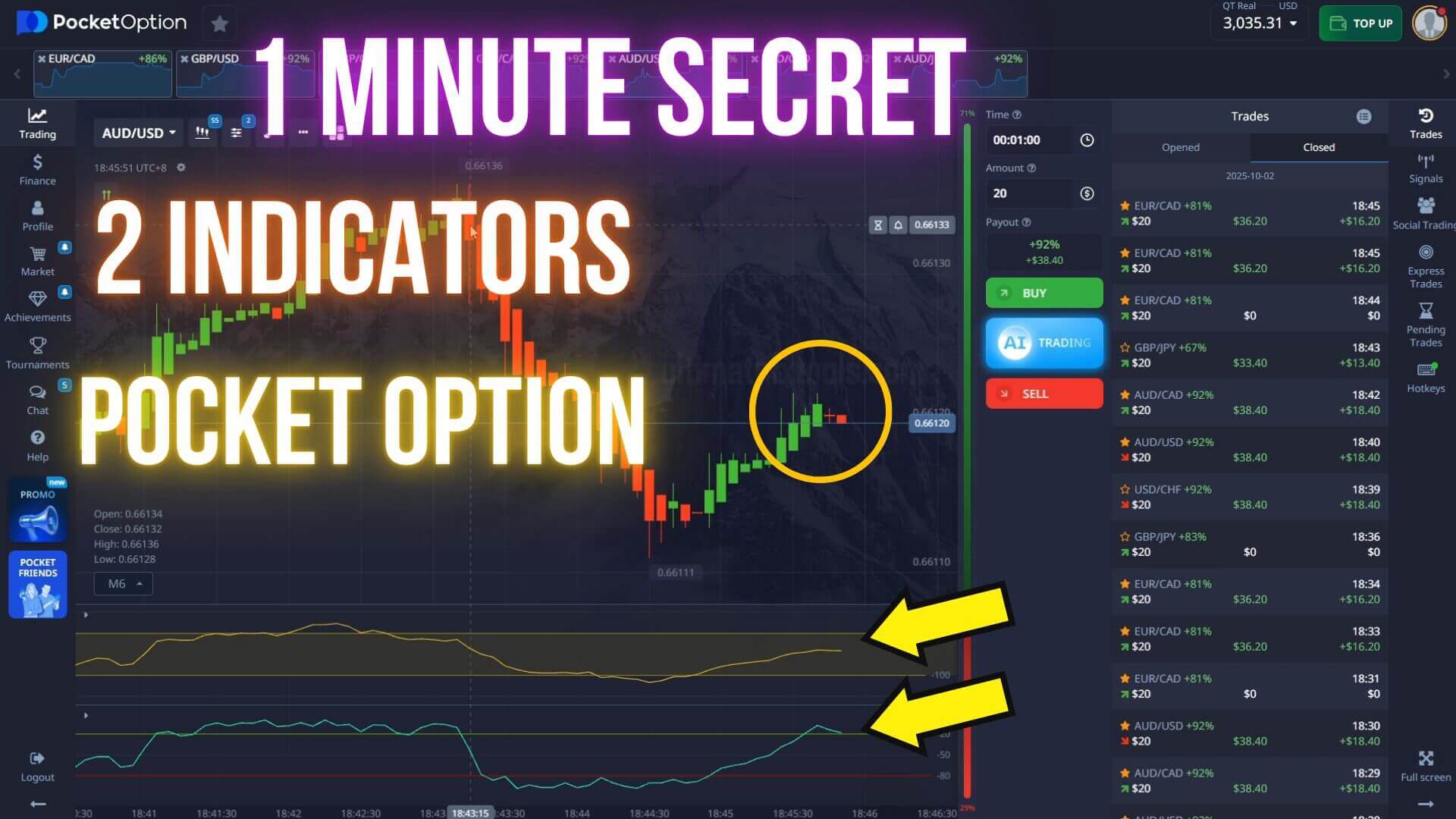
- Timeframe and expiry: read the signal on the one- or two-minute chart and match your Pocket Option expiry to it. In choppy markets, the two-minute reading filters out weaker alerts.
- Watchlist: follow a small handful of pairs you know well rather than scanning the whole board.
- Alerts: turn on the pop-up or push alert, but always confirm on the chart before entering.
Entry Logic and When It Fails
The workflow is plain: wait for the arrow, confirm the trend and levels agree, let the signal candle close, then place a buy or sell position with an expiry that matches your timeframe. When the checks do not line up, you pass. Sniper Pro V5 struggles where every momentum tool struggles: sideways, range-bound markets trigger arrows that reverse almost immediately, and news spikes can invalidate a setup in seconds. No indicator removes losing trades, so plan for them. Risk a small, fixed fraction of your balance per trade, cap how many trades you take in a session, and stop for the day once you hit a preset loss limit. Never try to recover a loss by doubling your stake on the next trade — that martingale approach can wipe an account in a short losing streak, and no signal makes it safe. Practise the whole routine on a Pocket Option demo account until the reads feel automatic before you commit real money.
FAQ
Does Binary Sniper Pro V5 guarantee winning trades?
No. Sniper Pro V5 flags a momentum condition and prints an alert; it does not predict outcomes and has no win rate. Losing trades are a normal part of fixed-time trading. Your risk management and your own confirmation of each setup are what matter, not any single arrow.
Which platforms can I use it on?
The signals are generated in MetaTrader 5 and read against the Pocket Option chart. The same read-and-confirm approach also works on other fixed-time trading platforms such as IQ Option, Quotex and Expert Option. Sniper Pro V5 is one of the 100+ tools included with the single $39 lifetime plan.
What timeframe works best for quick trades?
The one-minute chart with a matching one-minute expiry is the core quick-trade setup. In choppier conditions, the two-minute chart and expiry help filter out weaker alerts. Match the expiry to the timeframe you read the signal on.
See how the same system is applied elsewhere: Sniper Pro alerts for Pocket Option mobile trading and this Sniper Pro strategy optimized for 1-minute trades on Pocket Option.
This content is for educational purposes only. Trading involves risk. Past results do not guarantee future outcomes. Always practice responsible money management and limit your daily trades to avoid large losses.