Pip Gems for Pocket Option: The Truth About 1-Minute Trading Signals
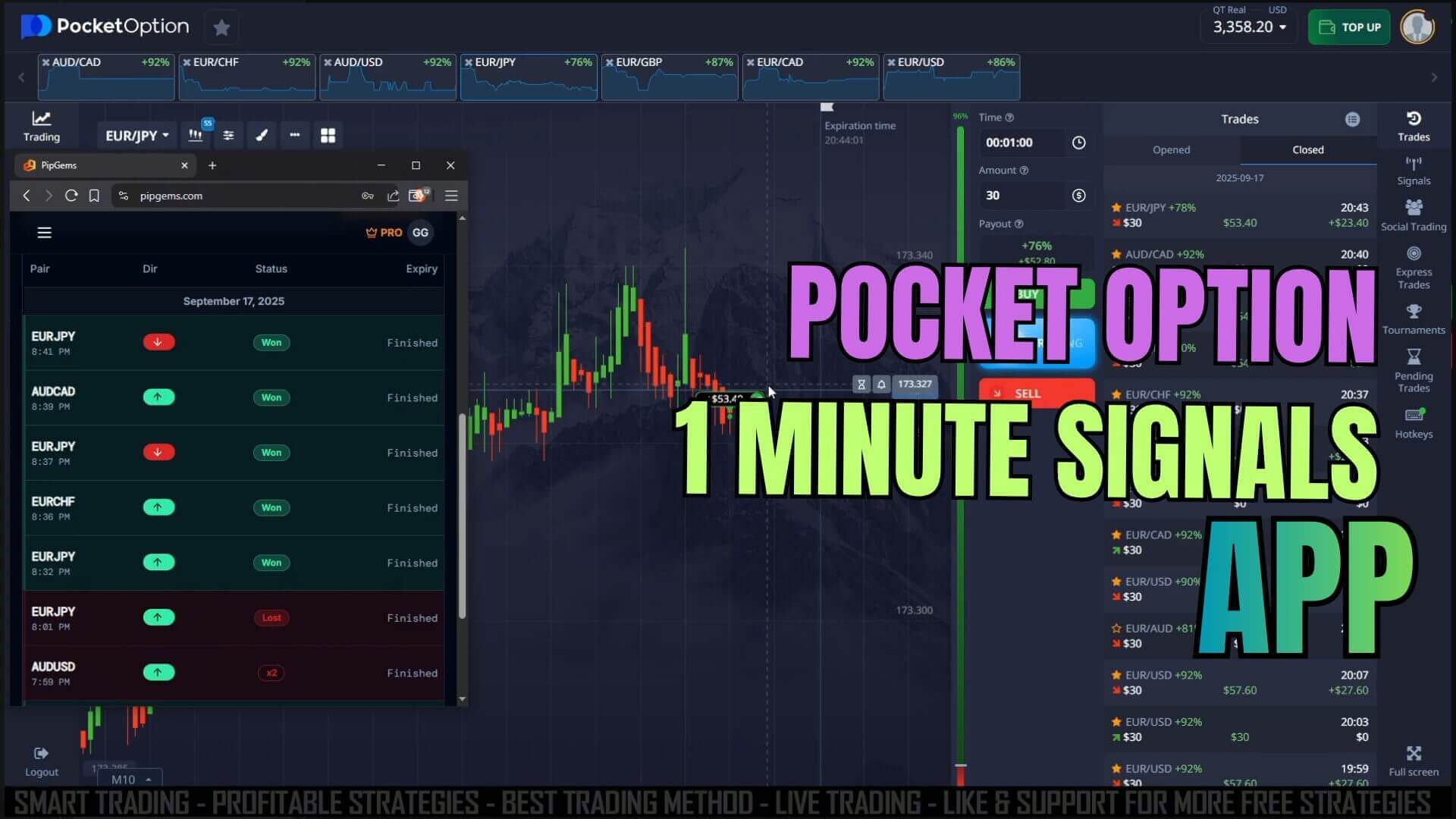
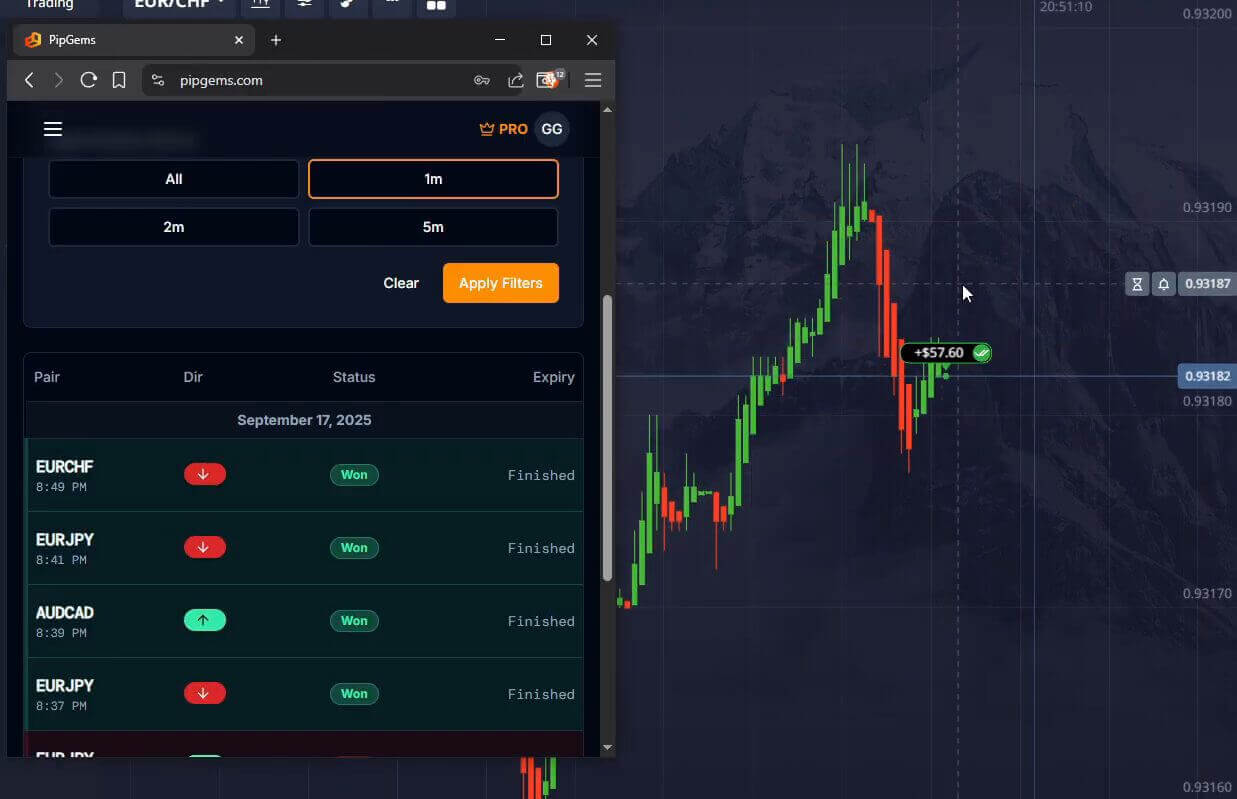
PipGems is an AI trading-signals app hosted here on UltimateFXTools. It scans major currency pairs and pushes buy and sell alerts to your phone, which makes it a natural fit for fast 1-minute trades on Pocket Option. The idea is simple: instead of staring at a chart waiting for a setup, you let the app flag a potential entry and then decide whether to act on it.
It is worth being honest about what a signals app can and cannot do. PipGems is decision support, not a promise of a winning trade. No app can see the future, and short 1-minute expiries are fast and noisy. Used the right way, PipGems helps you spot potential entries quickly and keeps your process consistent. Used carelessly, it just helps you place bad trades faster. The sections below walk through how to use it with discipline.
How the App Delivers Signals
PipGems watches a set of popular forex pairs and generates a CALL (buy) or PUT (sell) alert when its logic detects a short-term setup. The alert arrives as a push notification, so you do not need to keep the app open on-screen the whole session. Each signal names the pair and the direction, and the newer PipGems Signal Companion Chrome extension can place those alerts directly on your trading chart with on-screen banners. For a full walkthrough of the scanner running on this platform, see the PipGems AI Signal Scanner on Pocket Option OTC guide.
Because the alerts are built for short durations, they can come in quick bursts during active market hours. Treat them as prompts to check the chart, not as automatic orders. You stay in control of every entry.
Placing a 1-Minute Trade on Pocket Option
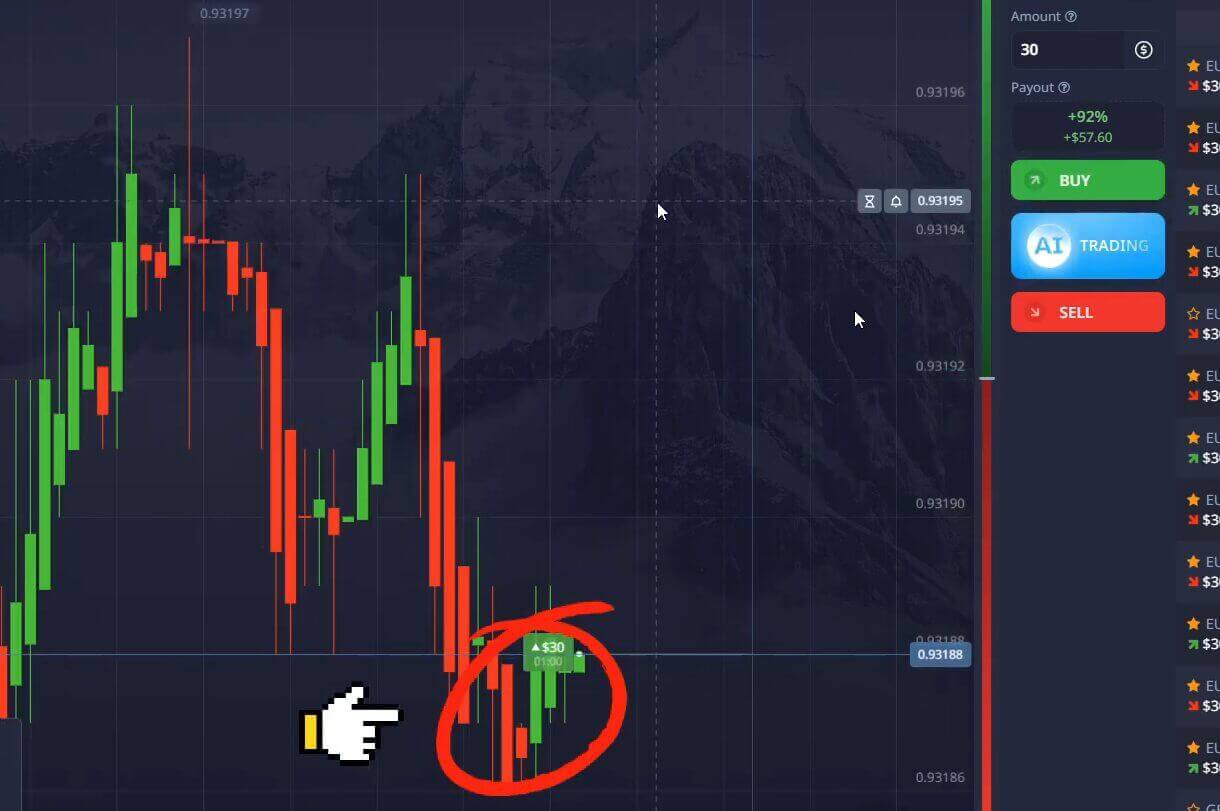
Once a signal fires, the mechanics on Pocket Option are straightforward. Open the pair named in the alert, set the expiry to 1 minute, choose your fixed stake, and then click Higher for a CALL or Lower for a PUT to match the signal direction. Speed matters on a 1-minute trade, so it helps to have the pair and stake set up before you expect signals, so all that is left is a single confirming click.
Keep your stake the same on every trade rather than increasing it after a loss. A consistent stake keeps your results readable and stops one impulsive entry from doing outsized damage to your balance.
Confirming a Signal Before You Enter
The traders who get the most out of PipGems do not take every alert blindly. A quick confirmation step filters out the weaker setups. Before you enter, glance at the chart and ask whether the wider trend agrees with the signal direction, whether price is stalling at an obvious support or resistance level, and whether the current candle is behaving normally rather than spiking on thin news. If the signal and the chart disagree, it is perfectly fine to skip the trade. Sitting out a doubtful setup is a valid decision, and the next alert will not be far behind.
Confirmation also means trading when conditions suit the tool. Signals during active sessions on major pairs tend to be cleaner than those during quiet hours when price drifts sideways.
Risk Management for 1-Minute Trades
Fast trading rewards a calm, rules-based approach. Risk only a small fixed portion of your balance per trade, commonly one to two percent, so a normal run of losing trades cannot wipe you out. Set a daily limit for both the number of trades and the total amount you are willing to risk, and stop for the day once you hit it. A short trading journal that records the pair, the signal, and the outcome will show you over time which conditions the app reads best. For a deeper routine, the Pocket Option risk trading guide and the PipGems Strategy Hub risk management app both cover session controls and money management in more detail.
PipGems works best as a trading assistant rather than an autopilot. Paired with your own chart reading and steady money management, it can be a useful part of a 1-minute Pocket Option routine. You can access PipGems and the full toolset through the pricing page.
FAQ
Are PipGems signals guaranteed to win?
No. No trading signal is guaranteed, and PipGems does not claim to be. The app is decision support that highlights possible entries. Some signals work out and some do not, so you should always confirm with your own chart analysis and manage your risk on every trade.
What is the best timeframe for these signals?
PipGems signals are designed for short durations, and a 1-minute expiry on Pocket Option is a common match. Cleaner reads tend to come on major pairs during active market sessions. Whichever expiry you choose, keep it consistent so you can judge how the signals perform for you.
Is PipGems free or paid?
You can explore PipGems on this site, and full access to the app along with the wider indicator and strategy library is included in the one-time UltimateFXTools membership on the pricing page. There is no recurring subscription.
1 Minute Pocket Option Pipgems Signal
This content is for educational purposes only. Trading involves risk. Past results do not guarantee future outcomes. Always practice responsible money management and limit your daily trades to avoid large losses.