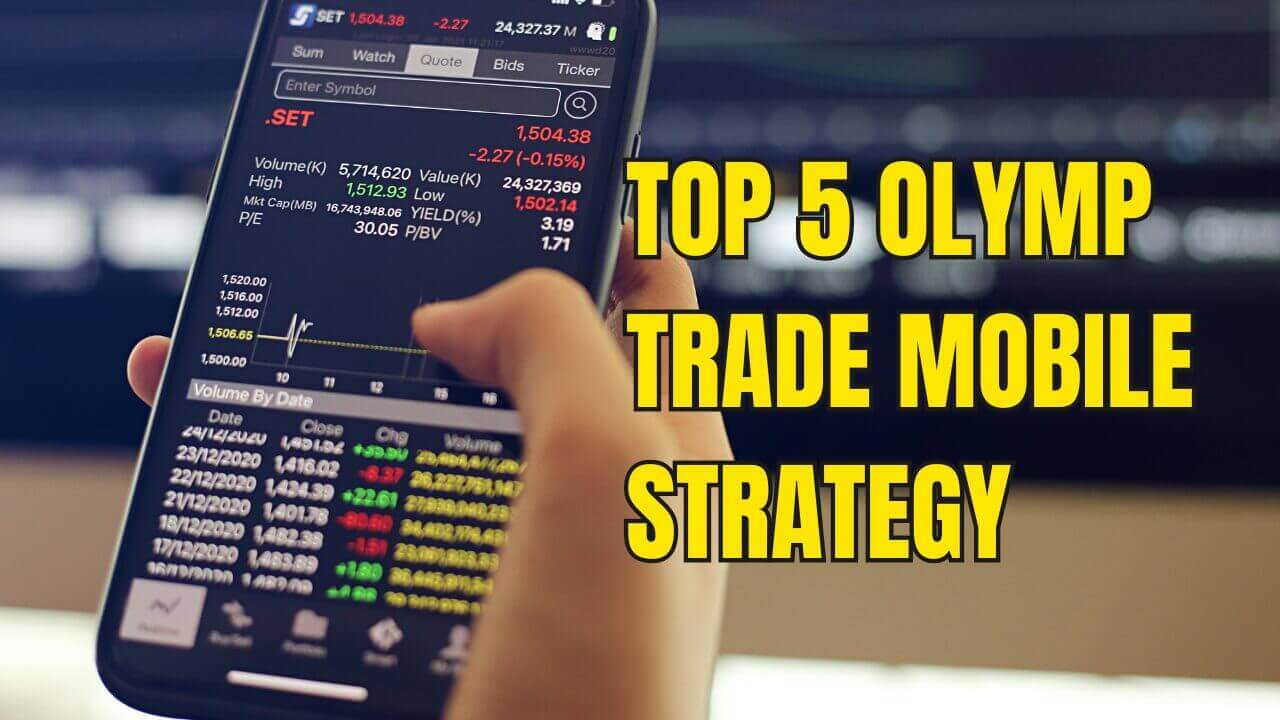
Top 5 Olymp Trade Mobile Strategy
Trading from your phone should feel effortless. The Olymp Trade mobile app runs the same charting engine as the desktop version, but the smaller screen rewards simplicity over clutter. The five setups below were chosen because each one leans on just one or two built-in indicators, loads quickly, and can be read at a glance while you are on the move. They are quick to learn, easy to apply with your thumbs, and friendly to newer traders who want a clear plan rather than a screen full of noise.
Keep your charts clean, size every position sensibly, and let these mobile-friendly methods guide your decisions. Below you will find five numbered strategies, each built around indicators you can add directly inside the app in a few taps.
1. Two-EMA Crossover
The simplest trend method on the app uses two Exponential Moving Averages, such as a fast 5 and a slower 12. When the fast EMA crosses above the slow EMA you look for upward continuation; when it crosses below you look for the opposite. On a phone this is ideal because the crossing point is easy to spot without zooming in. For a full walkthrough of the settings, see our Only 2 EMA Olymp Trade guide.
2. Parabolic SAR Reversals
Parabolic SAR plots a single trail of dots above or below price, which makes it one of the cleanest indicators for a small display. A flip of the dots from above to below can signal a turn to the upside, while a flip in the other direction hints at a move down. Wait for the dot to close on the opposite side of the candle before acting, and avoid choppy sideways ranges. Our Parabolic SAR reversals walkthrough covers the 1-minute approach in detail.
3. Alligator Trend Rider
The Alligator uses three smoothed moving average lines that fan apart when a trend is underway and weave together when the market rests. On mobile you simply follow the direction the lines open toward and stay out while they are tangled. This keeps you aligned with momentum and away from flat, unrewarding periods. See the 30-second Alligator mobile method for a short-timeframe version.
4. Bollinger Bands Bounce
Bollinger Bands wrap price inside an upper and lower boundary based on volatility. A common mobile approach is to watch for price to stretch to the outer band and then curl back toward the middle line, which can point to a short reversal. Because the bands are a single overlay, they read cleanly on a phone and need no extra windows. Our best indicator guide breaks down the Bollinger settings step by step.
5. RSI With EMA Confirmation
This pairing puts the RSI oscillator underneath the chart alongside a single EMA on price. When RSI leaves the oversold zone while price holds above the EMA, it supports an upside idea; the mirror case supports a downside one. Using one oscillator plus one overlay keeps the layout light enough for a phone screen. For more mobile-first ideas, browse our Olymp Trade mobile trading overview.
Setting Up Olymp Trade on Mobile
Adding indicators in the app takes only a few taps. Open a chart, tap the indicators icon, choose the tool you want such as EMA, Parabolic SAR, Alligator, Bollinger Bands, or RSI, and adjust the period values before applying it. Stick to one or two indicators at a time so the chart stays readable on a small display.
Keep your charts clean by removing tools you are not actively using, and switch your phone to landscape orientation for a wider view of price action. A tidy layout helps you spot each signal faster and reduces the chance of a rushed tap. Take time to practice on a demo balance until the setup feels natural before committing real funds.
FAQ
Can you use custom indicators on the app?
The mobile app supports the platform's own built-in indicators, which is why every strategy here relies on those tools. Custom MT4 and MT5 indicators cannot be loaded into the Olymp Trade app itself; those require the desktop MetaTrader terminal, where you can install external files. On your phone, focus on the native indicators the app already provides.
What is the best timeframe for mobile trading?
Newer traders often find the 1-minute and 5-minute charts a comfortable balance, giving signals frequent enough to practice while still leaving time to think before each entry. Very fast timeframes like 5 seconds move quickly and suit more experienced users. Match the timeframe to your own reaction speed and comfort level.
Are these strategies free, or do I need to pay?
Every method on this page uses standard built-in indicators, so you can apply them at no cost inside the app. If you later want our full toolkit of 100+ indicators and strategy files for MT4 and MT5, we offer a one-time lifetime package on our pricing page. There is no subscription and the choice is entirely yours.
This content is for educational purposes only. Trading involves risk. Past results do not guarantee future outcomes. Always practice responsible money management and limit your daily trades to avoid large losses.