Best 2 Minute Strategy for Olymp Trade
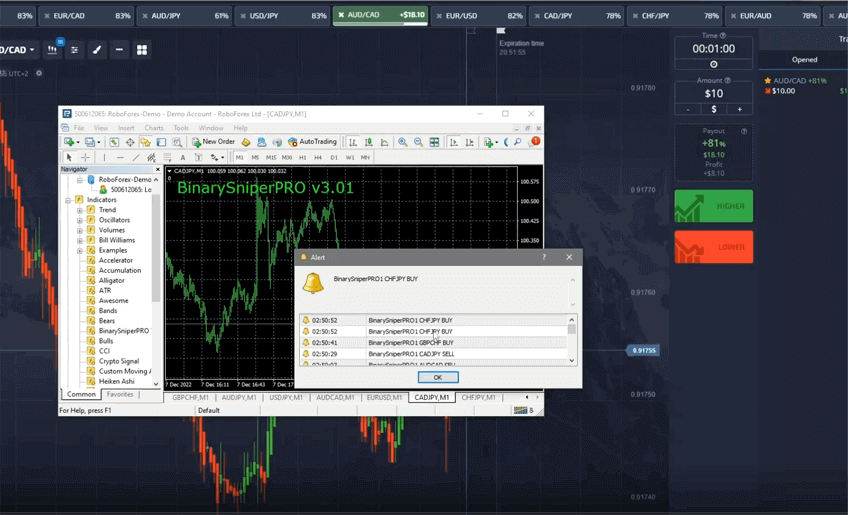
The 2-minute binary (fixed-time) strategy is built around a single tool: the Binary Sniper Pro alert indicator. The idea is simple. Instead of stacking a dozen studies on your chart, you rely on one arrow-based signal engine that reads momentum and trend direction, then waits for a clean setup before it prints a buy or sell arrow. Because each trade is opened for a fixed two-minute window, you never have to manage a stop-loss or watch the position tick by tick. You place the trade when the arrow appears, the expiry does the rest, and you move on to the next setup.
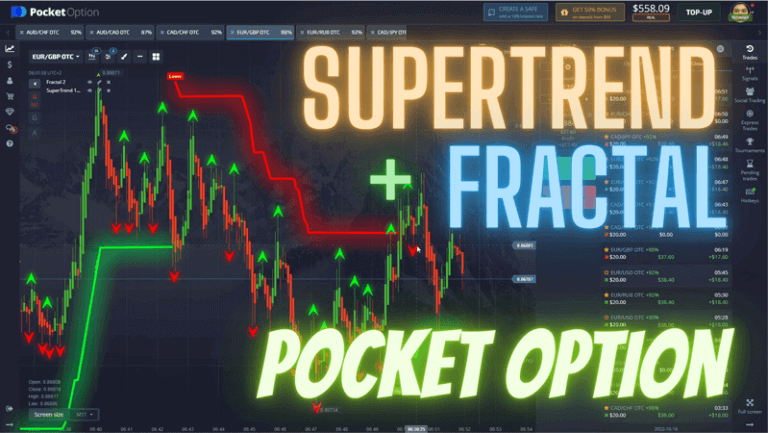
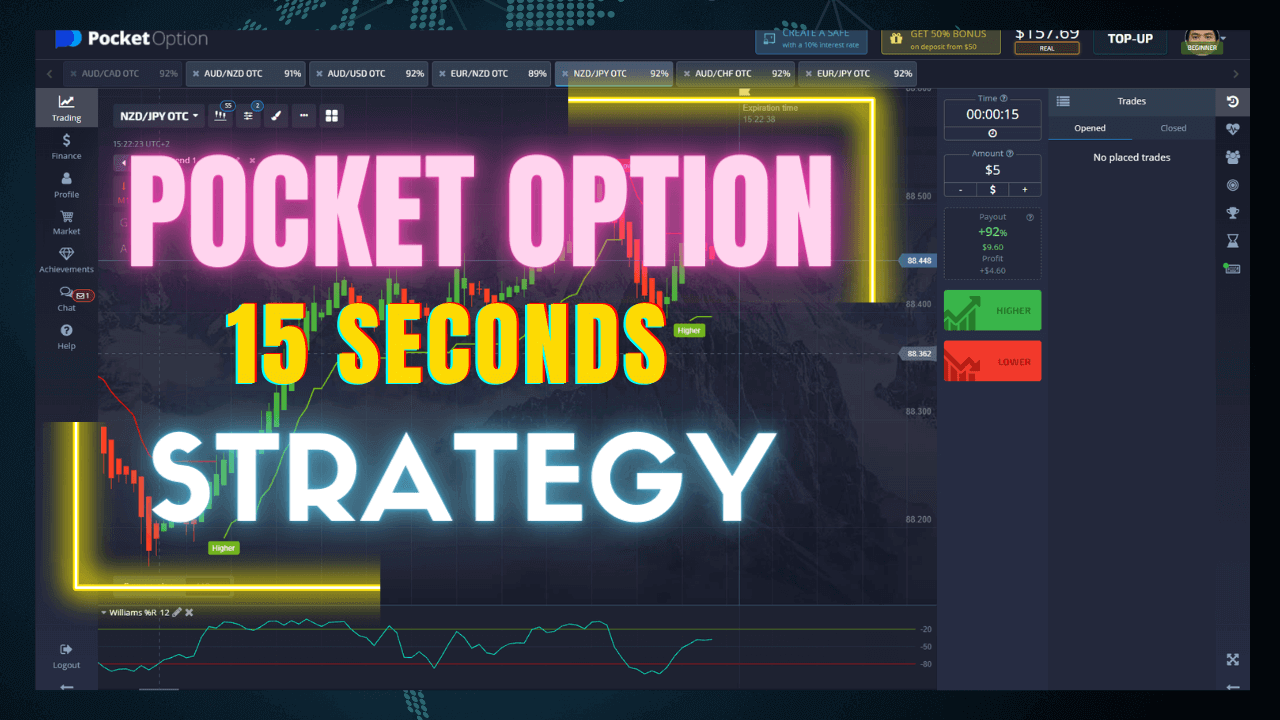
A 2-minute expiry sits in a useful middle ground. Fifteen- and thirty-second trades react to almost every candle wick, so a single burst of noise can flip the result. Longer five- or ten-minute expiries force you to wait through slow drift and news gaps. Two minutes is long enough for a genuine short-term move to develop after the Sniper Pro arrow, yet short enough that you can take several setups in a normal session. It pairs well with Pocket Option, Olymp Trade, and similar fixed-time platforms, all of which offer a two-minute expiry button.
How the 2-Minute Sniper Pro Strategy Works
Binary Sniper Pro watches for the moment when short-term momentum aligns with the underlying trend. It filters out the sideways chop that usually traps fast-expiry traders and only marks the chart when the conditions it tracks line up. When a fresh signal forms, an arrow appears at the close of the signal candle along with an on-screen and sound alert, so you do not have to stare at the screen waiting. Your job is not to predict the market by eye. Your job is to wait for the arrow, confirm the wider trend agrees with it, and place a two-minute trade in that direction. Skipping signals that fight the trend is what keeps this approach consistent rather than frantic.
Indicator Settings
Load Binary Sniper Pro on a 1-minute chart and keep the default sensitivity so the arrows are not repainting on every wick. Turn the pop-up and sound alerts on so you catch each signal, and enable the trend filter if your version includes one. Trade a handful of clean major pairs such as EUR/USD or GBP/USD during active market hours, and add one or two OTC pairs only if you trade weekends. Avoid crowding the chart with extra oscillators. The whole point of this setup is that one well-configured indicator makes the decision, and adding conflicting studies usually causes hesitation, not clarity.
Call (Buy) and Put (Sell) Rules
For a call / buy trade, wait for an up arrow to print below the candle while the recent price structure is making higher lows. Enter a two-minute call as the next candle opens. For a put / sell trade, wait for a down arrow above the candle while price is making lower highs, then enter a two-minute put on the next candle open. If an arrow appears in the middle of flat, boxed-in price, treat it as a skip. One clean signal that agrees with the trend is worth more than three signals taken in choppy conditions. If you want a slower variation of the same logic, compare it with the Olymp Trade 1-minute strategy or the momentum-based Pocket Option Super Trend strategy.
Best Timeframe, Expiry and Risk
Use a 1-minute chart with a fixed 2-minute expiry so each signal candle maps to a single trade. Trade during the London and New York sessions when the majors actually move, and step away when spreads widen or major news is due. On risk: decide a fixed stake per trade before you start, keep it to a small share of your balance, and set a firm daily limit on the number of trades. Fixed-time trading is unforgiving of tilt, so a short, disciplined session beats chasing losses. Practice the entries on a demo account until the arrow-plus-trend routine is automatic, then move to a live account with the smallest stake your platform allows. If you want every indicator used here plus the rest of the library, the $39 lifetime access covers it in one payment.
FAQ
Which indicator does the 2-minute strategy use?
It uses the Binary Sniper Pro alert indicator on a 1-minute chart. It prints an arrow with a pop-up and sound alert when momentum lines up with the trend, and you enter a two-minute trade in the arrow's direction.
Why choose a 2-minute expiry instead of 30 seconds?
A 2-minute window gives a short-term move enough room to develop after the signal, while very fast expiries react to almost every wick. Two minutes filters out much of that noise yet still lets you take several setups per session.
Can I run this on Pocket Option and Olymp Trade?
Yes. The signal is generated on your MT4 or MT5 chart, then you place the fixed-time trade on the platform of your choice. Pocket Option, Olymp Trade, and most fixed-time platforms offer a 2-minute expiry button.
This content is for educational purposes only. Trading involves risk. Past results do not guarantee future outcomes. Always practice responsible money management and limit your daily trades to avoid large losses.