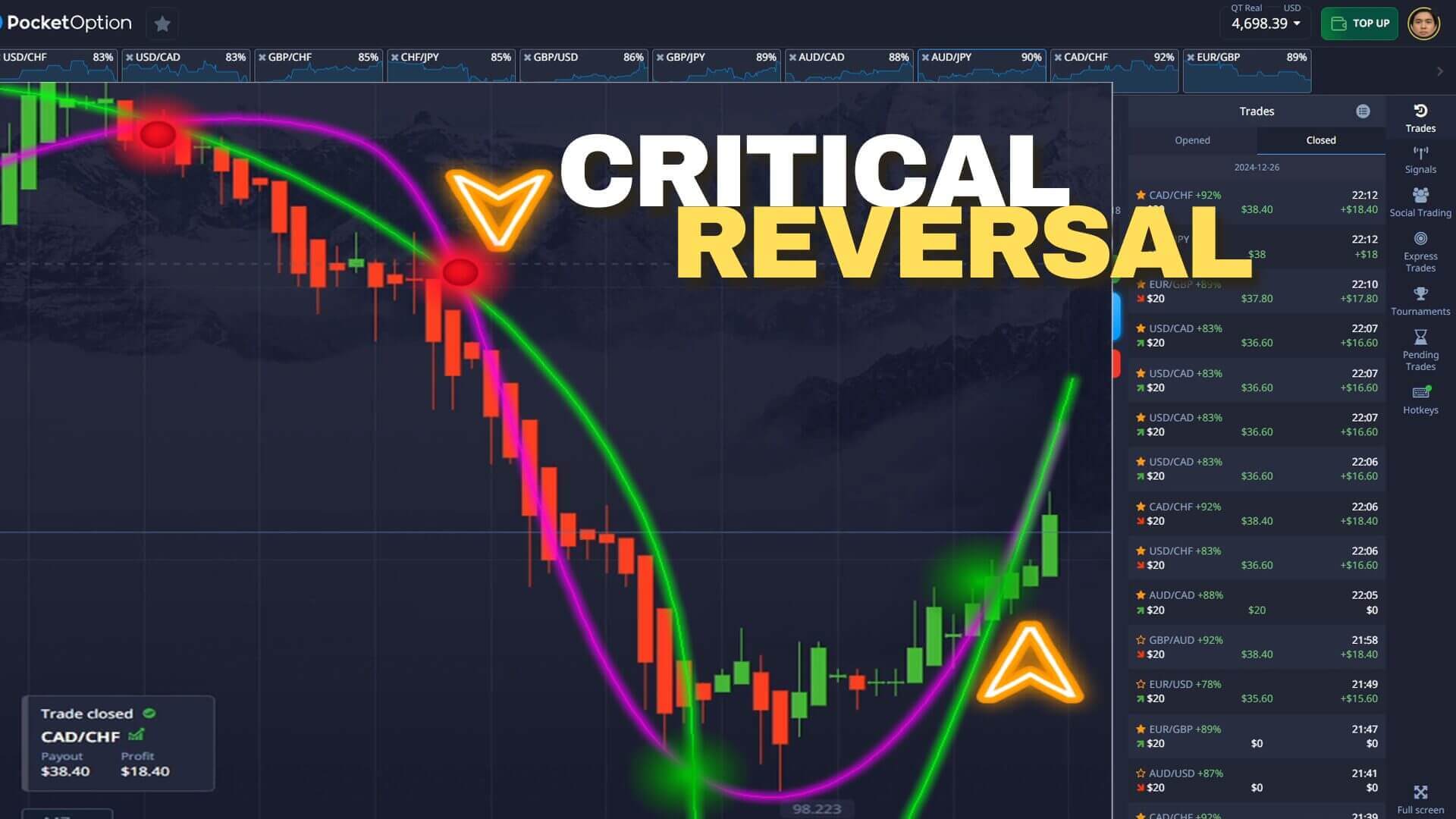
Forex Critical Reversal Strategy
A reversal is a moment when price stops moving in one direction and turns to move in the other. But reversals are where most short-term traders get caught: price often pauses, tempts you into an early entry, then continues in the original trend. The "critical" part of this method is learning to tell a real turn from a temporary hesitation. On Pocket Option and other binary platforms, where each trade closes on a fixed expiry, that distinction is the whole game.
This guide uses the Sniper Pro indicator plotted in MetaTrader 4 as the alert source, with the trend and the chart level used as confirmation. Read this first: a signal is decision support, not a promise. An alert flags a moment worth your attention; you still confirm the context and manage the risk on every single trade.
What the Signal Measures
Sniper Pro watches for short-term momentum exhaustion — the point where the current push runs out of steam — and prints a popup alert plus an arrow on the MetaTrader chart. An up arrow points to a possible move higher, a down arrow to a possible move lower. Because Pocket Option runs on its own chart, the workflow is to read the alert in MetaTrader on the matching pair and time it against the Pocket Option candle. The indicator is good at spotting where momentum is fading, but it cannot know whether that fade is a genuine reversal or just a breather inside a stronger trend. That judgement is yours, which is why filtering matters more than reacting.
The Setup and Recommended Settings
Keep Sniper Pro on its default sensitivity so arrows appear only on meaningful momentum turns rather than on every small wiggle. Add a simple trend reference — a 50-period moving average or the recent swing highs and lows — so you can see at a glance whether an alert is fighting the dominant direction. Trade a few liquid pairs you know well rather than the whole watchlist, and let each candle fully form before you act. For the fast Pocket Option style, a one-minute chart with a one-minute expiry matches what Sniper Pro is designed to catch; in choppy conditions, stepping up to a two-minute read cuts down on weak alerts.
Entry Rules: Buy / Call and Sell / Put
The rules are deliberately simple so they can be applied calmly inside a short window:
- Call (buy / up): Sniper Pro prints an up arrow at or just below a tested support level, price shows a rejection candle off that level, and the alert is not fighting a strong fresh down-move. A turn that happens at a level you can point to is far more trustworthy than one that appears mid-slide.
- Put (sell / down): Sniper Pro prints a down arrow at or just under a tested resistance level, price fails to push higher, and momentum is rolling over rather than accelerating up.
- Stand aside: the arrow appears in open space with no level nearby, or price is trending hard with no sign of stalling. When an alert argues against an obvious trend and there is no level to lean on, let the chart resolve before committing.

When the Reversal Fails
Most apparent reversals fail, and it helps to expect that up front. The classic trap is the mid-trend alert: price is falling, momentum flickers, an up arrow prints, you take the call — and the downtrend simply resumes after a one-candle pause. The defence is confirmation and location: wait for a rejection candle to close, and only trade turns at a level the market has already reacted to. Just as important is what you risk: never enlarge a stake to "win back" a loss. Chasing losses with bigger trades is the fastest way to empty an account, so stake a small, fixed fraction of your balance on every trade, cap how many trades you take per session, and stop for the day at a preset loss limit. No indicator removes losing trades; the aim is steady, repeatable decisions, and you should practise the rules on a demo account until the reads feel automatic before risking real funds. For related approaches, see Pocket Option burst trading, the Sniper Pro 5 quick-trading method, and this two-indicator Pocket Option strategy.
FAQ
Is a Sniper Pro reversal alert a signal to trade immediately?
No. The alert marks a possible turn, not a confirmed one. Wait for a rejection or confirmation candle to close and check that the signal is happening at a tested level before you act. Alerts that fire mid-trend, away from any level, are the ones most likely to fail.
What timeframe and expiry work best for this method?
The one-minute chart with a one-minute expiry is the core setup because it matches the short-term momentum turns Sniper Pro is built to catch. In choppier markets, a two-minute read can help filter weak alerts. Match the expiry to the timeframe you read the signal on.
Where can I get the Sniper Pro indicator?
Sniper Pro is included with every indicator on the site under a single $39 lifetime plan. It runs on MetaTrader 4 and the alerts can be read against Pocket Option, Quotex, IQ Option and other binary platforms.
This content is for educational purposes only. Trading involves risk. Past results do not guarantee future outcomes. Always practice responsible money management and limit your daily trades to avoid large losses.