Ultimatefxtools Scanner
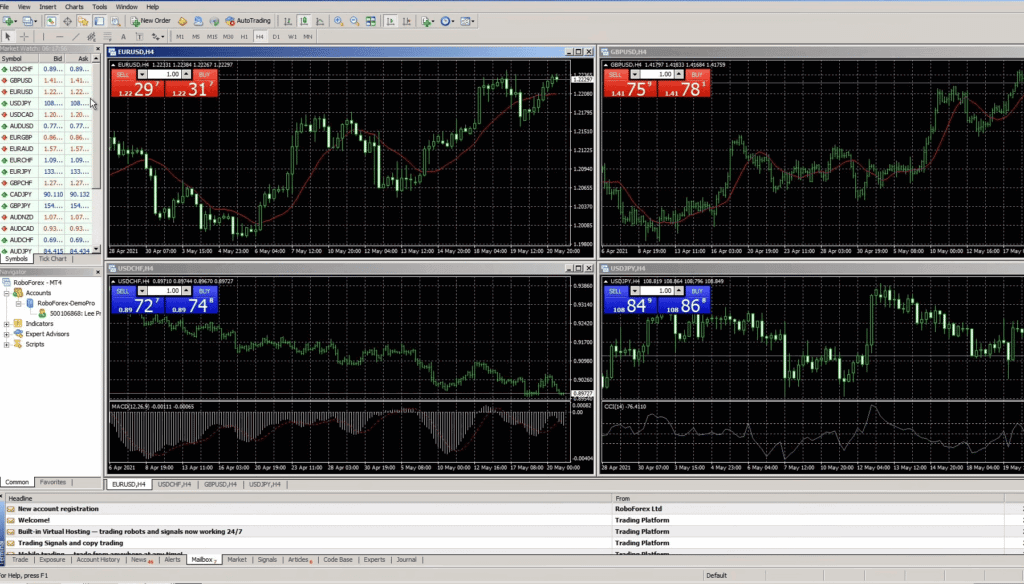
A scanner is a screening tool. Instead of flipping through one chart at a time, it watches many currency pairs and timeframes at once and flags every one that meets a condition you have defined. The UltimateFXTools scanner does exactly that for binary options traders: it sweeps a watchlist inside MetaTrader, checks each pair against a set of rules, and surfaces the few that match — so you are not clicking through dozens of charts by hand. Read this first: a scanner hit is a starting point, not a trade signal. It tells you a condition is present on a chart right now; it does not predict what price will do next. Every candidate still needs your own confirmation before you act on it.
What a Scanner Actually Screens For
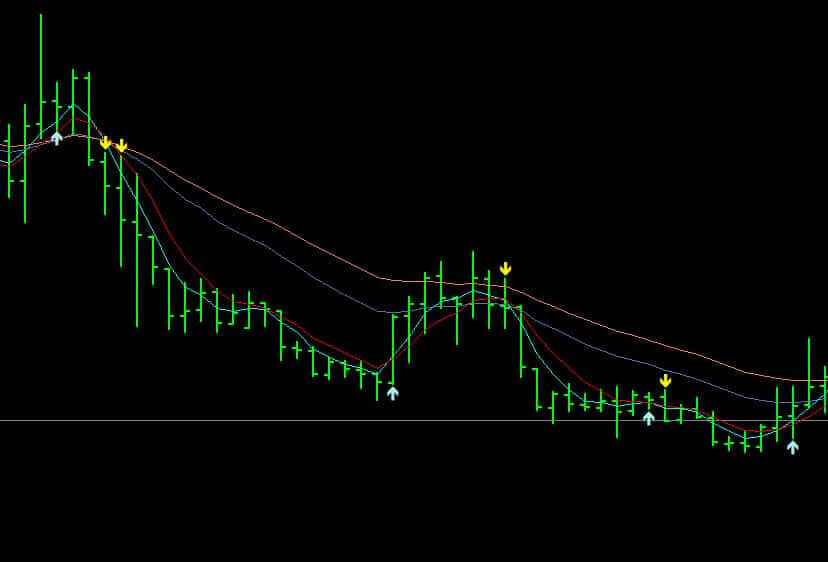
A scanner does not have an opinion about the market — it only checks whether the rules you gave it are true or false on each pair. Typical conditions it can screen for include moving-average alignment (for example a faster average crossing a slower one), a fresh momentum turn or arrow print, an oscillator reaching an overbought or oversold level, or price arriving at a recent support or resistance zone. On the UltimateFXTools FX Scanner the core condition is built around a set of moving averages plus an arrow system, so it flags pairs where those elements line up. The key word throughout is condition: the scanner reports a state that exists, not a forecast of what happens next.
How to Read the Output
The output is a shortlist. For each pair that passes the rules you typically see the symbol, the timeframe, and which condition triggered. Treat that list as candidates to investigate, in rough priority order — not as a queue of trades to place. There is an honest trade-off here: the looser you set the rules, the more pairs match, and more alerts means more noise. A scanner that lights up constantly is not helping; it is just moving the filtering work from the chart to your inbox. Tighter conditions return fewer, cleaner candidates. Start strict, and only loosen the rules if the shortlist keeps coming up empty.
How to Confirm a Candidate
Confirmation is the step that turns a scanner hit into a decision, and it is the step most people skip. Open the flagged chart and check three things by eye. First, trend and context: is the wider trend agreeing with the setup, or is the pair chopping sideways with no clear direction? Second, the candle: let the current candle fully close before you read anything into it, because an unclosed candle can flip. Third, the surroundings: is price sitting into obvious support or resistance, and is there scheduled news that could jerk the market around the expiry you are considering? A candidate that survives all three checks is worth acting on. One that fails any of them is a pass, no matter how good it looked on the shortlist. Reading a single alert this way is the same discipline covered in the Quotex alert signal guide.
Limits to Keep in Mind
A scanner saves time, but it has real blind spots. It cannot see context — it does not know a central bank is speaking in ten minutes or that a pair is stuck in a tight range. It reports the rule, nothing more. Some indicator-based conditions can also lag or repaint, so a match that looked clean can change once the next candle prints; that is one reason confirming on a closed candle matters. And a scanner is not a strategy by itself — it is one input into a plan you already trust. Pairing it with a signal indicator you understand, such as Extremum Signals or Perfect Signal, keeps the extra alerts anchored to rules you can actually read.
Using the Scanner in a Routine
A simple, repeatable routine keeps the tool useful. Install it in MetaTrader 4, point it at a small watchlist of liquid pairs you know well rather than every symbol available, and run it during a session you actually trade. When the shortlist appears, work down it one pair at a time, confirm each candidate on its own chart, and discard the ones that do not hold up. Keep your risk fixed and small per trade, cap how many trades you take, and stop at a preset daily loss limit. No scanner removes losing trades — the aim is steadier, more consistent decisions, not a shortcut around the work.
FAQ
Is a scanner hit the same as a trade signal?
No. A scanner flags that a condition is present on a chart right now; it does not predict the next move. Treat every hit as a candidate to confirm, not a trade to place.
Do I still need to check each chart myself?
Yes. The scanner narrows dozens of pairs down to a short list, which saves time, but you still open each flagged chart to check trend, the closed candle, and context before deciding anything.
Where do I get the UltimateFXTools scanner?
The FX Scanner and every other indicator on the site are included in the single $39 lifetime plan, which covers MT4 and MT5 with lifetime updates.
This content is for educational purposes only. Trading involves risk. Past results do not guarantee future outcomes. Always practice responsible money management and limit your daily trades to avoid large losses.