Pocket Option Strategy: Sniper Signals
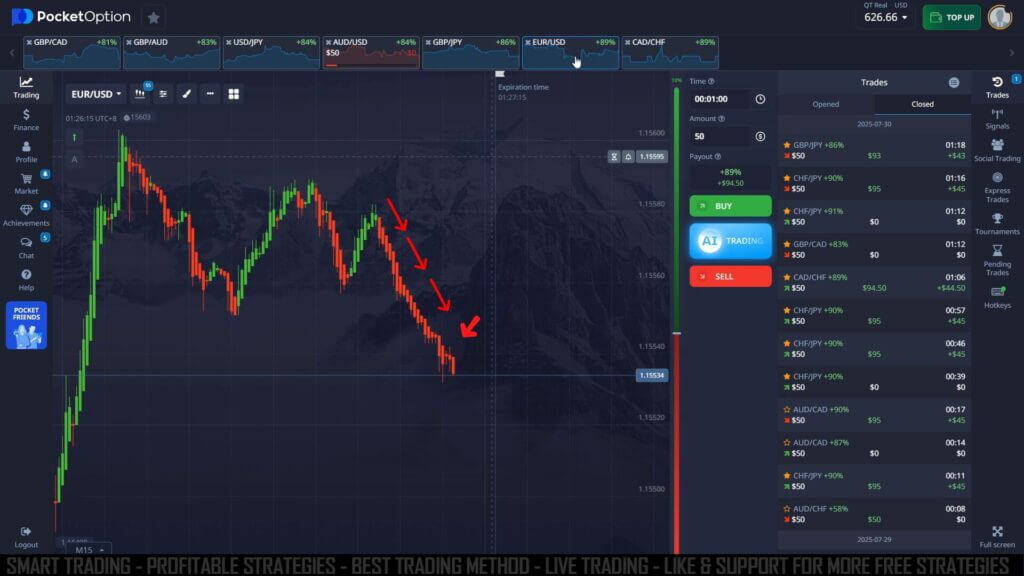
"Sniper signals" is the label given to arrow and alert indicators like Binary Sniper Pro V3 when they are read on a fast Pocket Option chart. Instead of watching every candle, you let the indicator print an arrow and sound an alert when a specific condition lines up, then decide whether to act. Be clear about what that arrow is: it flags a condition that has already formed on the chart — a notification, not a prediction of the next candle. Treating it as a heads-up to check the chart, rather than an instruction to click, is the difference between using the tool well and chasing it.
What the Indicator Plots
Binary Sniper Pro is a reversal-style tool built for MetaTrader (MT4 / MT5). It watches short-term momentum and structure and, when it detects a likely turn, plots an arrow on the candle: an up arrow suggests a possible move higher, a down arrow a possible move lower. Because Pocket Option runs on its own chart, the usual workflow is to read the arrow in MetaTrader on the matching pair and time your entry against the same candle. The alert saves you from staring at the screen, but it does not remove the need to read the price yourself.
The One Thing You Must Know: Arrows Can Repaint
Many arrow indicators repaint. That means an arrow can appear on the live, still-forming candle and then move to a different bar — or vanish entirely — before that candle closes. If you enter the instant an arrow flashes, you may be acting on a signal that will not exist a few seconds later. The safest habit is to wait for the candle to close with the arrow still in place before you treat it as valid. Test any sniper indicator on a demo account first and watch specifically for this behaviour.
How to Confirm a Signal
An arrow on its own is only half a setup. The habit that matters most is filtering, not reacting to every alert. Add a trend filter and take only signals that agree with it:
- Call (up): an up arrow prints and holds through the candle close, the broader trend is flat-to-rising, and price is turning up from a recent support area rather than in the middle of nowhere.
- Put (down): a down arrow prints and holds through the close, momentum is fading or turning down, and price is stalling under a recent resistance area.
- Stand aside: the chart is noisy or ranging tightly, the arrow contradicts the trend, or the signal keeps flickering. A skipped trade is a valid decision. In choppy conditions the best sniper trade is often no trade at all.
Setup and Settings
Keep the configuration simple so you can read it under the pressure of a short expiry:
- Attach Binary Sniper Pro to a clean MetaTrader chart of a liquid pair you actually follow, rather than jumping across the whole watchlist.
- Leave the indicator on its default sensitivity so arrows appear on meaningful turns instead of on every small wiggle. Higher sensitivity means more arrows and more noise.
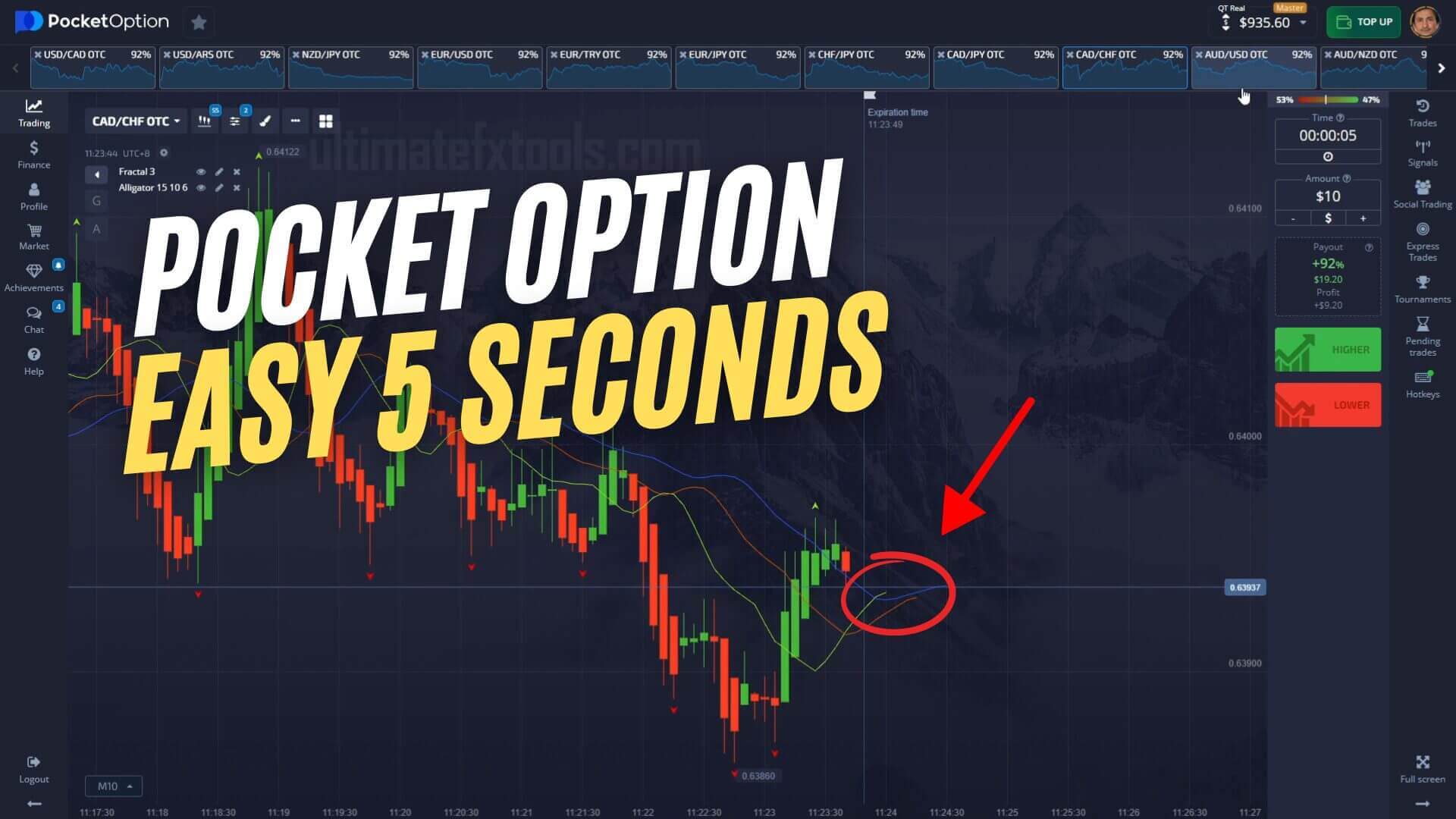
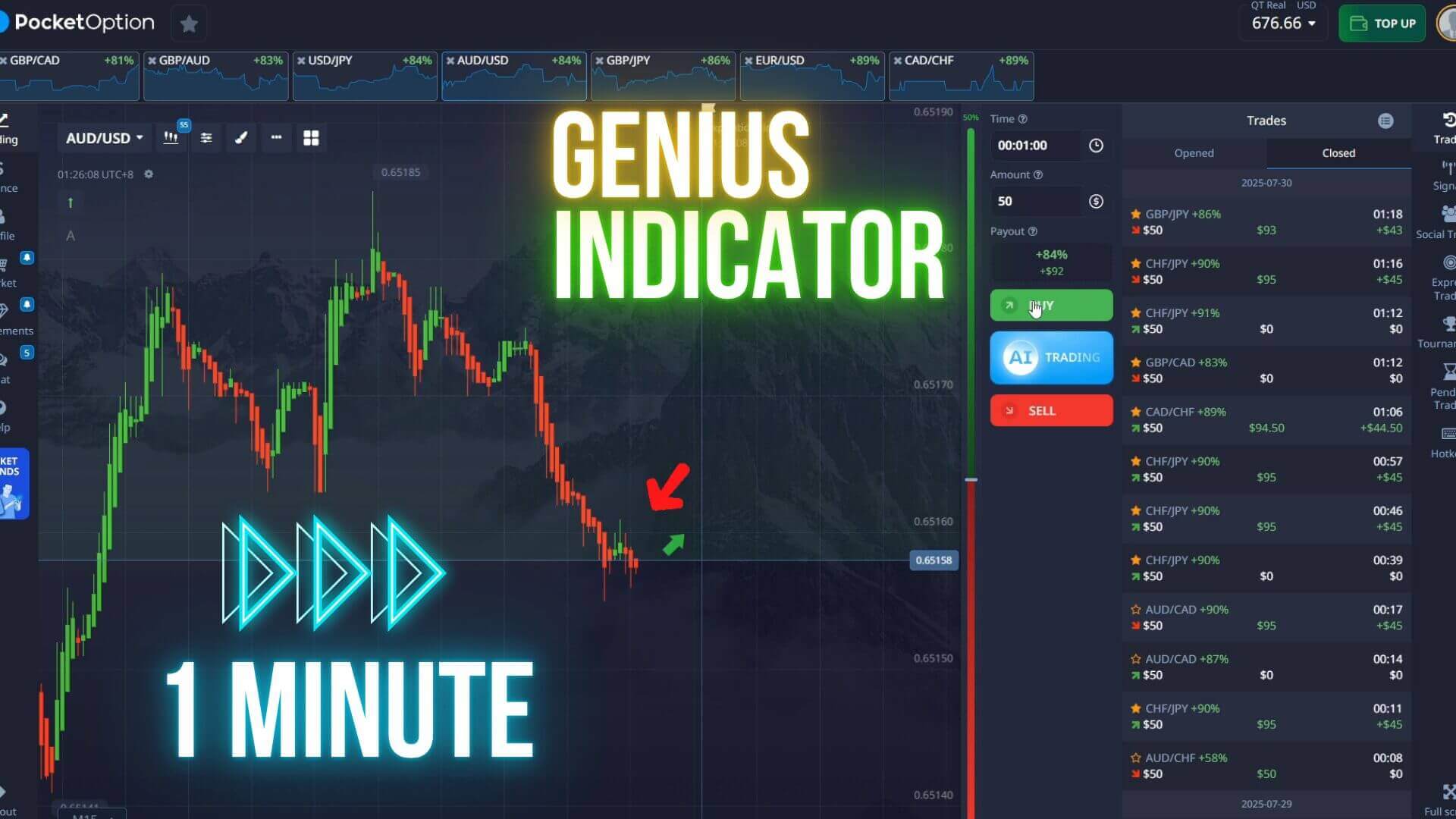
- Work on the one-minute chart for one-minute Pocket Option trades; a 5-second view can help fine-tune the exact entry once you have a confirmed direction.
- Add one trend filter (a moving average or a trend indicator) and nothing more — a cluttered chart is harder to read, not safer.
- Trade a fixed, small fraction of your balance per position, cap how many trades you take in a session, and stop for the day at a preset loss limit. No signal removes losing trades, so protecting your balance is the real edge.
When It Fails
Sniper signals struggle most in flat, low-volatility ranges where price chops back and forth and the indicator fires repeated arrows that go nowhere. They also fail when you act on a mid-candle arrow that later repaints, or when you take a counter-trend signal during a strong move. Around major news, volatility spikes and short-expiry reversals become unreliable. Recognising these conditions and sitting out is a skill in itself — for more on selectivity, see the Sniper Pro strategy overview and this 1-minute Pocket Option guide. A related trend-based approach is the Pocket Option Super Trend strategy.
FAQ
Do sniper signals predict the next candle?
No. An arrow flags a condition that has already formed on the chart — it is a notification, not a forecast. Use it as a prompt to check the trend and structure, then decide for yourself. Losing trades are a normal part of binary options, and no indicator changes that.
Why did an arrow disappear after it appeared?
That is repainting. Some arrow indicators plot on the live candle and can move or vanish before it closes. This is exactly why you should wait for the candle to close with the arrow still in place before acting, and why demo testing first is worth the time.
Where do I get the Binary Sniper Pro indicator?
It is one of the alert indicators included in the UltimateFXTools library, alongside 100+ tools, under a single $39 lifetime plan. It runs on MetaTrader (MT4 / MT5) and its alerts can be read against Pocket Option and other trading platforms.
This content is for educational purposes only. Trading involves risk. Past results do not guarantee future outcomes. Always practice responsible money management and limit your daily trades to avoid large losses.