High Win-Rate Pocket Option Signals: What That Claim Really Means
Search "high win-rate Pocket Option signals" and you will find service after service quoting a fixed percentage — 90%, 95%, "proven results". Read this first: no signal source has a knowable win rate. Markets change from one session to the next, and a number pulled from a cherry-picked back-test tells you nothing about the next trade. Anyone quoting a fixed win rate is guessing, and that fixed percentage is the clearest red flag that a source is selling confidence rather than a usable method. What you can control is how you evaluate a signal and how you manage risk around it. This guide uses the Sniper Pro Version 3.4 indicator as the example, and treats every alert as a notification to check — not a prediction to follow blindly.
What a Sniper Pro Alert Actually Flags
Sniper Pro Version 3.4 is a MetaTrader 4 (MT4) indicator that scans for short-term reversal conditions on the one-minute chart. When those conditions line up, it prints an arrow and fires a real-time alert: an up arrow points to a possible move higher, a down arrow to a possible move lower. That is all an alert is — a flag that a condition the indicator watches for has appeared. It does not know what price will do next, and it cannot see news, spread, or the OTC pricing quirks specific to Pocket Option. Your job is to confirm the context before you act, not to fire a Call or Put the instant an arrow appears.
How to Confirm a Signal Before You Act
Because Pocket Option runs on its own chart, the workflow is to read the arrow in MT4 on the matching pair and time it against the Pocket Option candle. Before committing, run a quick confirmation checklist:
- Trend agreement: does the arrow line up with the broader trend, or is it fighting it? A reversal signal taken against a strong trend is the one most likely to fail.
- Candle behaviour: let the current candle fully form. Reacting mid-candle to a flickering arrow is one of the most common ways to take a false signal.
- Session and pair: stick to liquid pairs during active hours. Thin, low-liquidity conditions produce erratic alerts.
If the arrow and the wider context disagree, treat the alert as noise and skip it. Filtering out conflicting alerts — not taking more of them — is what moves you toward trading with more consistency.
Recommended Settings
Keep Sniper Pro on its default sensitivity so arrows appear only on meaningful momentum turns rather than on every small wiggle. The indicator uses five-second candlestick smoothing for cleaner trend reading, and it is built for 1–2 minute trades, so match your Pocket Option expiry to the timeframe you read the signal on. Trade a small handful of pairs you know well instead of jumping across the whole watchlist, and keep the chart uncluttered so the arrow and trend stay easy to read under a short expiry.
Call / Put Rules and When It Fails
- Call (up): an up arrow prints, the short-term reversal aligns with the broader trend, and price is holding above a recent swing low.
- Put (down): a down arrow prints, momentum is rolling over, and price is failing under recent resistance.
- Stand aside: the arrow fights the trend, the market is flat and directionless, or news is due. These are the conditions where reversal signals fail most often.
Whatever expiry you choose, risk control is what keeps you in the game: stake a small, fixed fraction of your balance per trade, cap the number of trades per session, and stop once you hit a preset daily loss limit. Never chase a loss by doubling your stake — increasing size after a losing trade is how accounts get wiped out, not recovered. Practise the rules on a demo account until the reads feel automatic before you risk real funds.
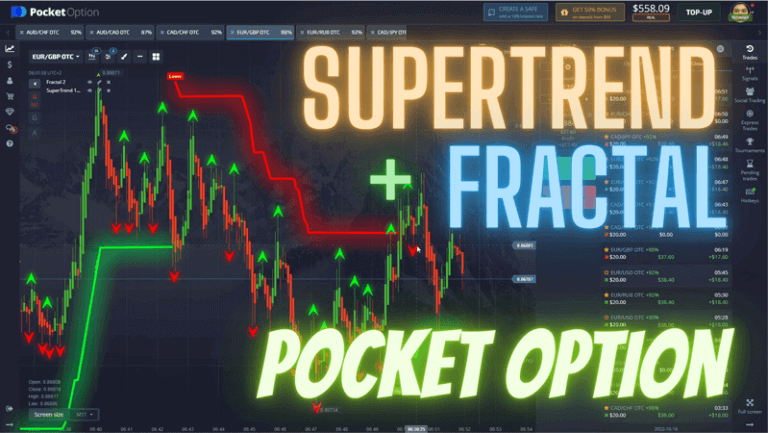
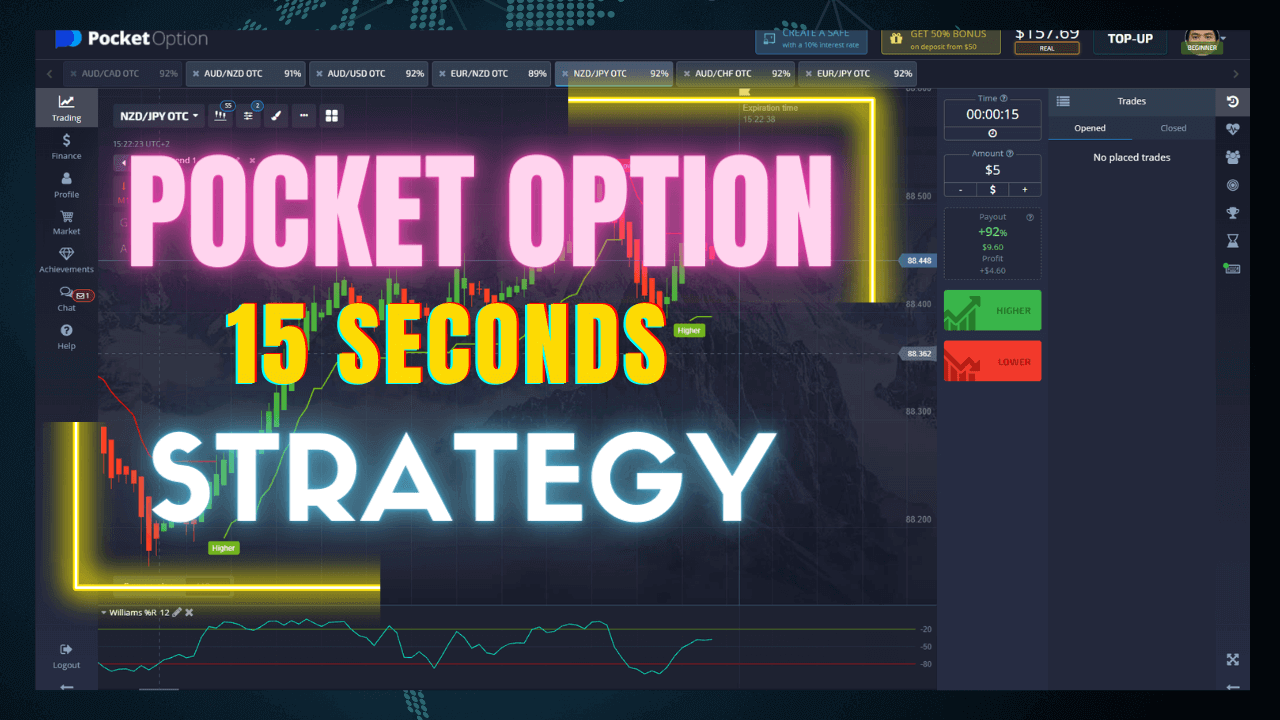
Want to run this yourself? You can get Sniper Pro Version 3.4 and read its alerts against your Pocket Option chart, then compare it with the Pocket Option Super Trend strategy and this fast-expiry 15-second Pocket Option method. Every indicator on the site is included with a single $39 lifetime plan.
FAQ
Do these signals have a high win rate?
No signal source has a knowable win rate; anyone quoting one is guessing. A back-tested percentage does not carry forward to live, changing markets, so treat a fixed win-rate claim as a red flag rather than a selling point. Focus on evaluating each signal and managing risk instead.
Which platforms can I use this method on?
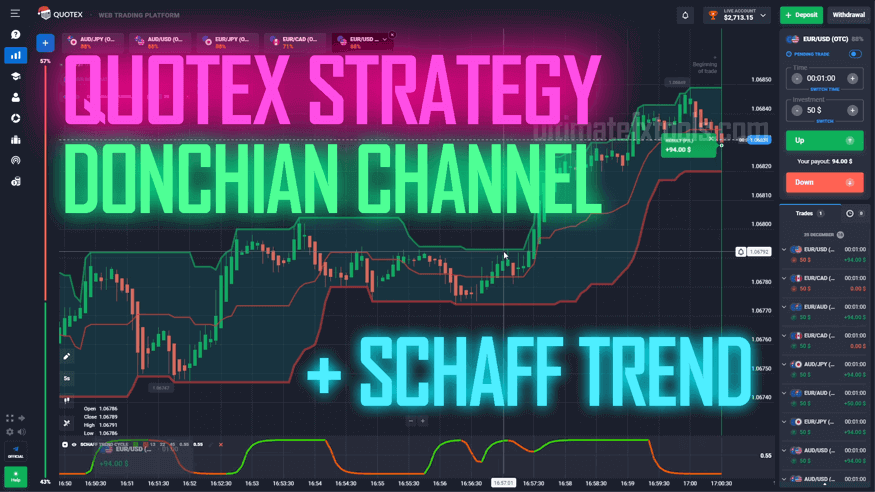
The signals are generated in MetaTrader (MT4) using Sniper Pro Version 3.4 and read against the Pocket Option chart. The same arrow-plus-trend-confirmation approach also translates to other binary options platforms such as Quotex, IQ Option and Olymp Trade.
What is the best timeframe and expiry?
Sniper Pro is built for the one-minute chart with a 1–2 minute expiry. In choppier conditions a two-minute reading can help filter out weak alerts. Match the expiry to the timeframe you read the signal on.
This content is for educational purposes only. Trading involves risk. Past results do not guarantee future outcomes. Always practice responsible money management and limit your daily trades to avoid large losses.