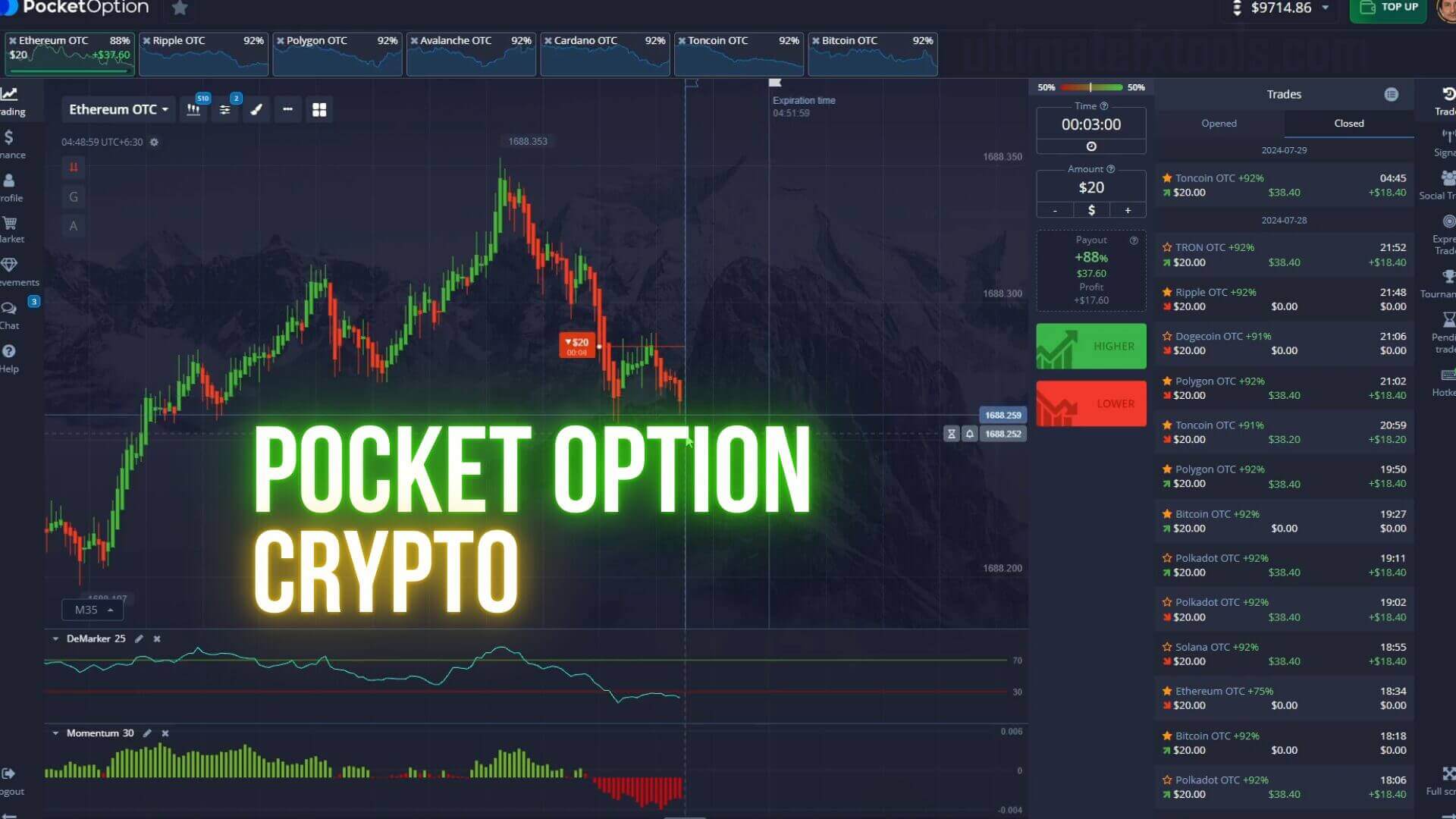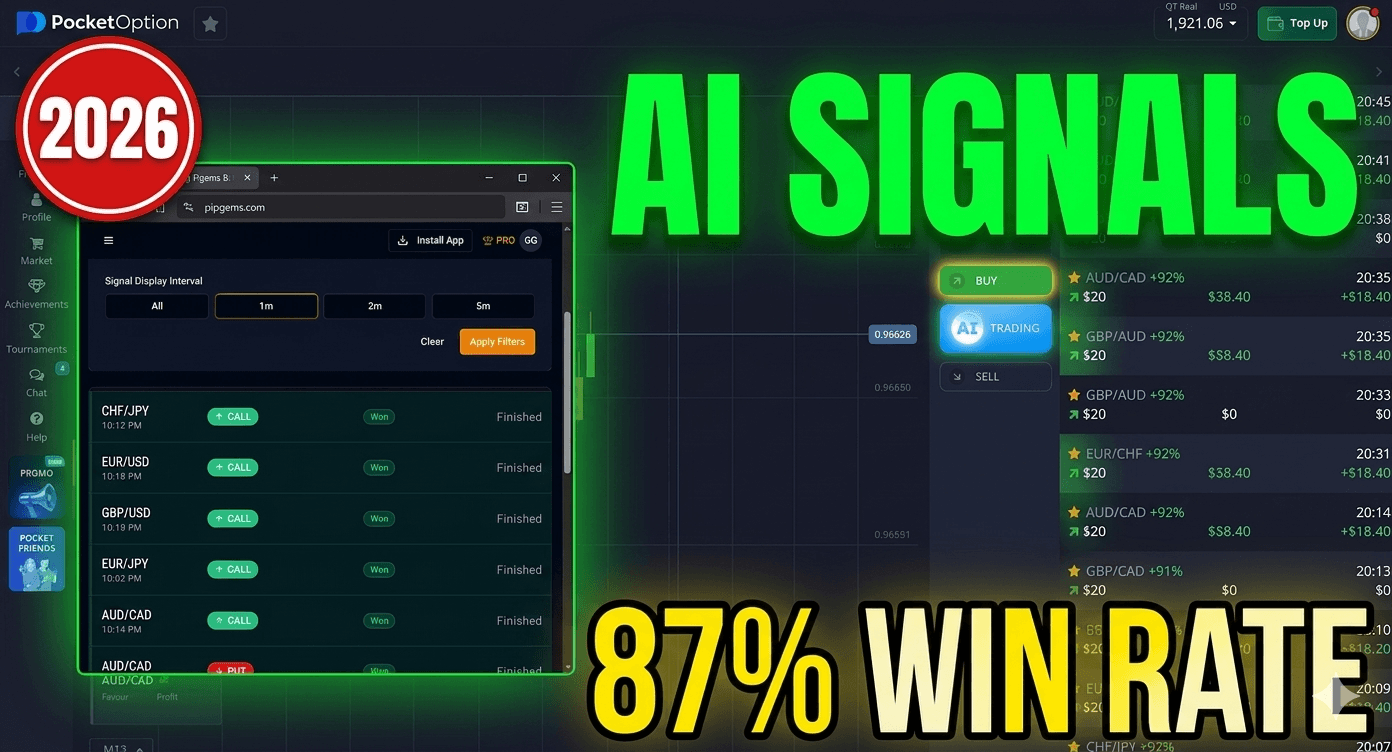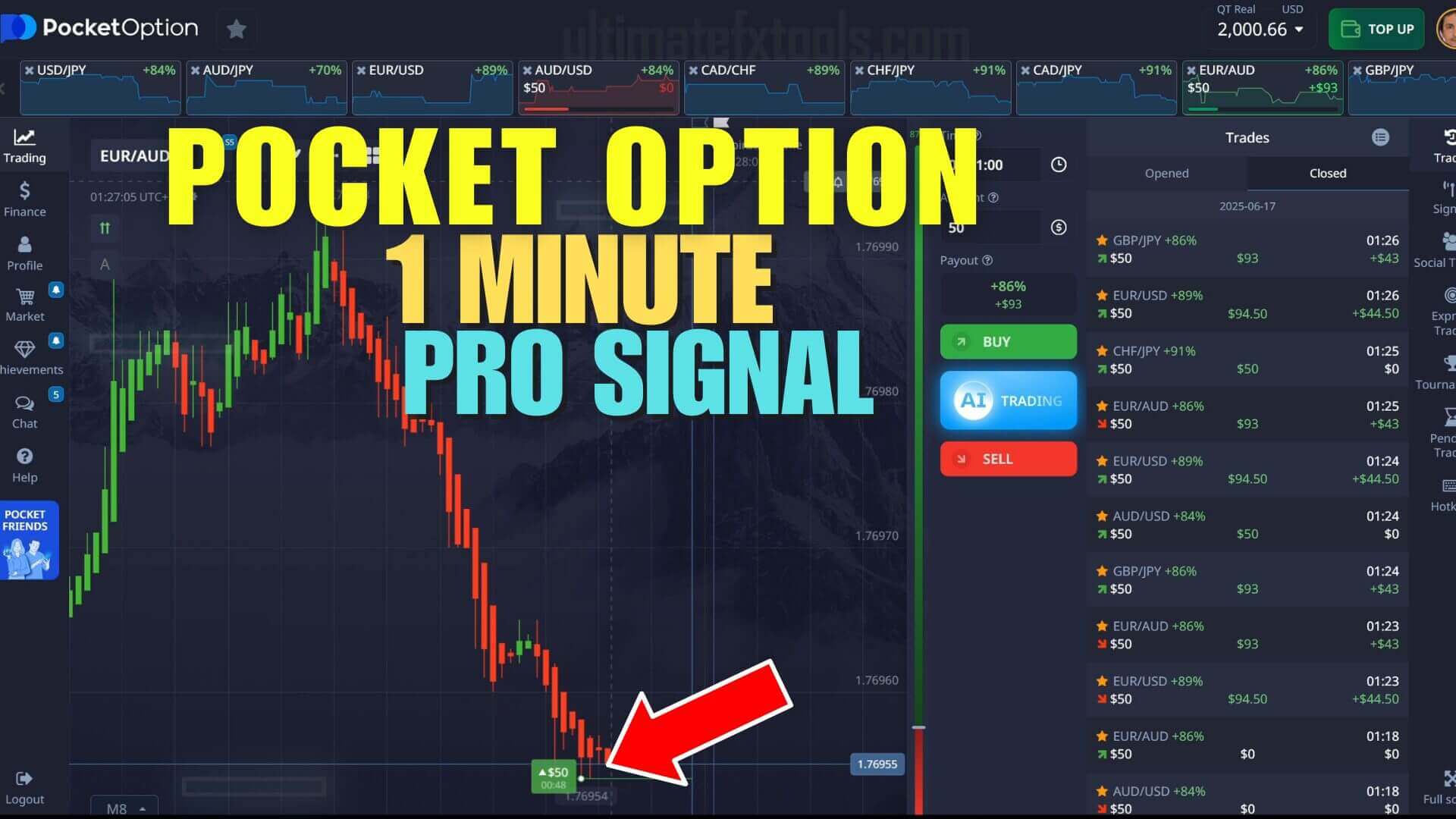
If you trade Pocket Option on a 1-minute duration, you have probably searched for a signal tool that tells you when a move might turn. The "PRO Signals" idea here uses the Binary Sniper Pro indicator on MetaTrader to flag possible short-term reversals. Before we go further, one honest point: signals are decision aids, not promises. A 1-minute chart is high-variance, meaning each candle carries a lot of randomness, so no alert can tell you what price will actually do next. What good signals can do is help you stay consistent and reduce guesswork.
A Practical Approach to 1-Minute Pocket Option Signals
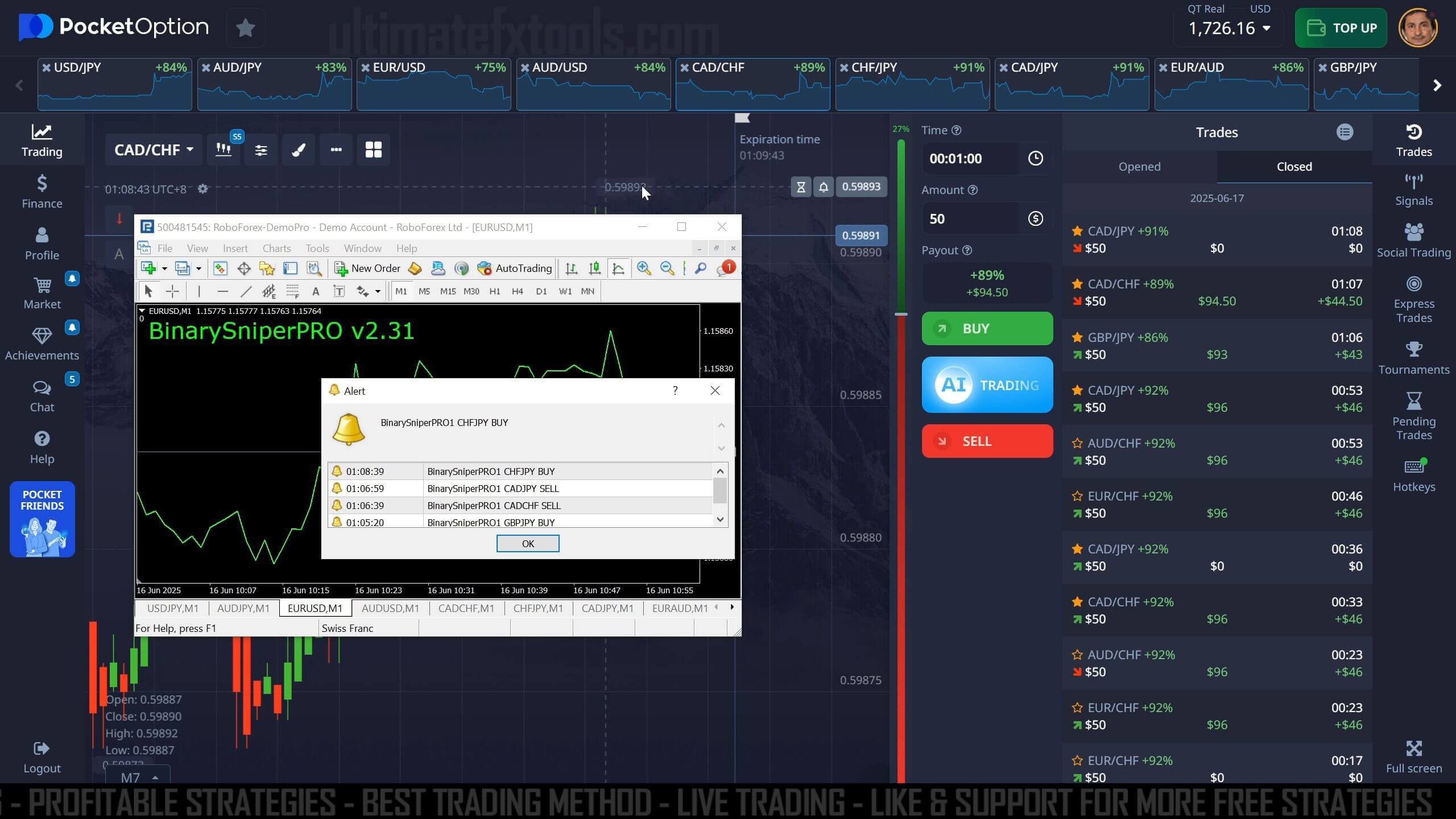
The goal of this setup is simple: give you a repeatable, rule-based reason to enter a trade instead of reacting on impulse. Sniper Pro version 2.31 runs on MetaTrader 4 (MT4) and MetaTrader 5, and it sends a pop-up alert on your chart when its algorithm detects conditions that often precede a trend reversal. You read the alert on MT4 or MT5, then place the corresponding trade on Pocket Option. It is meant for short-duration trades, typically 1 to 5 minutes.
What the Signals Are Based On
Sniper Pro is a technical indicator, which means its alerts come from price action and math applied to recent candles, not from insider knowledge or future prediction. It watches for momentum shifts and exhaustion points where a short-term move may be running out of steam. Because it reads standard currency pairs from live Forex data, the signals line up best when you trade those same pairs. Over-the-counter (OTC) synthetic pairs use a platform's own pricing feed, so alerts built on real market data can mismatch there.
How to Use the Signals With Confirmation
Treat each alert as a candidate, not a command. A signal simply says "conditions look interesting here." Before you commit, add a layer of confirmation so you are not trading every beep:
- Check the higher timeframe. If the 5-minute or 15-minute trend agrees with the signal direction, the setup is cleaner. Fighting a strong trend on a 1-minute reversal is the riskier choice.
- Wait for the current candle to close near the signal rather than entering mid-candle.
- Skip signals during major news releases, thin liquidity, and low-volume hours, when price can whipsaw.
- Be selective. Passing on a weak setup is a valid decision, and patience usually beats chasing every alert.
Chart, Timeframe and Entry
Load Sniper Pro on the M1 chart for the pair you want to trade, and keep an M5 chart open beside it for context. When an alert fires, note the direction, confirm it against your rules, then set a 1-minute (or up to 5-minute) expiry on Pocket Option matching your read. Keep your position size fixed and small relative to your account. Note that in busy conditions an active setup can take longer to resolve than the 1-minute window, so the higher-timeframe read helps you judge whether the move has room.
Realistic Expectations
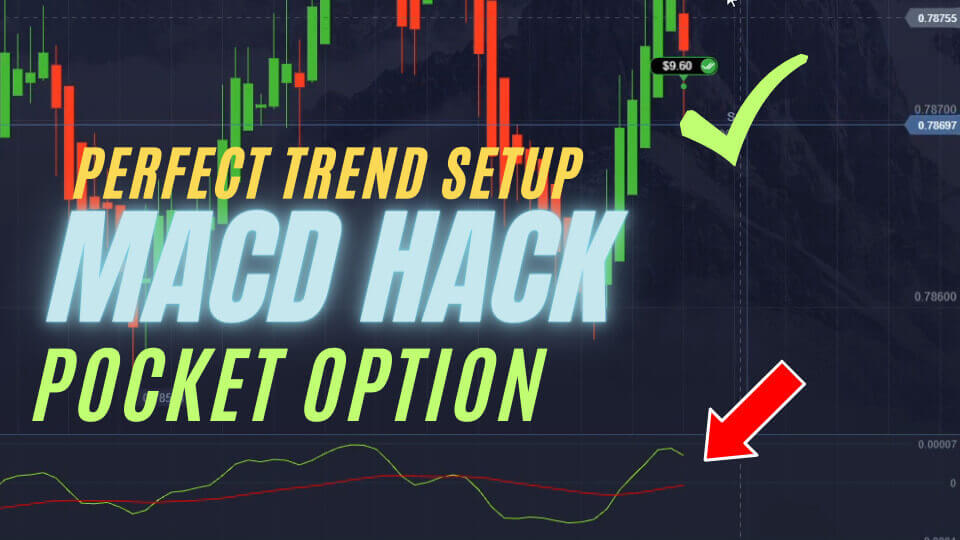
On a 1-minute duration, individual trades are noisy and losing streaks are normal, even when your process is sound. No indicator wins every time, and anyone promising that is not being straight with you. Judge this tool over a sample of trades, on demo first, and focus on whether your rules are followed rather than on any single result. If you want other structured ideas, see our Pocket Option perfect trend setup or the Momentum and DeMarker approach for pairing indicators with confirmation.
Risk Management
Risk control matters more than any signal. Decide in advance how much of your account you are willing to lose in a session and stop when you hit it. Keep each trade to a small, consistent stake so one bad run cannot wipe you out. Avoid martingale-style stake doubling after losses: it feels tempting but it scales your risk fast and can drain an account in a few trades. Our Pocket Option risk and money management guide covers position sizing in more detail. Trade only money you can genuinely afford to lose.
Frequently Asked Questions
Are the signals guaranteed to win?
No. Signals are decision aids that highlight possible setups; they cannot guarantee the outcome of any trade. The 1-minute timeframe is high-variance, so losses are part of trading it. Always use confirmation and strict risk management.
Which platform do I place trades on?
The Sniper Pro indicator and its alerts run on the MetaTrader 4 or MetaTrader 5 charting platform. You read the signal there, then place the actual short-duration trade on your Pocket Option account.
Can I use the signals on OTC pairs?
It is not recommended. OTC pairs use a platform's own synthetic pricing, so signals built on live Forex data can mismatch. Stick to standard currency pairs during regular market hours for cleaner alerts.
Binary Sniper Pro is included with our full toolkit. For one-time $39 lifetime access you get 100+ indicators, strategies and tools with lifetime updates.
This content is for educational purposes only and is not financial advice. Trading involves substantial risk; you can lose some or all of your capital. No result is guaranteed and past performance does not indicate future results. Trade only what you can afford to lose.