Binary Options 1 Minute App Signals
Search for "1 minute binary options signals" and you will find dozens of apps, bots and channels promising to tell you exactly when to click up or down. Some are genuinely useful software. Many are not. This page is a practical guide to what a one-minute signal actually is, how to evaluate the app producing it, and which red flags should make you close the tab.
Start with the honest framing: a signal is decision support. It is a machine noticing that conditions you care about have just occurred and telling you faster than you could spot it yourself. It is not a prediction, and no app wins every trade. On a one-minute expiry, price can move against a perfectly valid setup for reasons no indicator can see.
What a One-Minute Signal App Actually Does
Under the hood, almost every signal app does the same thing: read price data, run it through a set of indicator conditions, and fire an alert when those conditions line up — a moving average crossover, a momentum reading pushing into an extreme, a candle rejecting a level, or several stacked as a filter. Its real value is speed and consistency: it watches a dozen assets at once and applies the same rule every time, which is something no human does under pressure.
That is also its limit. The app does not know a news release is due in ninety seconds, or that the asset has been ranging in a dead five-pip box for an hour, or that your account is down and you are about to size up to make it back. Those judgements stay with you, and on a one-minute expiry they matter more than the alert itself.
How to Evaluate a Signal App Before You Trust It
Ask any signal app these questions and check the answers against reality:
- Can you see the logic? A credible tool tells you roughly what it looks for (momentum, trend, reversal, a named indicator combination). A black box that says nothing about its method is asking for blind trust.
- Does it tell you when to stand aside? A tool that fires constantly, in every market condition, is not filtering anything. Good filtering means fewer alerts, not more.
- Can you test it without paying first? If there is no way to watch the alerts on a demo account before committing real money, that is a problem.
- Does it survive your own log? Record every alert you take with the asset, time and result. Your own log is the only performance data about your trading that is actually true.
Red Flags Worth Walking Away From
Certain claims are a signature of a low-quality product, because no honest developer would make them:
- A stated win rate or accuracy figure. Nobody can know this in advance — it varies by asset, session, volatility and how the trader applies it. An advertised number is marketing, not measurement.
- "No loss", "sure shot", "guaranteed". Losing trades are a structural part of binary options. A product that pretends otherwise is either lying or does not understand its own market.
- Income screenshots and countdown timers. Balance screenshots cost nothing to fabricate, and a tool that works does not need to pressure you into buying it in the next nine minutes.
- Recovery systems. Any app suggesting you double your stake after a loss to "recover" is describing martingale, which quietly converts a string of normal losses into a blown account.
Using Signals on a One-Minute Expiry Sensibly
If you have found a tool whose logic you understand and whose claims are modest, this workflow gives you the best chance of trading with more consistency:
- Trade a short watchlist. Two or three assets you know beat twelve you do not. More alerts is not more opportunity.
- Confirm before you click. Look at the chart the alert came from. Is price trending or chopping? Is the alert fighting an obvious trend? If the picture disagrees, skip it — skipped trades cost nothing.
- Check the payout first. The quoted payout is a real, visible cost input that varies by asset and time of day. Many traders set a floor and pass on anything below it, since a low payout means the same setup has to work harder just to break even.
- Fix your stake. A small, constant fraction of your balance per trade, decided before the session and never adjusted mid-session because of how the last trade went.
- Cap the session. A maximum number of trades and a daily loss limit that ends the day when hit. This rule prevents more damage than any indicator setting.
- Demo first, properly. Run the app on a demo account across several sessions — quiet and volatile — before real money touches it. Most signal tools look excellent for twenty minutes.
Where PipGems Fits
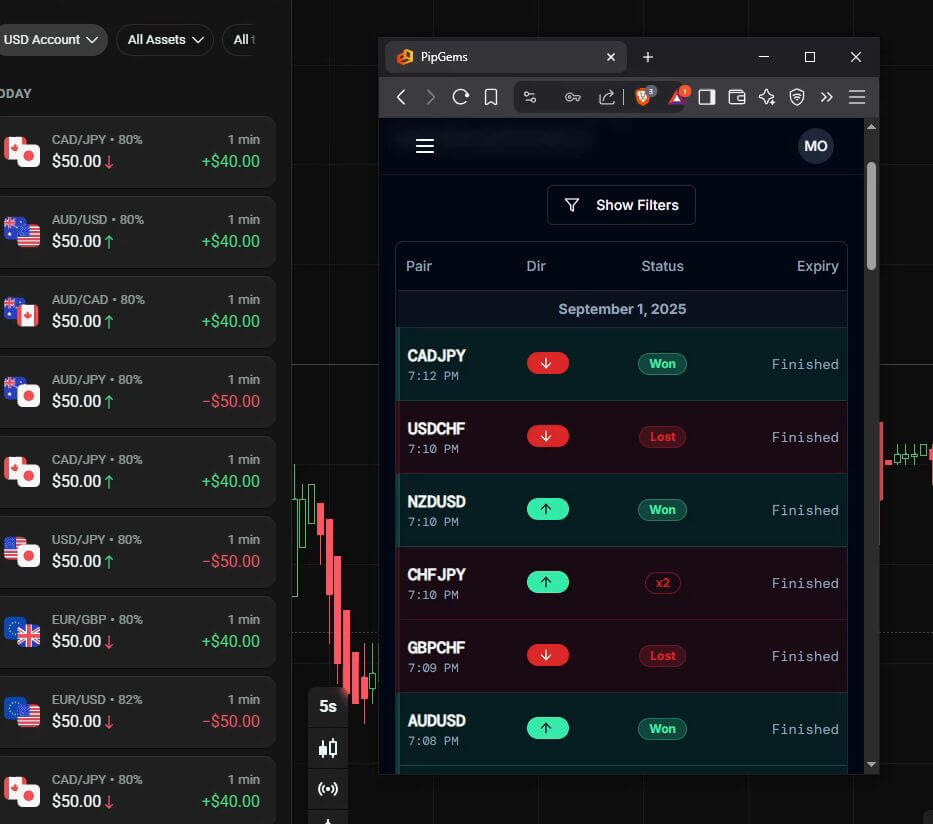
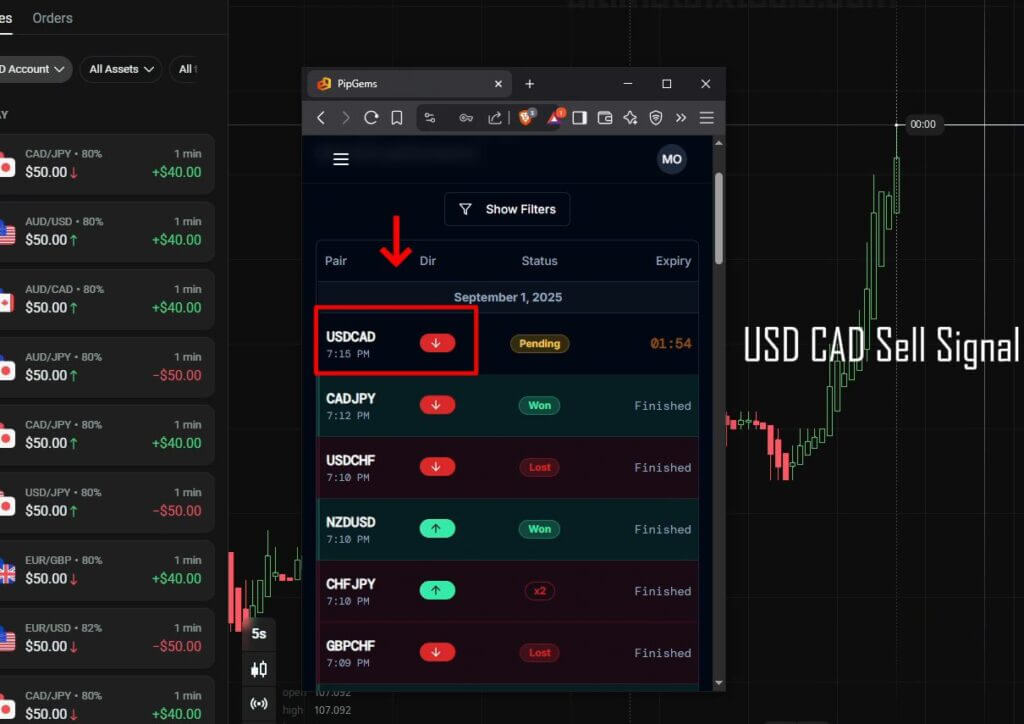
We build our own web-based scanner, PipGems, so it is fair to hold it to the same standard as everything above. It watches a set of assets, applies indicator conditions, and alerts you when a setup it recognises appears. It does not predict outcomes, it has no win rate, and it will produce alerts that lose. What it is good at is the boring part — watching several charts at once and applying one rule consistently while you handle confirmation and risk. The risk management side of PipGems matters more than the alerts do, which tells you where the real work lives.
To go deeper on the analysis behind the alerts, the guide to finding reversals in binary options covers chart reading, and the risk trading guide covers position sizing. For the most common signal delivery method and how to assess it, see our breakdown of Telegram signal groups.
FAQ
Are 1 minute signal apps accurate?
There is no accuracy figure that would be honest to publish. A signal app applies a rule; whether that rule suits current conditions changes constantly. The useful question is not "how accurate is it" but "do I understand what it looks for, and can I confirm it on the chart before I click?" Test any app on demo across several sessions and keep your own log.
Can a signal app replace learning to read a chart?
No, and the ones that claim to are the ones to avoid. An app can tell you a condition occurred; it cannot tell you whether the market is in a state where that condition means anything. Traders who use signal tools well are usually the ones who could have spotted the setup themselves.
Do I need to pay for signals?
Not to learn. Everything in this guide can be practised on a demo account with free indicators. Our indicator library and tools are bundled into a single $39 lifetime plan if you want them, but the discipline above — short watchlist, fixed stake, session cap, demo testing — costs nothing and matters more than any tool you buy.
This content is for educational purposes only. Trading involves risk. Past results do not guarantee future outcomes. Always practice responsible money management and limit your daily trades to avoid large losses.