Pocket Option's #1 Signal: An Honest Look at the FX Scanner Pro Setup
This post has circulated under the "#1 signal" and "top accurate indicator" label, so let's be clear from the first line: the FX Scanner Pro indicator does not predict the future and it has no accuracy figure. What it actually does is watch price momentum on your chart and flag a moment that may be worth your attention. Treat it as decision support for short-term trades on Pocket Option, not a crystal ball. Every signal below still needs your own confirmation and disciplined risk management.
What the Indicator Actually Plots
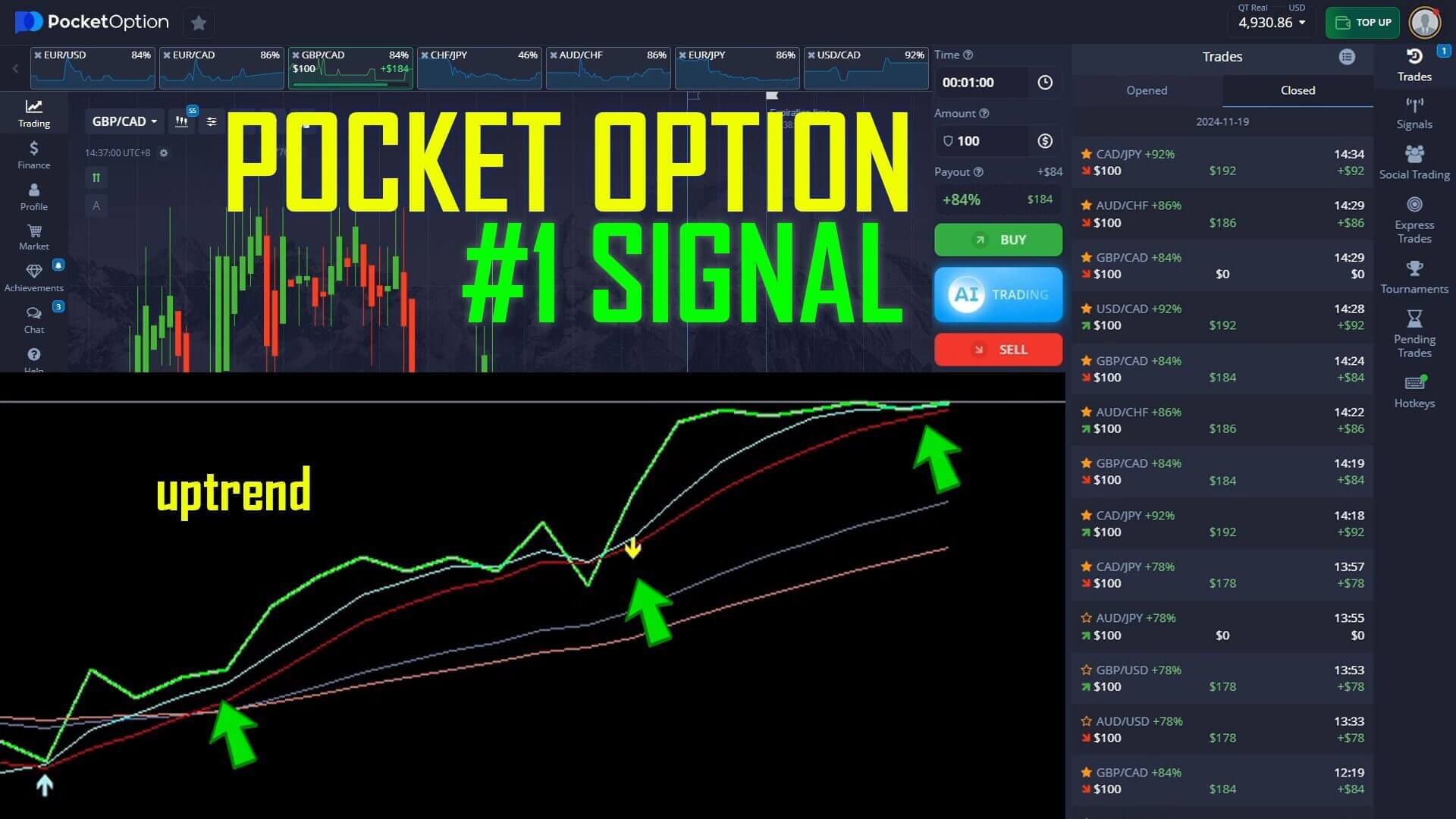
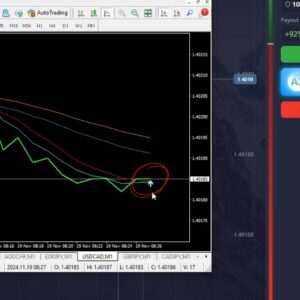
FX Scanner Pro draws two things on the MetaTrader chart: a market line that tracks price and a red shifting line that reacts to momentum. When those two lines cross, the tool prints an arrow — an up arrow when momentum is turning higher, a down arrow when it is turning lower. On the USD/CAD example below, the market line and the red shifting line have crossed with an upward-pointing arrow, which flags a possible move up. That is all the arrow is: a marker on a condition the indicator was built to detect, not a forecast that price will rise.
How to Confirm a Signal
An arrow on its own is only half a decision. Before acting on it, confirm the wider context: is the crossing happening at a level where price has reversed before, is the broader trend agreeing with the arrow direction, and has the current candle actually closed rather than still forming? A signal that lines up with a support or resistance level and the prevailing direction is cleaner than one that appears in a flat, directionless range. When the arrow and the surrounding price action disagree, the honest response is to skip the trade rather than force it.
The Setup and Settings
FX Scanner Pro is designed for fast reversal reads, so it is most often used on the one-minute chart with a one-minute expiry on Pocket Option. Keep the indicator on its default sensitivity so arrows appear on meaningful momentum turns instead of on every small wiggle. Trade a small handful of liquid pairs you know well — USD/CAD, EUR/USD and similar majors — rather than jumping across the entire watchlist. Let each candle fully form before you read the arrow, and keep the chart clean so the market line, the red shifting line and the arrow are all easy to interpret under a short timer.
Entry Logic
- Up / Call: the market line crosses above the red shifting line, FX Scanner Pro prints an up arrow, and price is holding above a recent swing low. A green candle forming off that low adds weight to a possible move higher.
- Down / Put: the market line crosses below the red shifting line, a down arrow prints, and price is failing under recent resistance.
- Stand aside: the arrow appears inside a flat range, or the wider trend clearly disagrees with the arrow direction. Waiting is a position too.
When It Fails
No indicator works in every condition, and FX Scanner Pro is no exception. It struggles most in choppy, sideways markets where the two lines cross back and forth and arrows print in both directions within a few candles — those are the false signals a range produces. It also lags around scheduled news, when price can gap straight through the level the arrow was reading. This is exactly why risk management matters more than any single alert: stake only a small, fixed fraction of your balance per trade, cap your trades per session, and stop for the day once you hit a preset loss limit. Chasing losses by doubling your stake — the martingale trap — is how a small drawdown becomes an account-ending one, so avoid it. Practise the rules on a demo account before you risk real funds. Consistency comes from the process, not from any promised win rate.
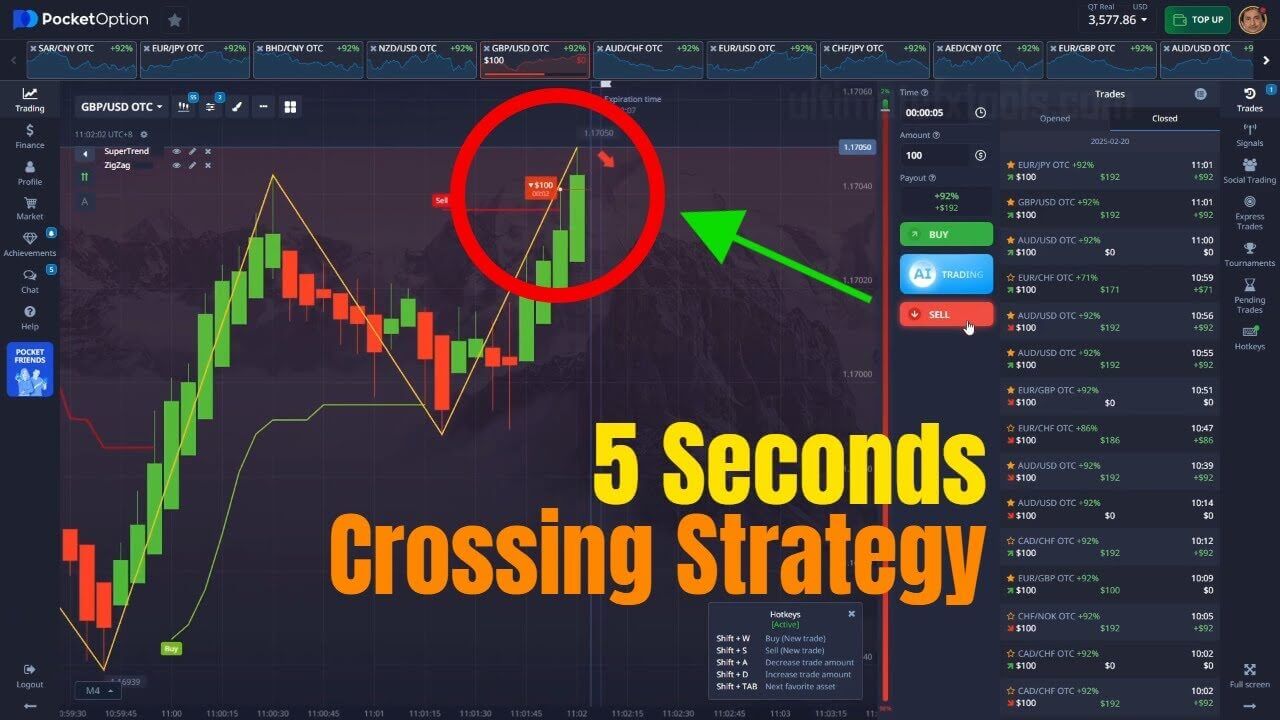
Want to run this yourself? You can get FX Scanner Pro and read the arrows against your Pocket Option chart, then compare the approach with the Pocket Option Super Trend strategy, this 5-second crossing method, and the 2026 AI strategy. Every indicator on the site is included in a single $39 lifetime plan.
FAQ
How accurate is this indicator?
It has no accuracy figure — anyone quoting one is guessing. FX Scanner Pro flags a momentum condition; it does not know what price will do next, and no indicator has a knowable, repeatable win rate. Judge it as a decision-support tool and let your risk management, not a percentage, decide how much any single signal is worth.
Which platforms and pairs does it work on?
The arrows are generated in MetaTrader (MT4 / MT5) and read against your Pocket Option chart on matching currency pairs. The same market-line and shifting-line logic also translates to other short-expiry trading platforms such as Quotex, IQ Option and Olymp Trade.
What timeframe and expiry should I use?
The one-minute chart with a one-minute expiry is the core setup for this reversal style. In choppier conditions, stepping up to a two-minute reading can filter out some of the weaker alerts. Match the expiry to the timeframe you read the signal on.
This content is for educational purposes only. Trading involves risk. Past results do not guarantee future outcomes. Always practice responsible money management and limit your daily trades to avoid large losses.